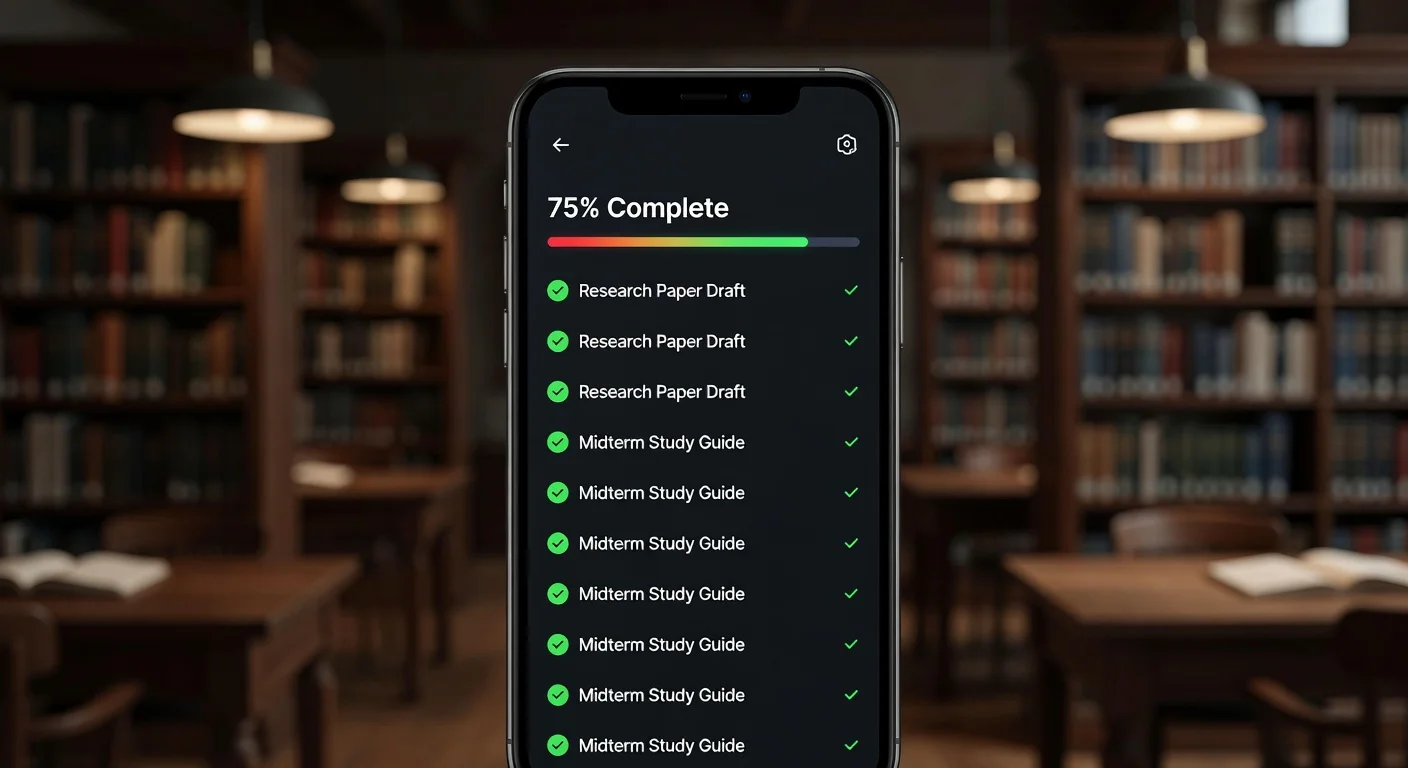
An assignment tracker is a dedicated system (digital or physical) used to log homework, exam dates, and project milestones. Unlike a general calendar, it separates your academic "to-do" list from your social schedule, allowing you to prioritize tasks based on difficulty and grade weight. Basically, it’s the only wall standing between you and a missed 11:59 PM deadline.
Want to start tracking right now? Try our free online assignment tracker — add assignments by subject, set due dates, and mark tasks done. No login, no download.
Why Do Students Need a Specialized Assignment Tracker Instead of a Calendar?
Calendars tell you where to be; assignment trackers tell you what to do. If you put "Math Homework" on a calendar at 2 PM, you might ignore it if you're busy.
A dedicated tracker uses status updates (To Do, In Progress, Done) to force accountability. A 2025 educational study found that students who separated task management from time management improved their completion rates by 23% EdWeek.
Here is why you should switch to a dedicated assignment tracker system:
- Weighted Priority: You can tag tasks as "High Priority" (Final Project) vs "Low Priority" (Reading).
- Progress Visualization: Seeing a progress bar fill up releases dopamine (seriously, it helps).
- Materials Storage: Digital trackers let you attach the PDF or rubric directly to the task.
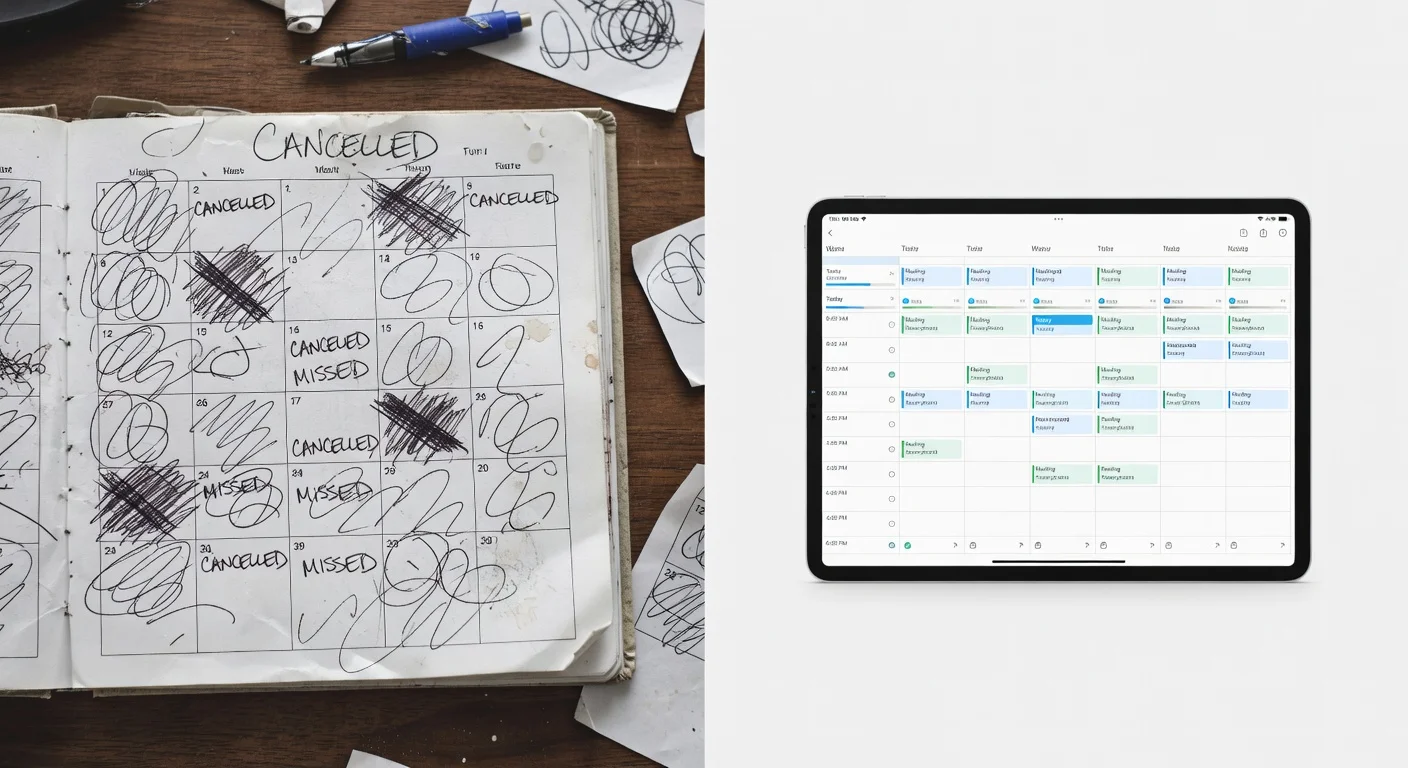
What Are the Best Assignment Tracker Apps for Students in 2026?
The best assignment tracker is the one you actually open every day. Some students prefer complex databases like Notion, while others need an app that actively helps them do the work.
I tested the most popular tools available right now. Here is how they stack up:
| Feature | ThinkAssist (Best Value) | Notion | Google Sheets | Todoist |
|---|---|---|---|---|
| Primary Use | Tracking & Solving | Database & Notes | Manual Lists | Simple Checklists |
| Ease of Use | Very High (Snap & Go) | Low (Steep learning curve) | Medium | High |
| AI Integration | Yes (Solves problems) | Text generation only | No | No |
| Mobile Exp. | Native iOS App | Clunky on phone | Requires zooming | Great |
| Cost | Free / Premium | Free / $10+ mo | Free | Free / $5 mo |
Should Students Choose an Active AI-Powered Assignment Tracker Like ThinkAssist?
I used to swear by spreadsheets. But manually typing in "Calc 2 Integration Problem" felt like a waste of time.
That’s why I shifted toward tools like ThinkAssist. It’s not just a passive list. Because it’s an AI-powered homework solver, I can snap a photo of the assignment to get help, and it naturally fits into my workflow. ThinkAssist acts like a 24/7 tutor that helps you actually clear the tracker, rather than just stare at it.
You can grab it on the App Store here.
How to Organize Assignment Trackers to Boost Student GPA?
Sort by "Due Date" first, then "Difficulty." Most students make the mistake of sorting by Subject, which hides urgent deadlines.
If you don't set up your assignment tracker correctly, it just becomes a graveyard of anxiety. Here is the structure I’ve seen work best for undergrads in late 2025:
- The "Urgency" Column: Use a Red/Yellow/Green tag system. Red means due in 24 hours.
- The "Effort" Tag: Label tasks as "Quick" (15 mins) or "Deep Work" (2+ hours).
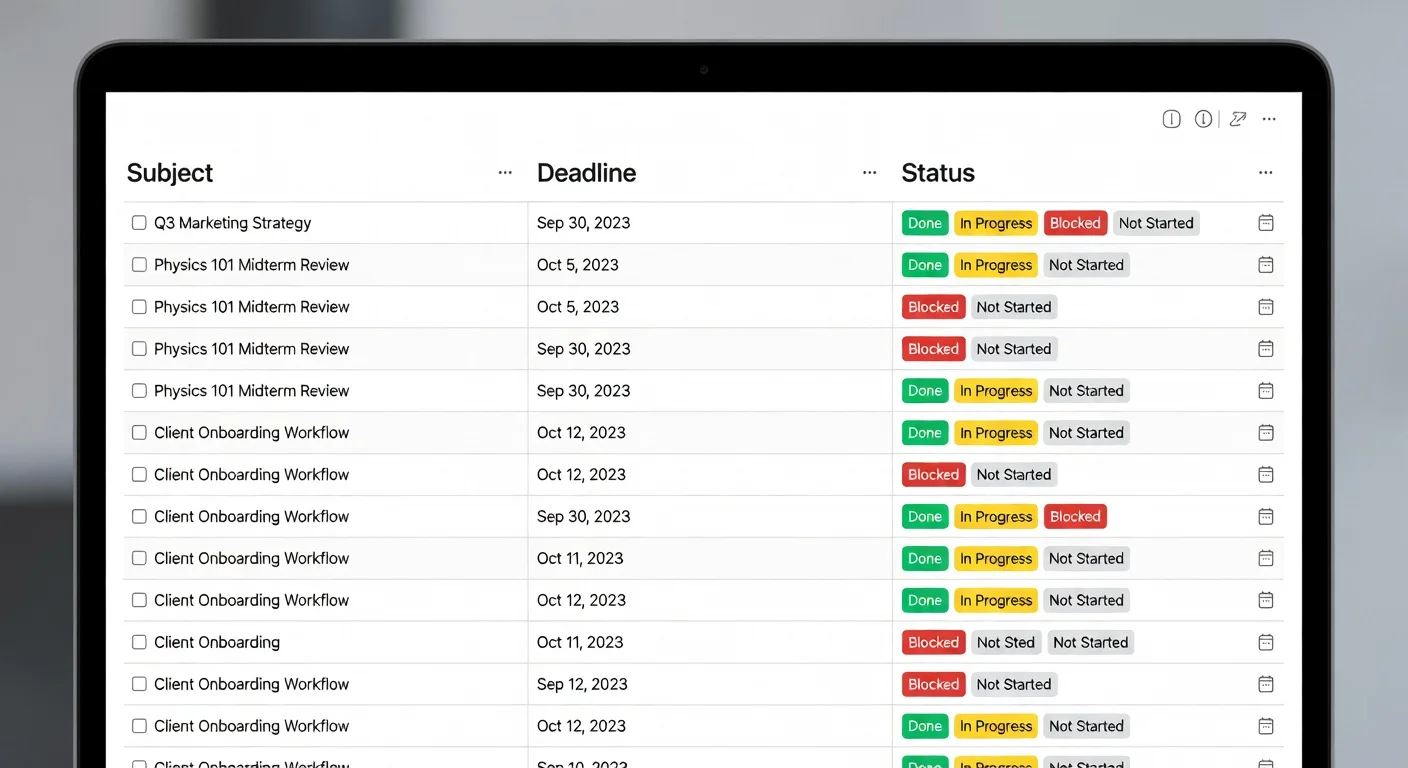
- The Status Dropdown: Never delete a task. Move it to "Completed" so you have a record for exam prep.
Pro Tip: If you use ThinkAssist, you can save past questions and explanations. This effectively builds a "Completed" archive automatically, which is a lifesaver when you need to review for midterms.
Can AI Automatically Track Student Assignments?
Yes, image-to-text technology (OCR) has finally made this reliable. Back in 2023, scanning a syllabus was hit-or-miss. Now, AI is accurate enough to read handwriting and complex tables.
Apps are moving away from manual entry. Instead of typing "Read Chapter 4," you just take a picture of the handout. ThinkAssist stands out here because its automatic subject detection realizes you are looking at Chemistry or History without you tapping a single button.
The benefit is speed. It reduces a 5-minute admin task to a 3-second camera snapshot. When you are drowning in coursework, those minutes add up.
What Common Mistakes Should Students Avoid with Assignment Trackers?
Don't over-complicate your assignment tracker system. I have seen students spend 4 hours designing a "perfect" aesthetic dashboard and 0 hours actually studying.
- Avoid: "Relation" databases (unless you are a power user).
- Avoid: Tracking non-school life in the same view. Keep your grocery list separate.
- Avoid: Ignoring the "Done" pile. A massive list of incomplete tasks kills motivation.
The Rule of 3: If it takes more than 3 clicks to add an assignment, your system is too complex. You will stop using it by week 4. Guaranteed.
Frequently Asked Questions About Assignment Trackers
What is the best free assignment tracker for students?
For pure task management, Google Sheets or the free version of Notion are excellent. However, if you need help solving the actual work, ThinkAssist offers a free tier that combines tracking with AI tutoring.
How do I create an assignment tracker in Excel?
Start with three columns: Subject, Task Name, and Due Date. Use conditional formatting to turn cells red if the date is within 24 hours. A simple table often beats a complex macro-enabled sheet.
Is a digital tracker better than a paper planner?
Yes, because digital trackers send notifications. A paper planner requires you to actively look at it, while an app pings you 2 hours before a submission is due, preventing accidental zeros.
Can AI organize my homework schedule?
Yes. Tools like ThinkAssist and recent updates to calendar apps can scan your syllabus or assignment photos and automatically populate your to-do list with due dates.