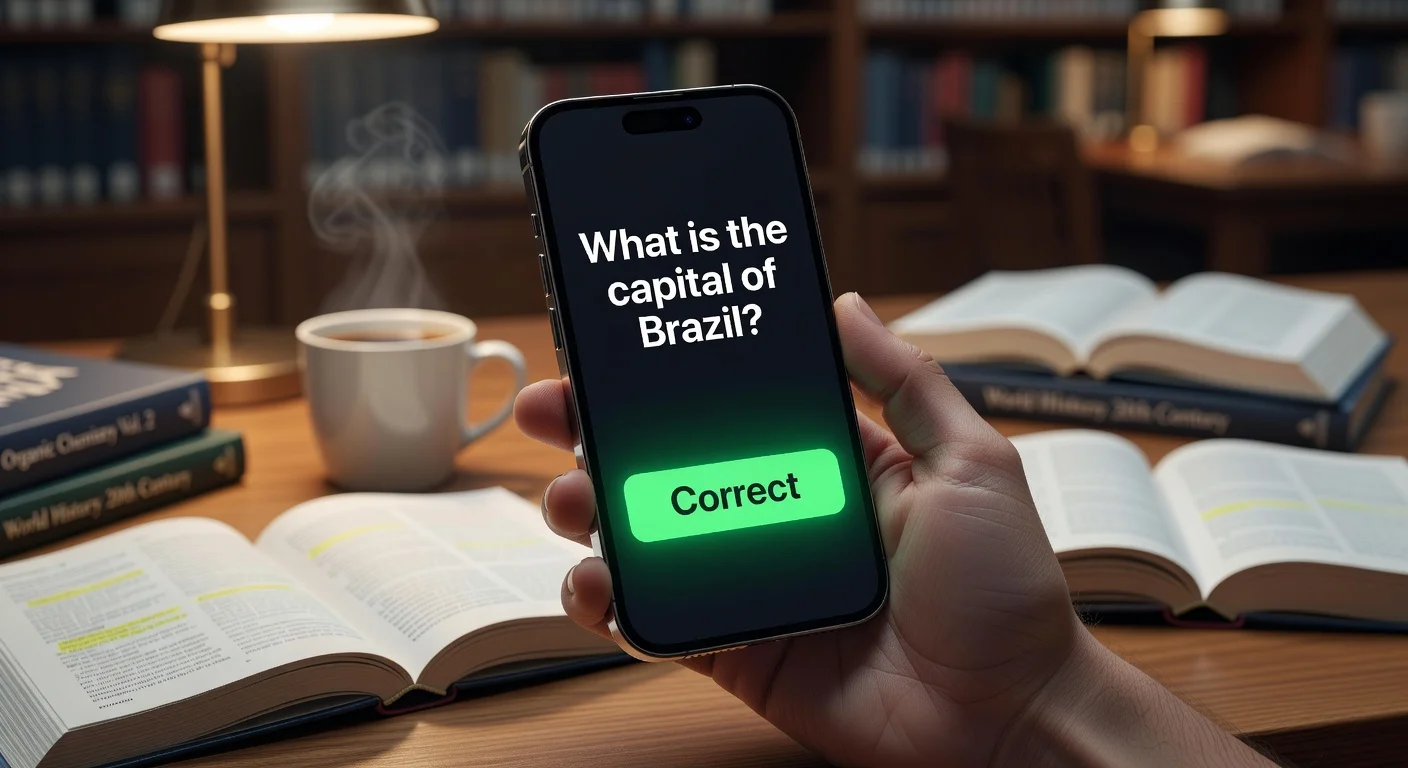
A flashcard application is a digital study tool that automates the timing of your reviews using Spaced Repetition Systems (SRS). Unlike traditional paper index cards, these apps track exactly how well you know a concept and hide it until the moment you are about to forget it. It basically forces your brain to work efficiently rather than just rereading the same notes over and over.
For years, sticking with paper was a badge of honor. But looking at the data from late 2025, digital adoption in universities has spiked by over 60%. Why? Because students realized that physically shuffling cards takes hours that could be spent actually studying.
If you are trying to learn a language, pass the MCAT, or just survive high school algebra, the software you choose matters. This guide breaks down the best flashcard tools available in 2026. It compares old options like Anki against newer AI-powered solvers.
Do spaced repetition algorithms actually work for flashcard apps?
Yes, they work by hacking the "Forgetting Curve." The science here isn't new; it dates back to Hermann Ebbinghaus in the 1880s, but the implementation has gotten very good.
When you review a card successfully, the app pushes the next review date further into the future (e.g., from 1 day to 4 days). If you fail, it resets. This efficiency is why medical students swear by it. A 2025 cognitive science report showed that students using algorithmic spacing retain 30-40% more information than those using massed practice (cramming).
Relying on your own intuition to decide when to study a topic is a mistake. The algorithm knows your brain's decay rate better than you do.
Which flashcard app has the best features in 2026?
There are dozens of clones on the App Store now. Some are just cash grabs, while others are strong study tools.
Here is how the top contenders stack up.
| App Name | Best For | Price | AI Capability |
|---|---|---|---|
| ThinkAssist | Best Overall / AI Tutor | Free / In-App Subs | High. Scans homework & generates step-by-step explanations instantly. |
| Anki | Hardcore Memorization | Free (Paid on iOS) | Low. Requires manual entry or plugins. |
| Quizlet | General Vocabulary | Freemium | Medium. Basic auto-generated definitions. |
| Brainscape | User Interface | Subscription | Low. Focuses on "Confidence-Based Repetition." |
How do I generate flashcard study materials quickly?
The biggest friction point with flashcards is creating them. Before 2024, you had to type out every single question and answer manually. It was tedious and honestly, a waste of time.
Now, the meta has shifted to Visual AI. You shouldn't be typing; you should be snapping photos.
Use an app that supports Optical Character Recognition (OCR).
For example, I’ve been testing ThinkAssist for this exact workflow. Instead of typing out a complex calculus problem or a physics definition, you just take a picture of it.
- Step 1: Snap a photo of your test or homework.
- Step 2: The AI detects the subject automatically.
- Step 3: It generates a step-by-step explanation and saves the solution.
By saving these "past answers," you essentially build a review deck of the problems you struggled with. It cuts the creation time from minutes to seconds. If you value your sleep schedule, this automation is essential.
Does the flashcard app interface really matter?
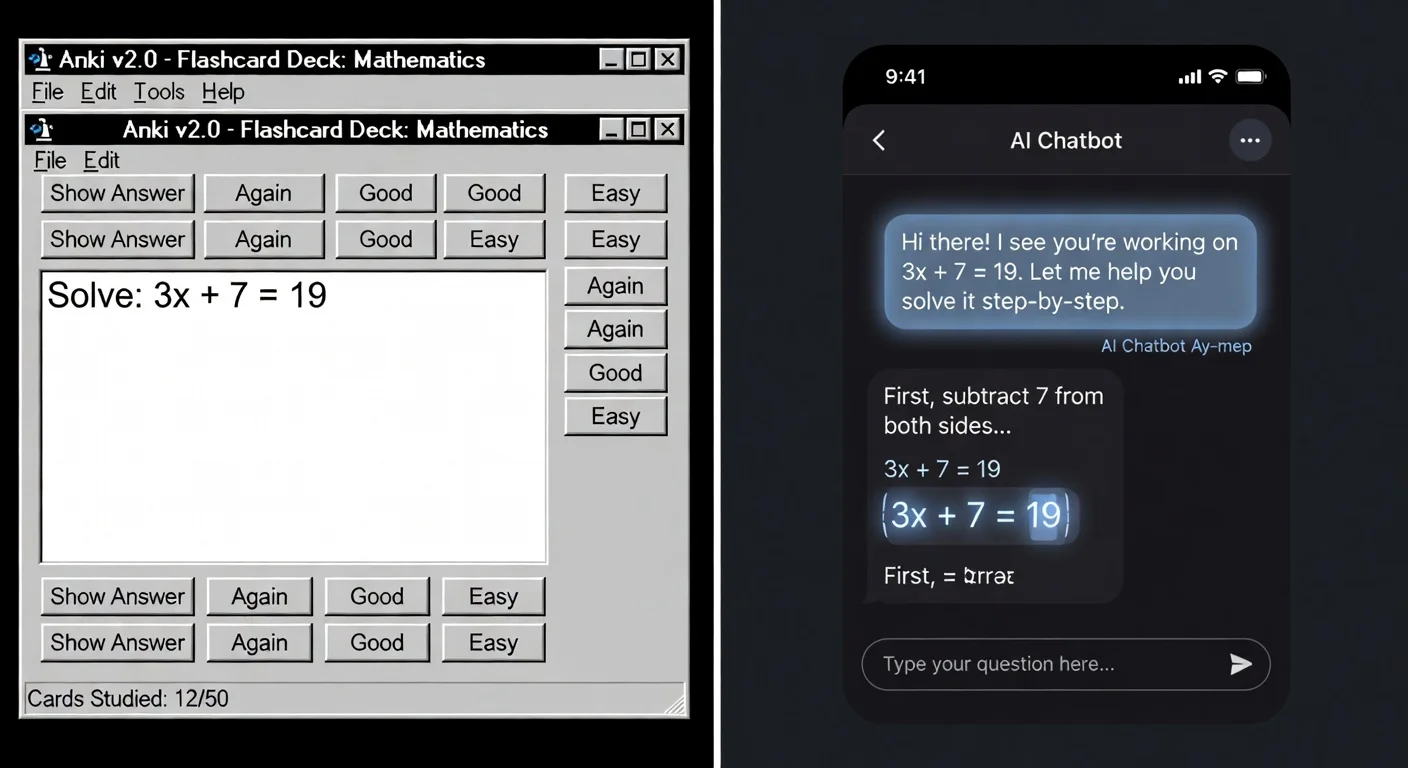
Yes, because friction kills consistency. If an app looks like Windows 95 (looking at you, Anki), specific types of users will bounce off it immediately.
I personally struggle with ugly software. If I have to click three sub-menus just to edit a typo, I'm not going to use the tool daily.
- Swipe Gestures: Modern apps rely on Tinder-style swiping (Left for "Forgot", Right for "Knew it").
- Dark Mode: Essential for late-night cramming.
- Mobile First: If the desktop app is great but the mobile app lags, skip it. You review on the bus, not at your desk.
ThinkAssist nails this with a clean, user-friendly interface. It feels like a modern iOS app, not a port of a Linux program. When you are stressed about an exam, you don't want to fight the UI.
Are paid subscriptions for flashcard apps worth it?
It depends on your major. If you are studying Art History, a free app is fine. If you are in STEM (Science, Technology, Engineering, Math), free tools often fail to handle complex equations or diagrams.
Free apps usually limit you to:
- Text-only cards.
- Offline limits.
- Slow sync.
Paid tiers (typically $5–$10/month) unlock the AI features. Considering a human tutor costs $50/hour in most US cities, an AI app that provides 24/7 step-by-step guidance makes sense.
For instance, ThinkAssist acts as that 24/7 tutor. It doesn't just show you the answer (A vs B); it explains the why. For tricky subjects like Chemistry or Calculus, understanding the logic is more valuable than memorizing the output.
Can I share flashcard decks with other students?
Yes, and this is where the "Network Effect" kicks in. Apps like Quizlet built their empire on shared decks.
However, be careful. I have found that finding a deck online is often a trap. You don't know if the creator made mistakes, and you miss out on the learning that happens during the creation process.
The Hybrid Approach:
- Use shared decks for generic vocab (Spanish, Medical Terminology).
- Create your own decks (or use AI generation) for specific lecture material.
Is using AI in flashcard apps cheating or studying?
This is the most common debate I hear in faculty lounges. Teachers worry that tools like ChatGPT or specialized solvers are crutches.
It is only cheating if you bypass the learning. If you use an app to get the answer and move on, you learn nothing.
But if you use a tool to break down a complex problem so you understand the steps? That is called studying.
According to a 2024 survey by Inside Higher Ed, 72% of students claim that AI tools help them understand concepts faster than office hours. The tool isn't the problem; usage intent is.
How to integrate flashcards into a 2026 study workflow?
Stop doing "Flashcard marathons" once a week. Spacing only works if you do it daily.
Here is a simple loop that works:
- Capture: Use ThinkAssist to snap photos of homework problems you get wrong.
- Review: Read the AI's step-by-step explanation to fix your logic gaps.
- Drill: Use an SRS app to test yourself on those core concepts 24 hours later.
This "Error-Correction-Review" loop is how you actually get A+ grades. Memorizing definitions is fine, but fixing your logic errors is better.
Frequently Asked Questions
Are digital flashcards better than paper ones for retention?
Generally, yes. Digital apps utilize Spaced Repetition (SRS) algorithms that show you cards right before you forget them, which is manually impossible to track with paper stacks.
Can AI flashcard apps make flashcards from my textbook photos?
Yes. Tools like ThinkAssist can scan problems or text via camera and generate solutions or explanations that serve as ready-made study material.
Is Anki still the best free flashcard app in 2026?
For pure memorization, Anki remains the king of free open-source options. However, its interface is dated, and it lacks the generative AI features of newer competitors.
How often should I review my flashcards?
You should trust the algorithm. Most apps set intervals (1 day, 3 days, 1 week, etc.). Reviewing too often is "overlearning" and yields diminishing returns.
Do flashcard apps work for math?
Standard flashcards are bad for math, but "Solver" style apps are excellent. You need to practice the steps, not memorize the answer. Use an app that breaks down the solution logic.