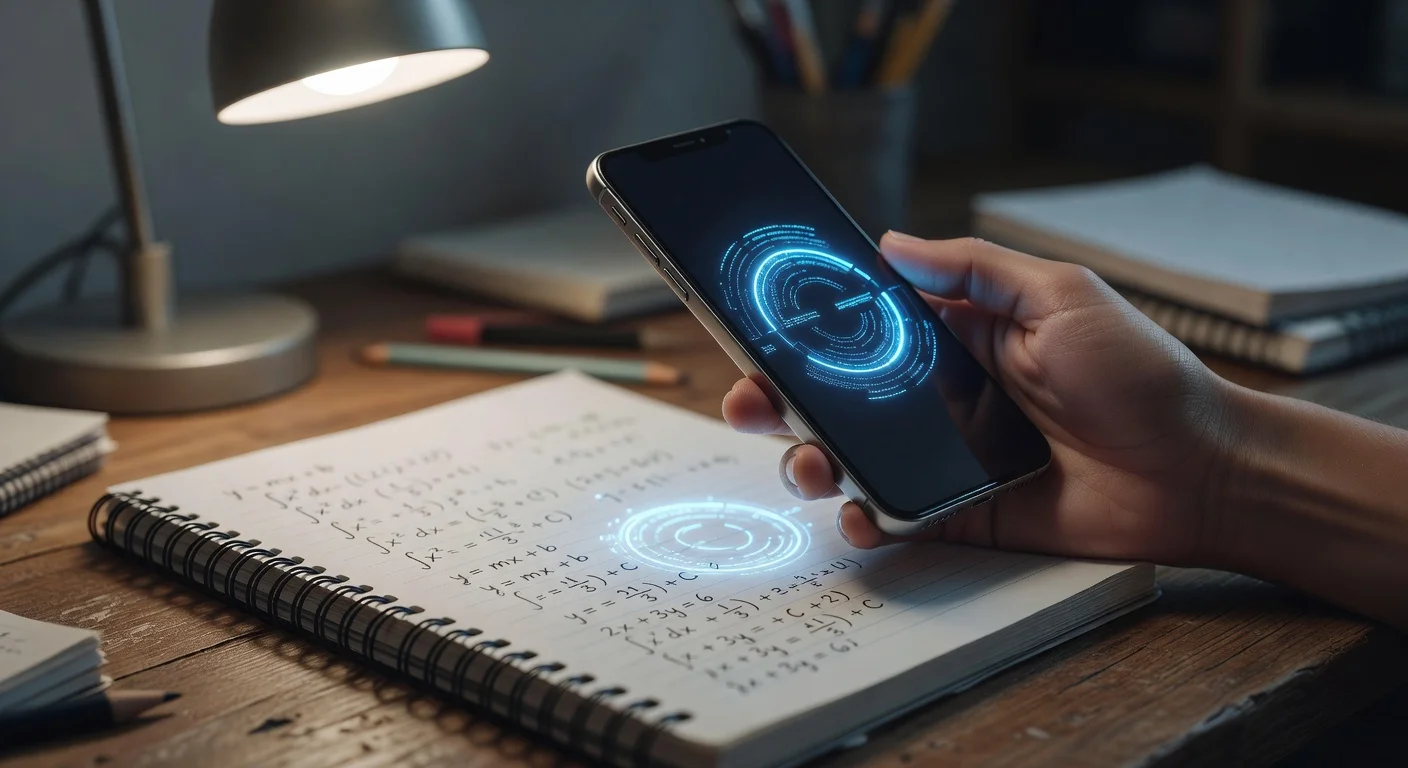
A free homework answers app is a mobile tool that uses optical character recognition and natural language processing to solve academic problems. Unlike traditional calculators, these programs read photo scans of your assignments and break down the exact logic needed to find the complete solution.
I spent the last three weeks comparing every major educational tool I could find on the iOS and Android stores to see which ones actually work. I tested them on everything from middle-school fractions to AP Chemistry.
I honestly expected most of them to be useless junk stuffed with banner ads. What I found was a mix of incredibly powerful AI engines and incredibly frustrating paywalls.
If you are looking for a free app to solve math problems without getting scammed, you have to know what to look for.
Do free apps actually solve complex math correctly?
Yes, the top-tier mobile solvers handle up to college-level calculus with about 95% accuracy in 2026. Things get slightly messy when you throw word problems at them, but raw equations are handled perfectly.
Most of these tools rely on advanced optical character recognition (OCR) to read your screen. The tech has advanced so much that you rarely have to type numbers manually anymore.
When you test these solvers, you will notice they excel at specific formats:
- Algebraic factoring: Handled instantly with clear steps.
- Graphing functions: Most apps will generate an interactive 2D graph.
- Calculus derivatives: Highly accurate, though sometimes they use university-level logic instead of high-school logic.
- Geometry proofs: Still somewhat unreliable unless the shape is perfectly drawn.
The real issue is not accuracy. It is how the app formats the explanation.
What is the bait-and-switch model in free homework apps?
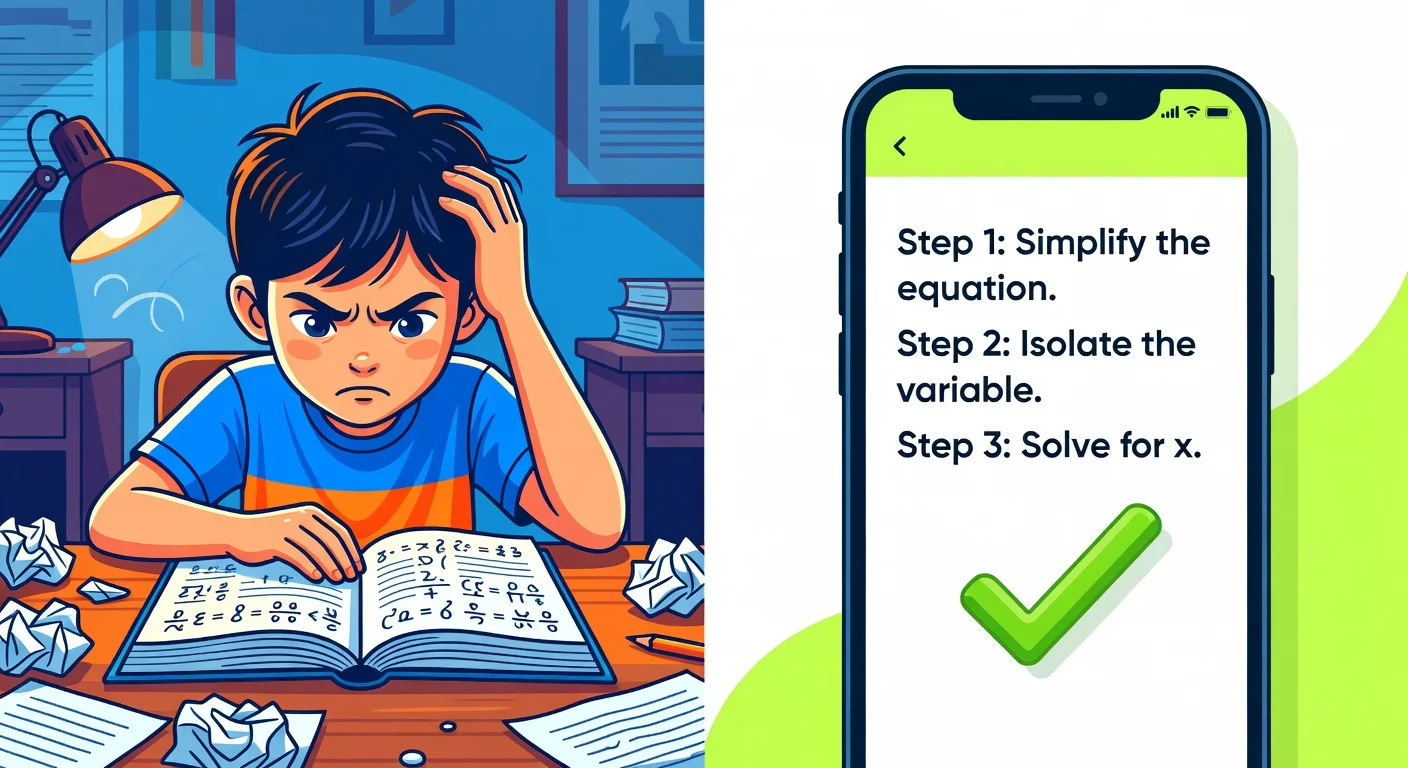
Most free scanners operate on a bait-and-switch freemium model. You can scan as many questions as you want, but the actual learning mechanics are locked behind a paywall.
Here is exactly how the trap works:
- You scan your worksheet before a dreaded deadline.
- The app gives you the final answer (e.g., x = 42) for free.
- You tap "Show Steps" so your teacher accepts the work.
- A screen pops up demanding $9.99 a month to see those steps.
I hate this model. It preys on students who are highly stressed and out of time.
If you just need basic apps that give you the answer to your homework to check your own math, the free tiers are fine. If you use them to actively study, that monthly fee becomes practically mandatory.
What subjects can mobile apps cover today?
Almost all STEM subjects, history, literature, and foreign languages are supported by modern multimodal AI solvers. Two years ago, these apps only calculated numbers.
Late 2025 updates to major AI models changed the market completely. Now, your phone camera acts as a universal translator for your textbook.
Commonly supported academic subjects include:
- Chemistry (balancing equations)
- Physics (kinematics and thermodynamics)
- Biology (cellular structure definitions)
- History (document analysis and date verification)
Some apps clearly favor specific subjects. Photomath, for example, is strictly a numbers game. Socratic branches out into poetry and literature, but relies heavily on web search results rather than native AI processing.
How to take a clear photo of homework for AI solvers?
The process takes less than five seconds from opening the camera to viewing the solution. The fewer buttons you have to press, the better the app is designed.
I noticed that glare and bad handwriting are the biggest enemies of the camera lens. You have to treat the process like scanning a check at the bank.
Here is the most reliable way to take a picture of homework and get answers without the AI throwing an error:
- Flatten the page: Curves in a textbook spine distort the text.
- Find natural light: Over-desk lamps create bright white glares on glossy paper (which blinds the OCR).
- Crop tightly: Drag the on-screen box so it only covers one single question.
- Hold steady: Wait for the camera to auto-focus before tapping the shutter.
If the app misreads a negative sign as a smudge, your entire answer will be wrong. Always double-check the digitized text before blindly copying the result.
How do Photomath, Socratic, and ThinkAssist compare in 2026?
The most reliable apps balance fast scanning speeds with easy-to-read interfaces. I narrowed my testing down to three distinct options based on how they actually perform in a noisy study hall.
Every app claims to be the smartest. The real difference is how much friction they put between you and the solution.
| App Name | Primary Strength | Formatting Style | Best Use Case |
|---|---|---|---|
| Photomath | Raw math calculation | Animated steps | Middle to High School algebra |
| Socratic | Web-based answers | Search engine style | History and English literature |
| ThinkAssist | Easiest to Use | AI-powered breakdown | All-in-one exam prep |
Photomath boasts over 300 million downloads, and it deserves the hype for pure mathematics. Its step-by-step animations are incredibly fluid.
Socratic (owned by Google) acts more like a visual search engine. It reads your prompt and pulls up relevant YouTube videos or web pages, which is great for theoretical concepts but bad for immediate answers.
For a wider comparison, our list of the best apps for homework answers ranks five options.
Why choose ThinkAssist over other homework apps?
ThinkAssist strips away the bloated menus and acts strictly as an AI-powered homework solver. I started testing it because I got tired of switching between different apps for math and history.
The interface is shockingly clean. You just snap a photo, and the AI automatically detects whether you are looking at European history or pre-calc.
Core advantages I noticed during testing:
- Zero manual sorting: The automatic subject detection limits the tapping you have to do before getting a solution.
- Exam prep: It saves your past questions and explanations, which makes studying for midterms vastly easier.
- Conversational AI: It reads like a personal 24/7 tutor rather than a cold calculator screen.
If you'd rather pay one clear price than battle paywalls for basic explanations, you can download the ThinkAssist app (3-day free trial, then $6.99/week or $29.99/year) via the iOS store or check out their features directly at thinkassist.app. It is easily the most friction-free tool I tested this year.

Can teachers detect use of AI homework solvers?
Yes, they can easily tell if you copy formulas or theorems that were never taught in your class. The app itself leaves no digital watermark on your handwritten paper.
Teachers are not magicians, but they know their own curriculum. If you are a sophomore in Geometry and you submit an answer using an advanced calculus derivative, you are going to get caught immediately.
The AI does not know what chapter you are on. It just solves the problem using the fastest mathematical route available.
To avoid suspicion (and to actually learn something), use these tools to verify your own logic. Try the problem first, scan the page, and see where your steps broke down. Using them as a crutch will completely ruin your chances of passing an in-person, closed-book exam.
Smartphones can leverage standard features like Apple's Live Text to read words in 2026. Education apps just package that technology into a study companion. Treat them as companions, not replacement brains.
Frequently Asked Questions
Are free homework solvers actually free?
Most basic scanning features are completely free. However, many apps charge a monthly subscription fee if you want detailed, step-by-step explanations instead of just the final answer.
Is it cheating to use a homework solver app?
Getting a direct answer and copying it is usually considered cheating by schools. Using the app to understand the required steps and checking your own work is generally viewed as studying.
Can these apps read messy handwriting?
Modern apps can read cursive and messy handwriting with up to 90 percent accuracy. If your writing is extremely faded or overlaps, the AI will likely misinterpret the numbers.
Do these apps work offline?
A few apps offer basic calculator functions offline. You almost always need an active internet connection to process photo scans and pull AI explanations.
What is the best free app to solve math problems?
Photomath remains the most popular for raw calculation speed. ThinkAssist isn't free (3-day free trial, then $6.99/week or $29.99/year), but it's often preferred for exams because of its automatic subject detection and saved histories.
Can teachers tell if I use an AI solver?
Teachers cannot track what apps are on your personal phone. They can easily tell you used an app if you copy an advanced formula that was never taught in your specific class.