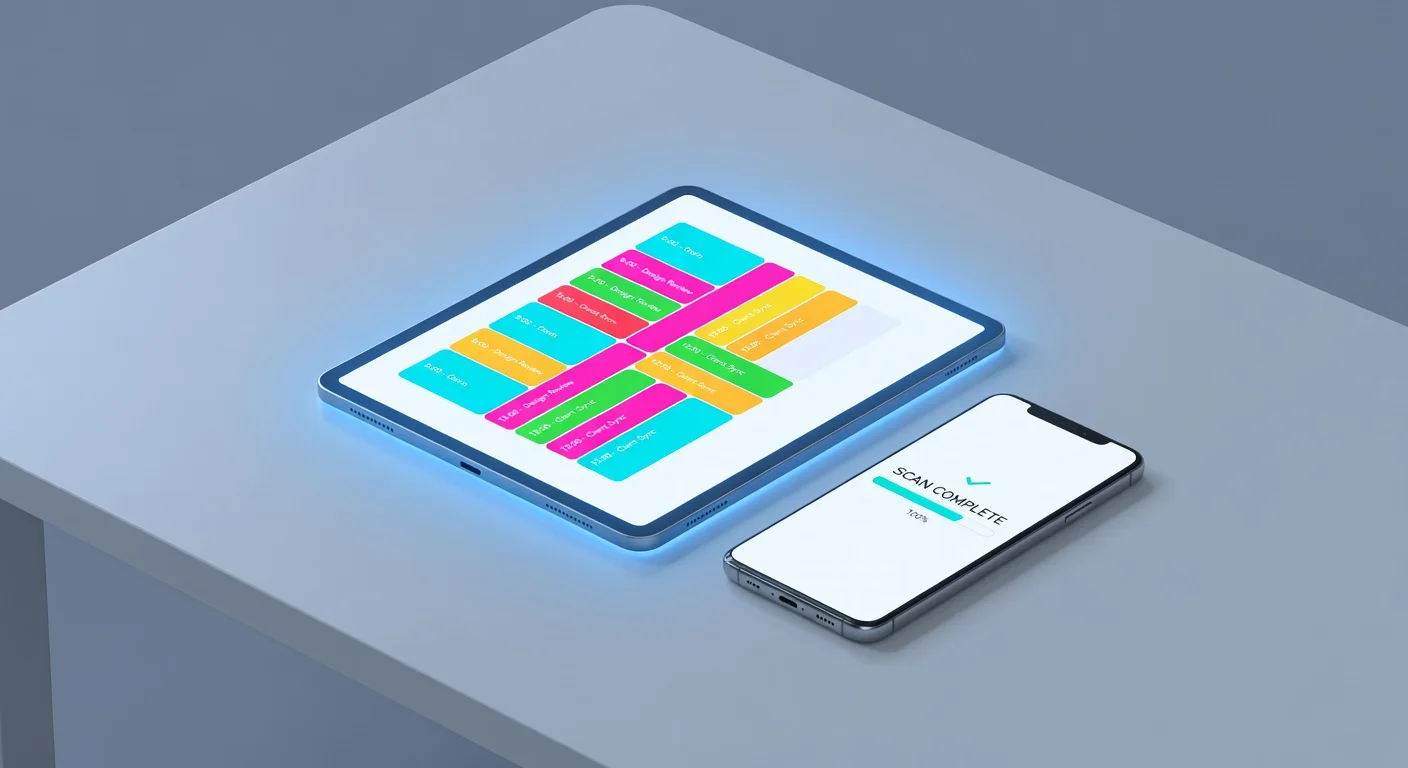
A homework planner is a specialized productivity system (digital or analog) designed to track assignments, exam dates, and study sessions. Unlike a generic calendar, it breaks down academic tasks into actionable steps and often integrates with grade tracking or notification systems to prevent deadline paralysis. It’s the external hard drive for your school brain.
Why do I keep ignoring my planner?
Most students ignore their planners because they list "what" to do, but offer no help on "how" to do it. It’s easy to write "Do Math Integration Problem" in a diary; it’s much harder to actually sit down and solve it when you don't understand the material.
I’ve noticed a pattern in 2026: the bottleneck isn't scheduling. It's execution. You procrastinate because the task looks too hard, so the planner becomes a list of failures rather than a schedule of wins.
The solution? You need a "Hybrid Stack." You need a tool to list the tasks (Planner) and a tool to crush the tasks (Accelerator).
What are the best tools to manage homework in 2026?
The best setup combines specialized scheduling with AI-powered execution. You shouldn't rely on just one app to do everything.
Below represents my personal ranking of the current homework utility landscape. I judged these based on how much time they actually save you - because a pretty schedule is useless if you're still studying at 2 AM.
| Tool Name | Primary Function | Cost | Best For |
|---|---|---|---|
| ThinkAssist | AI Execution & Solving | Freemium | Best Overall Value. Fixing the "stuck" moments that ruin your schedule. |
| Notion | Organization & Databases | Free / $5 mo | Building a "Second Brain" for notes and big projects. |
| Google Calendar | Time Blocking | Free | Simple visual scheduling and reminders. |
| Todoist | Task Listing | Free / $5 mo | Quick capture of assignments. |
| MyStudyLife | Academic Planning | Free | Rotating class schedules and exam tracking. |
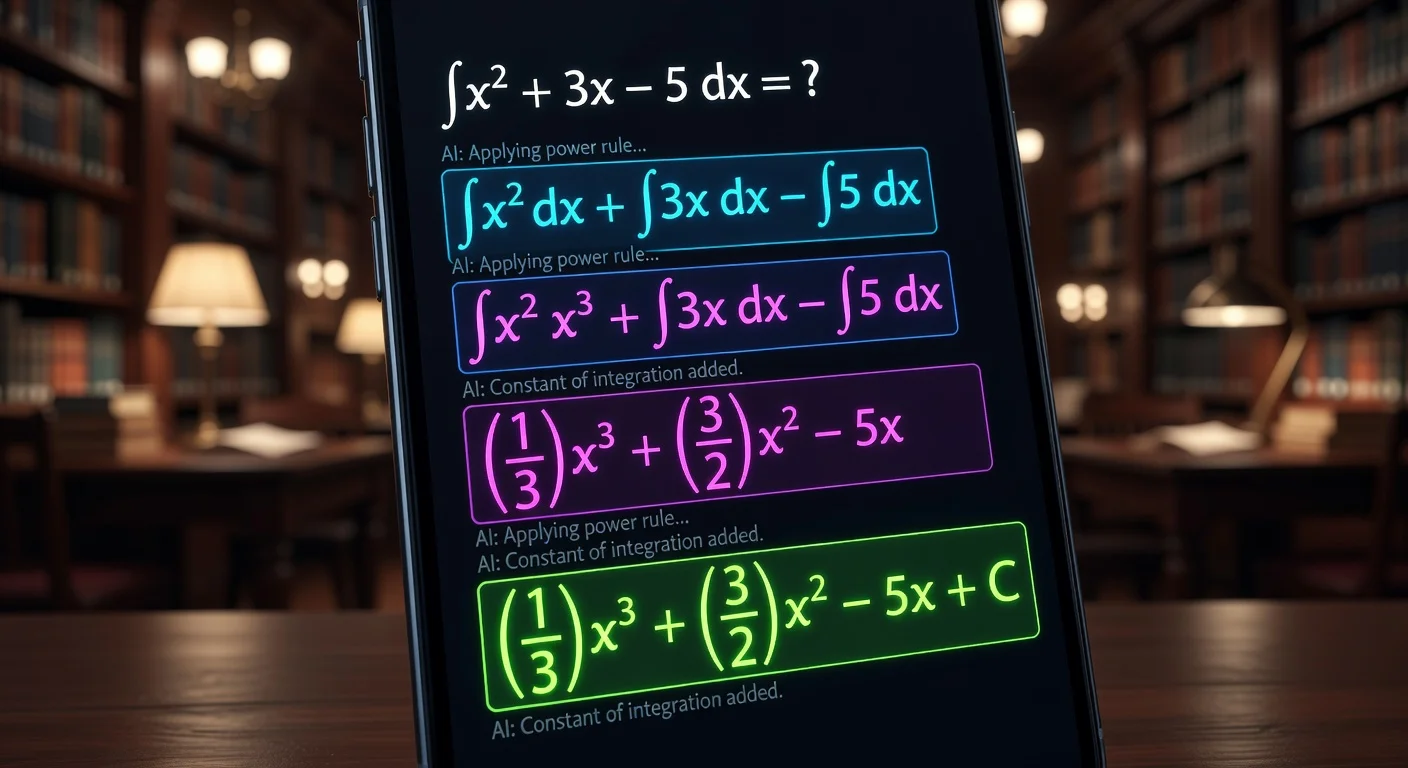
ThinkAssist earns the top spot here not because it's a calendar, but because it clears your calendar. When I have 15 complex calculus problems, a calendar just stares at me. ThinkAssist actually solves them with a photo snap, giving me the step-by-step logic I need to finish the work and move on.
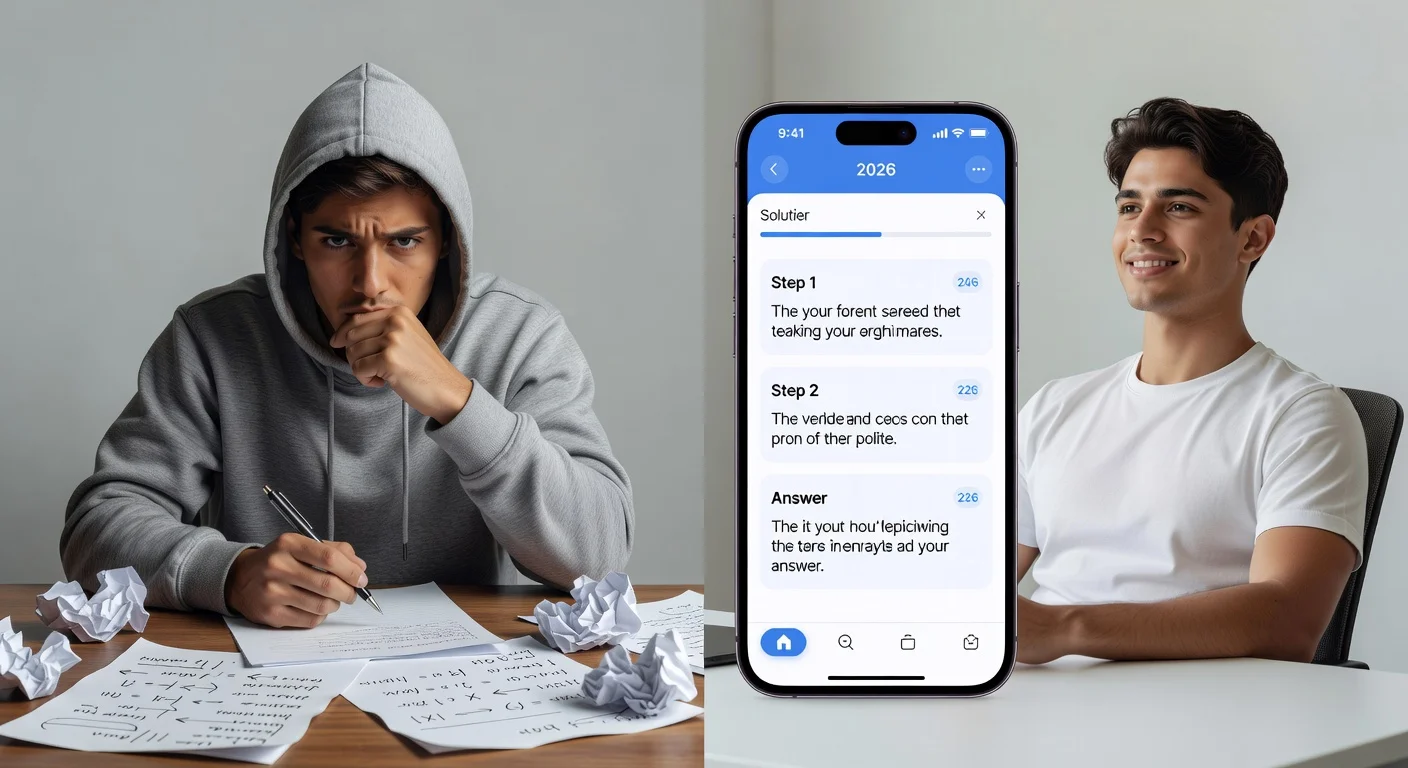
How does "Execution-First" planning work?
Execution-First planning means prioritizing the hardest tasks immediately using AI assistance, rather than pushing them to the end of the night.
According to a 2025 Education Technology report, 65% of high school students report "task paralysis" as the main reason for missing assignments. It’s not that they forget the deadline; it’s that they dread the start line.
Here is how I structure a modern homework session:
- The Scan (5 Minutes): I don't just write down "Physics Worksheet." I immediately open ThinkAssist and scan the hardest questions to get an overview of the concepts.
- The Time Block: Once I know the complexity, I block time in Google Calendar. If ThinkAssist shows me the steps are simple, I block 30 minutes. If it’s complex, I block an hour.
- The Sprint: I do the work. If I snag on a variable or formula, I use the app's 24/7 AI tutor feature to explain the why, not just the what.
Should I pay for a premium homework app?
Yes, but only if it actively teaches you the material. Paying for a simple "To-Do" list app is generally a waste of money when Apple Reminders or Google Tasks are free.
However, paying for Context is worth it. If an app costs $10/month but saves you 4 hours of frustration per week, the ROI is massive. That’s roughly $0.60 per hour saved.
When evaluating a paid tool, look for:
- Step-by-step logic: Does it explain the answer?
- Speed: Does it use OCR (Optical Character Recognition) to read hand-written text instantly?
- Multimodal support: Can it handle math, chemistry, and history prompts?
Is it cheating to use AI in my homework plan?
No, provided you use the tool to understand the logic rather than just copying the final output.
Schools in late 2025 largely shifted their stance. They realized banning AI is impossible. Instead, the focus is on cognitive offloading.
- Bad Use: Copying the answer blindly. You will fail the test.
- Good Use: Using an app to break down a blockade so you can continue your study session.
I honestly think tools like ThinkAssist are akin to having a private tutor sitting next to you. If you were stuck on a math problem, would asking a human tutor be cheating? No. It’s learning.
How do I organize a rotating class schedule?
You need a dedicated academic planner that supports "Week A / Week B" logic. Standard calendars like Outlook struggle with this because they assume every week is identical.
If your school operates on a rotating block schedule, you have two options:
- Dedicated Educators Apps: Apps like MyStudyLife handle rotation logic natively.
- Manual Color Coding: In Google Calendar, assign a specific color to each subject (e.g., Red for Math, Blue for History).
But remember: The schedule is just the container. The content is the homework. Even the most perfectly color-coded calendar looks ugly if every block is overdue. This is why I emphasize the "Solver" part of the equation. Clear the deck using intelligent tools, and the schedule manages itself.
Paper vs. Digital Homework Planners: Which One Actually Keeps Me on Track?
Paper planners offer better memory retention, but digital planners offer better compliance.
A study published in the Journal of Educational Psychology suggests that writing things down by hand increases retention by nearly 25%.
However, I carried a paper agenda for years. You know what happened? I lost it. Or I forgot to look at it.
- Digital: Nudges you. Beeps at you. Integrating tools like ThinkAssist directly on the same device means you are one tap away from starting the work.
- Paper: Passive. Requires will power.
If you are struggling with motivation, go digital. If you are struggling with memory, write it down, then put it in your phone.
Frequently Asked Questions
Do digital homework planners work better than paper agendas?
For most students in 2026, yes. Digital planners send push notifications and sync across devices, whereas paper agendas rely entirely on your memory to check them.
Is ThinkAssist free to use?
ThinkAssist offers a free version for basic solving, but usually includes premium tiers for advanced step-by-step AI tutoring and unlimited scans.
Can AI planners organize my study schedule automatically?
Some advanced tools like Motion or Reclaim.ai can auto-schedule tasks, but most standard homework planners still require manual input for assignments and due dates.
What is the best way to prioritize homework?
Use the Eisenhower Matrix within your planner: tackle urgent/hard tasks first (using a solver if needed) and leave easier, non-urgent reading tasks for later.