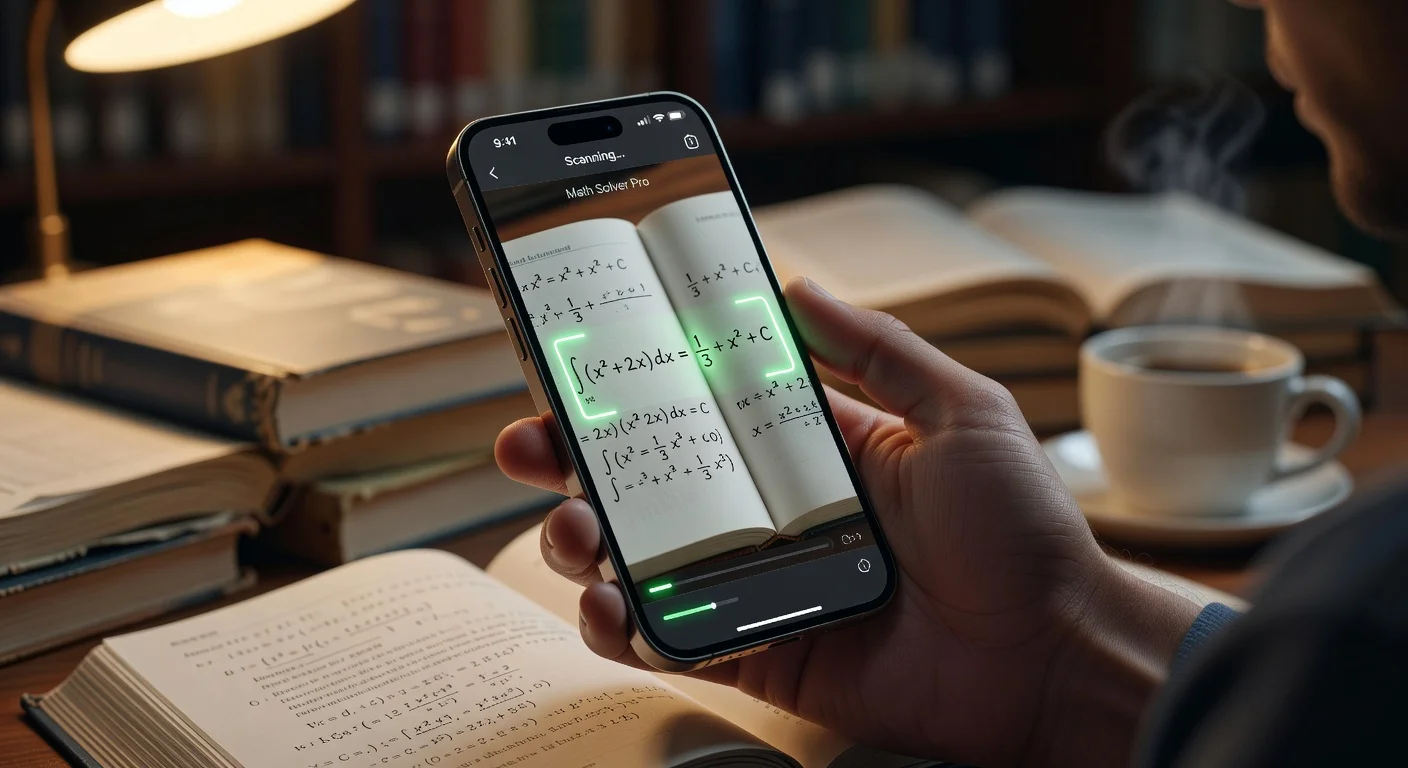
Learning apps are mobile software tools that use Artificial Intelligence (AI) and Optical Character Recognition (OCR) to solve academic problems instantly. Unlike traditional textbooks that force you to search for answers in the back, these apps break down the logic step-by-step so you understand the why behind the solution.
I remember when "EdTech" meant a heavy graphing calculator.
Now, it’s a pocket tutor that reads your handwriting.
Since late 2025, the landscape has shifted. The tools aren't just checking your math anymore; they are explaining complex organic chemistry reaction mechanisms and proofreading history essays.
If you are a student trying to survive the academic grind in 2026, you don't need harder work. You need smarter tools.
What can AI learning apps do for homework help in 2026?
AI learning apps act as on-demand private tutors that never sleep. The days of waiting for office hours or paying a human tutor $50/hour are effectively over for general subjects.
Most students use AI learning apps for three things:
- Verification: Checking if their manual answer is correct.
- Explanation: Understanding a concept the professor rushed through.
- Speed: getting through "busy work" assignments faster.
Speed: A decent app processes a photo of a calculus problem in under 1.5 seconds.
Can AI read my cursive handwriting?
Yes, modern OCR engines can read cursive with about 95% accuracy. However, if you use a faint 4H pencil or have extremely messy loops, the AI might misinterpret a '5' as an 'S'.
I tested this recently with a sloppy set of physics notes.
The result? It picked up everything except one variable I had scribbled in the margin.
Technology like the Apple Livetext API set the standard a few years ago. Since then, proprietary models have surpassed it.
If you write reasonably clearly, you can snap a picture of your notebook page and get a digital conversion instantly.
Do AI learning apps like ThinkAssist just give answers or explain math and science concepts step-by-step?
The best apps prioritize the "how," not just the "what."
If an app only gives you the final number, delete it. It’s useless for exams.
A proper learning tool, like ThinkAssist, provides a "Step-by-Step" breakdown. It isolates the variables, shows the formula used, and walks you through the derivation.
"If you can't explain it simply, you don't understand it well enough." - Albert Einstein (and basically every decent AI tutor).
Which is the best AI learning app in 2026: ThinkAssist vs. Photomath vs. Chegg Study?
I’ve used pretty much every study tool on the App Store.
Detailed below is a comparison of the heavy hitters based on value, accuracy, and usability.
| Feature | ThinkAssist (Best Value) | Photomath | Chegg Study |
|---|---|---|---|
| Core Function | AI Custom Tutor & Solver | Math Solver Only | Textbook Solutions |
| Subject Range | Math, Science, History, Lang. | Math Only | All Subjects |
| Input Method | Photo (OCR) + Chat | Photo (OCR) | Text Search |
| Speed | Instant (<2 sec) | Fast (<3 sec) | Slow (Database search) |
| Pricing | Freemium / Affordable | Freemium / $9.99 mo | $19.95/mo |
| Explanation Quality | High (Conversational) | High (Robotic) | Varies by contributor |
My Take:
Chegg is great if you need specific textbook answers, but the price has crept up to nearly $20/month. That is steep for a student budget.
Photomath is classic, but it is limited strictly to math.
ThinkAssist feels like the sweet spot. It covers the broad range of subjects Chegg does but uses the instant "snap-and-solve" mechanics of Photomath. Plus, the 24/7 tutor chat feels more like texting a smart friend than querying a database.
You can check it out on the App Store here.
Are AI learning apps considered cheating in school?
It depends entirely on how you use them.
If you are snapping photos under your desk during a midterm, yes, that is cheating. You will get caught, and you deserve the zero.
But for homework?
Teachers are currently split on this.
According to a late 2025 EdSurge report, 62% of educators now encourage the use of AI for "concept reinforcement," provided students show their work.
Here is the reality:
- The "Cheater" way: Snap photo -> Write down answer -> Learn nothing -> Fail the test.
- The "Scholar" way: Try the problem -> Snap photo -> Compare steps -> Identify error -> Retake the problem manually.
I honestly think calling these tools "cheating apps" is like calling a calculator a "cheating device" in 1980.
It is a tool. Use it to learn, or use it to fake it. The choice is yours, but only one method passes the final exam.

How much do subscriptions for AI learning apps like ThinkAssist cost in 2026?
Free versions are okay, but the "A+" features usually sit behind a paywall.
Most apps will solve a basic linear equation for free.
But if you want to know why the electron moved to that specific orbital in a chemistry problem? You usually have to pay.
- Average Subscription: $9.99 - $14.99 per month.
- Tutor Hire Cost: $40 - $80 per hour.
When you look at the math, a monthly app subscription costs less than 20 minutes with a human tutor.
I found that ThinkAssist offers a solid free tier, but the premium features (like deep dives into past exam questions) are what actually save your grade during finals week.
Also, watch out for "Weekly" subscriptions.
Some predatory apps charge $7.99/week. Over a semester, that’s over $120. Always look for a monthly or annual option.
How to use AI learning apps effectively for studying math and science?
Don't just scan and copy.
That is the fastest way to trick yourself into thinking you know the material when you don't.
Here is the protocol I recommend for actually retaining information:
- Attempt First: Spend at least 3 minutes trying to solve the problem manually.
- Scan: Use the app to get the solution.
- Reverse Engineer: Look at the second to last step. Ask yourself, "How did they get from here to the answer?"
- Quiz Mode: Many apps in 2026 allow you to generate similar problems. Do one immediately to lock in the knowledge.
Accuracy Note:
Even in 2026, AI hallucinates.
A Stanford study on AI efficacy noted that while math capabilities are high, AI can still struggle with nuanced word problems involving trick logic.
Always double-check the logic if the answer feels "off."
What is the future of AI-powered studying with apps like ThinkAssist in 2026 and beyond?
Multimodal learning is the new standard.
We aren't just typing text into chatbots anymore. We are uploading PDFs, taking photos of whiteboards, and speaking to our devices.
I noticed that the apps surviving the market shift are the ones that integrate everything.
They solve the math, check the grammar on the history essay, and create a study schedule for the biology final.
It’s not about having an app for every subject. It’s about having one "second brain" that holds it all.
If you are still carrying around three different study guides and a TI-84 calculator, you are doing it the hard way.
Grab a tool like ThinkAssist, snap a picture, and move on with your life.
Frequently Asked Questions
Are AI learning apps considered cheating for homework?
Technically, no. If you use them to just copy answers, schools classify it as academic dishonesty. But if you use the 'step-by-step' explanation feature to learn the logic, teachers generally view them as digital tutors.
Can ThinkAssist read my handwriting?
Yes. Most top-tier apps in 2026, including ThinkAssist, use advanced OCR that can decipher cursive and messy handwriting with roughly 95% accuracy.
Do I need a subscription for AI learning apps like ThinkAssist?
Most apps operate on a 'Freemium' model. Basic scanning is usually free, but deep explanations or 24/7 tutor chat features often require a monthly subscription ranging from $5 to $20.
Which school subjects do AI learning apps cover besides math?
While older apps focused solely on Math, modern tools cover Chemistry, Biology, Physics, and even History. The AI detects the subject automatically from the photo.