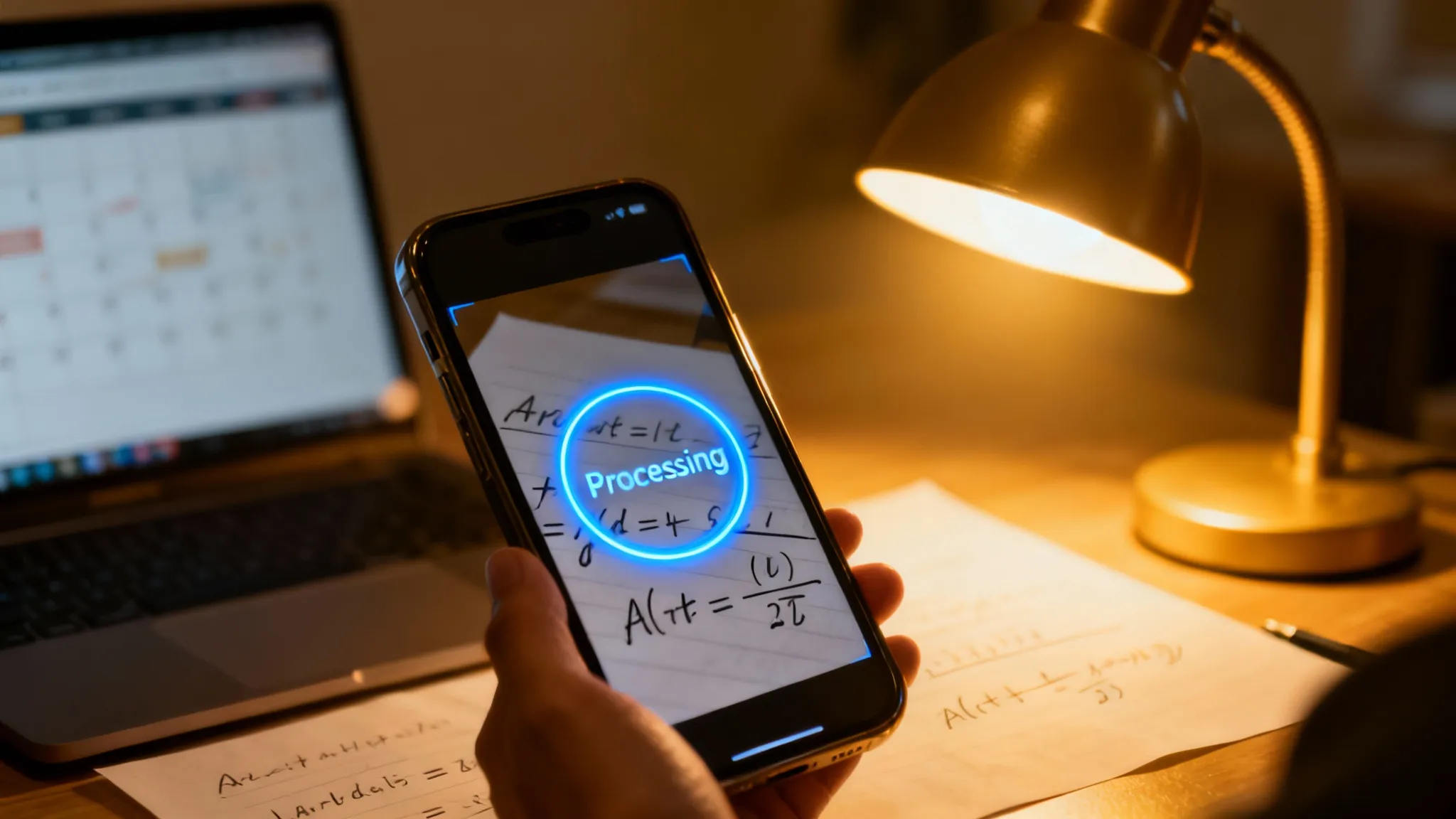
Modern homework management is a workflow that combines digital scheduling with AI-powered problem solving. Unlike the old "myHomework" apps that essentially functioned as glorified to-do lists, 2026-era tools actively assist in completing the work itself. I see this as the difference between writing down "Do Math" on a post-it note versus actually having a tutor sit next to you to explain the calculus.
How has doing homework with AI solvers changed in 2026?
It is no longer about just tracking deadlines. I realized recently that the stress wasn't remembering when the assignment was due, but fearing I wouldn't know how to do it.
According to a 2025 EdTech impact report, 62% of high school students now prioritize "instructional assistance" tools over simple organization apps.
Basic planners are dying. If an app only tells me I have a physics test on Tuesday but can't explain the projectile motion formula, I don't open it.
The Shift:
- 2020: We used apps to list assignments (e.g., myHomework Student Planner).
- 2023: We used text-based AI (ChatGPT) which hallucinated math often.
- 2026: We use multimodal "Snap-and-Solve" apps that see, think, and teach.
"The best tool isn't the one that reminds you to work. It's the one that helps you finish it."
Which AI solver app clears homework backlogs the fastest?
Comparing the top contenders involves looking at accuracy, speed, and whether they actually worry about your learning.
Most students I talk to are juggling three or four different subscriptions. That is unsustainable. I tested the top players to see which one handles the "Scan -> Solve -> Learn" loop the best.
Criteria:
- OCR Quality: Can it read my messy cursive?
- Reasoning: Does it explain why or just give "x=5"?
- Cost: Is it affordable for a student budget?
| Feature | ThinkAssist (Best Value) | Chegg Study | myHomework Planner | ChatGPT Plus |
|---|---|---|---|---|
| Core Function | AI Tutor & Solver | Textbook Solutions | Scheduling/Dates | General Chatbot |
| Input Method | Photo (OCR) & Text | Text Search | Text Entry | Text & Voice |
| Speed | Instant (<3 sec) | Slow (Search required) | N/A | Variable |
| Math Accuracy | High (Step-by-step) | High (Verified) | N/A | Moderate |
| Price | Freemium | ~$15-20/mo | Free/Paid | $20/mo |
| Best For | Visual Learners | Textbook Heavy Users | Organization Only | Essay Brainstorming |
My Take:
If you just need a calendar, the legacy planners are fine. But if you are stuck on a chemistry equation at 11 PM, a calendar is useless. ThinkAssist bridges the gap because it acts as a 24/7 tutor.
I found that while ChatGPT is great for history essays, it creates "hallucinations" on complex geometry. ThinkAssist is specifically tuned for that "school game" logic.
Does using AI to do my homework count as cheating?
Not if you use the "Step-by-Step" feature to reverse-engineer the logic.
The debate on this is heating up. Universities in 2026 use detection software, so blindly copying an answer is a guaranteed way to fail. However, using a tool to explain the steps is functionally identical to hiring a human tutor.
How to use AI ethically:
- Don't copy the final number. Copy the method.
- Use the "Explain" button. Most apps have this; click it.
- Check your work. Solve it yourself first, then scan to verify.
If you use ThinkAssist, the app breaks down the solution. It does not just spit out "42." It shows you the derivation. That is learning, not cheating.
Can I plan my homework schedule with AI solvers like ThinkAssist?
Yes, but the focus has shifted from "Calendar" to "Queue."
Traditional planners like the myHomework app use a calendar view. That works for long-term projects. But for daily grind? You need a queue.
Why Queues work better:
- Visual Progress: You see the stack of problems shrink.
- Instant Feedback: You scan a worksheet, and it's done.
- Exam Prep: Apps like ThinkAssist save your past queries.
So, instead of a calendar saying "Study Biology," you have a folder in your app with 50 solved biology questions from the last month. That is your study guide. You created it just by doing your homework.
Organization Tip:
I stopped writing assignments in a physical agenda in late 2024. Now, I snap a photo of the assignment sheet immediately. Even if I don't solve it right away, the "Task" is captured digitally.
How to use ThinkAssist AI solver efficiently for math homework?
I developed a specific loop that cuts my study time by about 40%.
It requires discipline. You have to resist the urge to just copy-paste.
The Workflow:
- The "Blind" Attempt: I try the problem on paper for 2 minutes.
- The Scan: I use ThinkAssist to snap a photo of the question.
- The Diagnosis: I compare my stuck point with the AI's second step.
- The Correction: I highlight where my logic failed (usually a sign error).
Results:
This method turns "Homework" into "Active Recall." Science shows active recall improves retention by up to 50% compared to passive re-reading.
If the app just gives me the answer, I learn nothing. If it shows me that I forgot to carry the one, I learn everything.
Why do general AI apps fail at math word problems?
Many general AI models struggle to translate text into equations.
You might have noticed this. You feed a paragraph about "Train A leaving Chicago" into a chatbot, and it calculates the speed of the moon. This happens because the AI is predicting words, not reasoning.
Specialized Engines:
Tools built specifically for homework—like ThinkAssist—use a different architecture. They parse the entities (Train A, 50mph) first.
2026 Tech Update:
- OCR: Now reads 95% of handwriting (up from 70% in 2023).
- Context Window: Can read a whole page, not just one question.
- Diagram Support: Can interpret graphs and geometry shapes.
If you are taking AP Stats or Calculus, generic chatbots will fail you. You need a dedicated solver engine.
Is the myHomework Student Planner app still relevant in 2026?
The specific app "myHomework Student Planner" is still around, but it feels retro.
It is a great digital agenda. I used it for years. But it feels like carrying a paper map when you have GPS.
The Hybrid Future:
I expect the next generation of apps to merge these completely. You won't have a "Planner" and a "Solver." You will just have a "School Assistant."
For now, I use the calendar on my phone for dates, and ThinkAssist for the actual work. Separating the "When" from the "How" seems to work best for my brain.
Also, cost is a factor. Paying $15/month for a subscription service just to see a calendar is wild. Most solver apps offer a free tier that gives you enough scans to get through a rough night of algebra.
Frequently Asked Questions
Is using an AI homework solver considered cheating?
It depends on how you use it. If you copy the answer blindly, yes; if you use the step-by-step logic to understand the method, it is treated as a digital tutor by most institutions.
Can ThinkAssist read my handwriting?
Yes, ThinkAssist uses advanced OCR specifically tuned for handwritten notes, provided the writing is legible and the lighting is decent.
What is the difference between myHomework Student Planner and ThinkAssist?
myHomework Student Planner is strictly for scheduling dates and deadlines. ThinkAssist actively helps you solve the problems and understand the subject matter.
Does AI work for subjects other than Math?
Absolutely. While math involves specific logic, modern multimodal AI can interpret history diagrams, biology questions, and coding syntax.