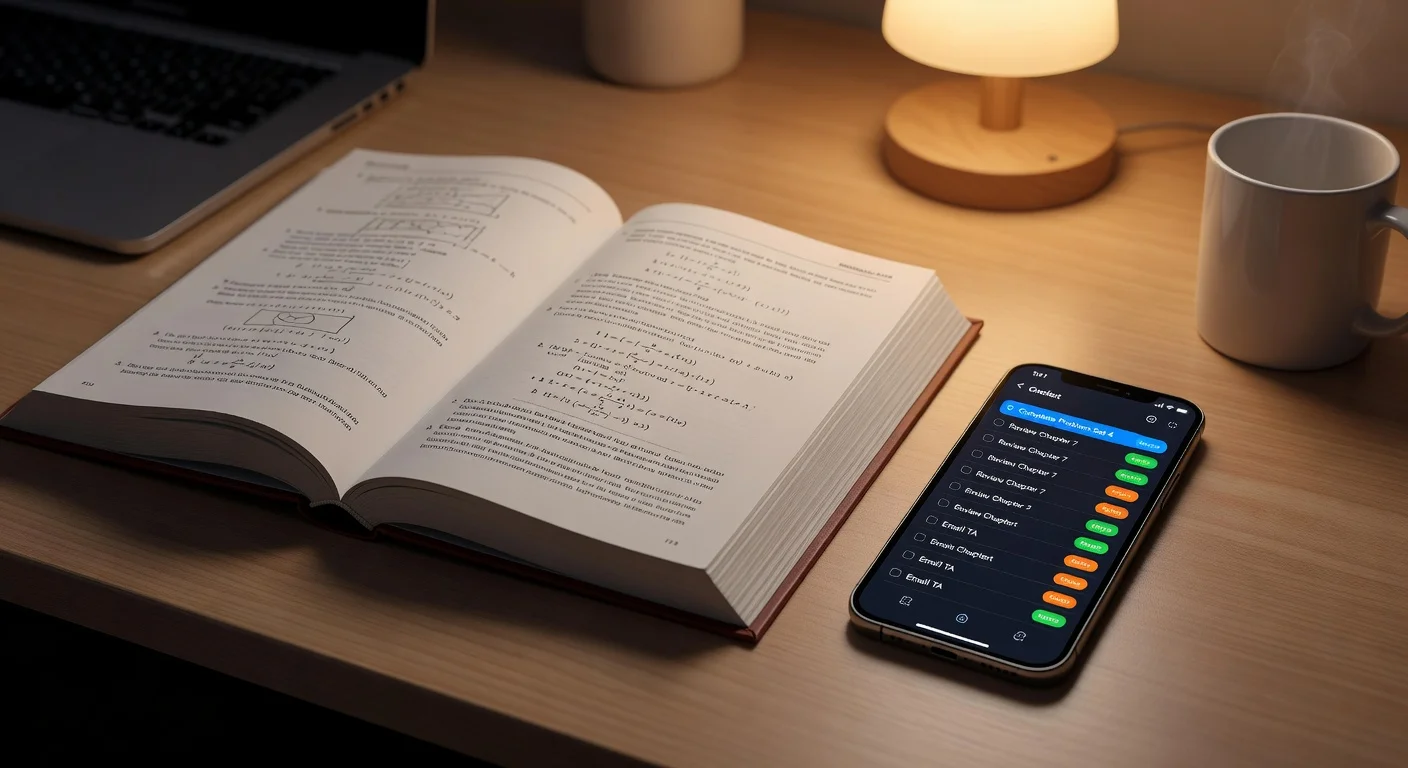
An assignment tracker app is a digital planner that organizes school deadlines and study schedules. Unlike standard paper diaries, it sends automated alerts and syncs your syllabus across devices so you never miss a midnight submission.
I spent the last six months comparing every student planner I could find on the app stores. Most tools focus entirely on when a project is due, but they offer zero help with actually doing the work.
If you are looking for the best homework help apps, you probably need an ecosystem that tracks your tasks and helps you solve them. I tested 14 different tools using real college coursework. Here is exactly what I found.
Why do 90% of study planners fail in 2026?
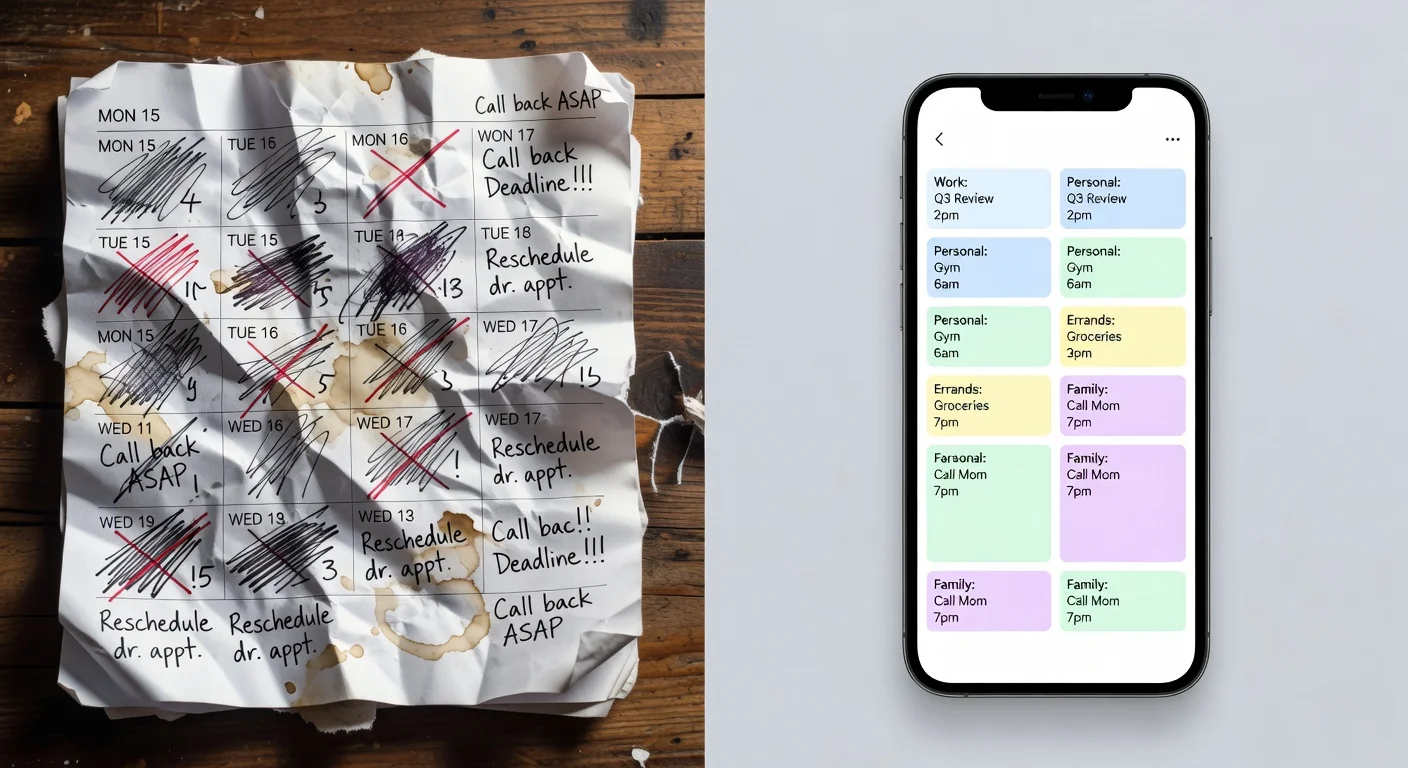
The problem is manual data entry. Most productivity apps require you to type out every single assignment, attach color labels, and assign specific calendar dates manually.
Students usually abandon their tracking system by the third week of October. Building custom databases simply takes too much time.
Do simple to-do lists work for college students?
No, a standard checklist is rarely enough for heavy university workloads.
Basic lists do not account for reading volume or complex project phases. You need software that manages sub-tasks such as reading, drafting, and reviewing rather than just a massive wall of unchecked boxes.
What features must an assignment tracker have in 2026?
A reliable system needs cross-device syncing, intelligent notifications, and exam review capabilities. If you want to know how to get homework done without burning out, your app must have these three functions.
I eliminate any tool that lacks:
- Cloud access so you can view tasks on both your laptop and phone.
- Task hierarchy with folders for specific classes.
- Past assignment archives so completed work remains available for midterm review.
You can test that workflow in the browser before installing anything, using our free assignment tracker.
The top 5 assignment tracker apps ranked for 2026
1. Todoist
Todoist is a task manager that relies on natural language processing to schedule deadlines. You simply type "Math essay due Friday at 8 PM" and the app automatically drops it onto your calendar.
I use this heavily for basic reminders because the interface is fast. Getting a task out of my head and onto a digital list takes less than three seconds.
The major trade-off is the paywall. Todoist restricts detailed reminders and specific calendar syncing to their $4/month premium plan.
2. Notion
Notion is a sandbox workspace where you construct your own customized study databases. You can build Kanban boards, grade calculators, and lecture libraries from scratch.
This software remains popular among university students in 2026 because you can link your lecture notes directly to your assignment deadlines. Having everything stored in one digital binder is convenient.
The learning curve is massive. Setting up a functional Notion dashboard often requires watching hour-long tutorial videos, which defeats the purpose of saving time.
3. ThinkAssist
ThinkAssist is an AI-powered homework solver that automatically catalogs your past answers for exam prep. While traditional trackers log the due date, this app focuses on solving the actual textbook problems and tracking those solutions logically.
If you struggle with heavy math or science workloads, standard checklists are useless. With ThinkAssist, you just take a photo of the assignment problem, and the 24/7 AI tutor gives you step-by-step explanations.
The app automatically detects the subject and saves every explanation into an organized vault. This turns your completed homework log into a structured study tracker specifically built for test preparations.
I think this is the most direct solution if your main barrier is actually completing the work, rather than just knowing the due date. You can grab the mobile version directly from the ThinkAssist App Store page.
The main trade-off is that it focuses strictly on problem-solving and answer retention, so if you want to track a 30-page history essay timeline, use a calendar app instead.
4. My Study Life
My Study Life is a cross-platform planner built exclusively for standard academic rotations. It handles complex university schedules like alternating A/B weeks perfectly.
I was surprised by how well it color-codes overlapping lectures and seminar groups. The layout mimics a traditional school diary much better than a corporate business tool.
The interface is rigid. It has looked virtually identical since 2021, and the mobile application occasionally freezes when swiping between calendar months.
5. Google Calendar
Google Calendar is the default time-blocking tool for over 500 million active users globally. I include it here because scheduling designated blocks of study time is often more effective than just listing a deadline.
Visually blocking out a two-hour window for biology homework forces you to confront exactly how much free time you actually have.
The downside is clutter. Mixing your study blocks with your work shifts, social events, and gym times creates a heavily congested screen layout.

Which assignment tracker app offers the best overall value in 2026?
ThinkAssist provides the highest practical value if your goal is finishing assignments, while Todoist wins for pure organizational speed.
I built the comparison table below to break down exact feature constraints for late 2026. Keep in mind that software pricing changes frequently, so always check the official app pages.
| App Name | Primary Use Case | Monthly Price (USD) | Platform Label |
|---|---|---|---|
| Todoist | Rapid task input | $4.00 (Pro) | Best for Speed |
| Notion | Complete study databases | Free (mostly) | Most Customizable |
| ThinkAssist | Solving & saving assignment answers | Subscription based | Easiest to Use |
| My Study Life | Navigating complex timetables | Free | Best for Rotations |
| Google Calendar | Visual time-blocking | Free | Best for Scheduling |
Do students really need to pay for an assignment tracker subscription?
Most students can survive totally fine on the free tiers of basic organizational tools.
You only need to open your wallet if you require heavy integrations, AI tutoring layers, or massive file uploads.
I prefer paying a few dollars for an app that forces me to sit down and finish a tough calculus sheet. Avoiding an academic failure is easily worth the price of a coffee. Just find a system that requires the absolute lowest amount of manual typing.
Frequently Asked Questions
What is an assignment tracker app?
An assignment tracker app is a digital planner designed to help you log homework deadlines, track assignment progress, and manage study schedules across your devices.
Are study planner apps completely free?
Most productivity apps offer a basic free tier, but premium features like AI solving, unlimited file uploads, or calendar syncing usually cost between $4 and $10 per month.
Why do my assignment alerts stop working?
Alerts usually fail because smartphone background battery optimization suppresses the app's notification permissions. You need to manually exempt the tracker in your phone settings.
Can I use Google Calendar for homework?
Yes, you can use Google Calendar for homework by creating dedicated time blocks. However, it lacks features for attaching specific textbook pages or solution steps.
How does ThinkAssist track past assignments?
ThinkAssist saves every photo sequence and AI-solved step into an organized history vault. This turns your solved homework into a customized review tracker for midterms.
Should I use Notion for high school?
Notion is incredibly powerful but often too complicated for simple study tracking. Building a template from scratch wastes time that you could spend actually studying.
Do these trackers sync with my school syllabus?
Very few apps automatically pull data from platforms like Canvas or Blackboard. Most require you to manually input your syllabus dates at the start of the semester.