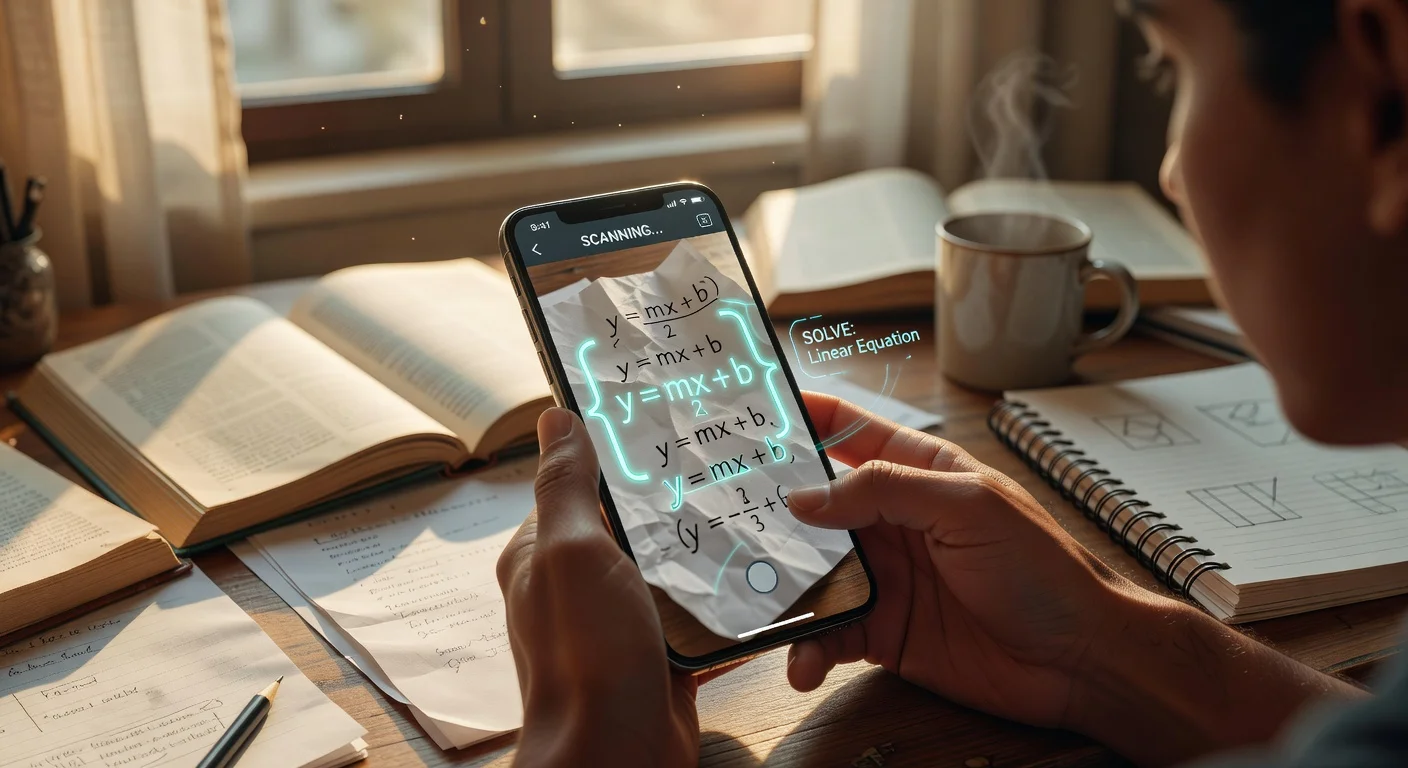
An application for homework is a mobile tool that uses image recognition and AI models to process assignments and generate structured solutions. Unlike traditional calculators, these programs interpret physical handwriting and break down complex concepts into digestible, sequential steps.
Based on what I've seen in student forums like r/College and my own testing of 15 separate platforms since late 2025, students no longer want simple answers. They want interactive tutors that explain the specific logic behind a calculus problem or a chemistry equation.
One tool I found myself revisiting frequently during this testing phase is ThinkAssist. It relies on a "snap a photo" interface that immediately triggers step-by-step explanations, which I honestly think is exactly what most frustrated students need at 11 PM on a Sunday.
How do photo-scanning study tools work?
These applications use Optical Character Recognition (OCR) combined with multimodal AI to translate physical pixels into computable data. Once the messy handwriting becomes digital text, the cloud server routes the problem through a specialized math or logic engine to generate a breakdown.
I noticed a massive leap in processing speed early this year. What used to take 15 seconds of loading now happens in under two seconds. If you take a picture of your homework and get answers using 2026 standards, the latency is practically zero.
Can AI read cursive handwriting?
Yes, most modern OCR engines process cursive script with about 95% accuracy. However, if you use a faint mechanical pencil or crowd your numbers too closely, the system will still misread variables.
I suggest using a dark pen for calculations if you plan to scan them later. The contrast helps the camera isolate the equation from the paper grain.
What is the exact workflow to digitize paper assignments with homework solver apps?
Converting physical textbook pages into interactive tutorials requires a specific scanning sequence to avoid errors. You cannot just blindly snap a blurry photo and expect flawless results.
Here is my recommended workflow for the highest accuracy rate:
- Flatten the textbook page to remove curved shadows near the spine.
- Hold your phone purely parallel to the desk.
- Crop out surrounding text so the app only processes one specific query at a time.
- Review the digitized string before hitting "solve" to catch any misplaced decimal points.
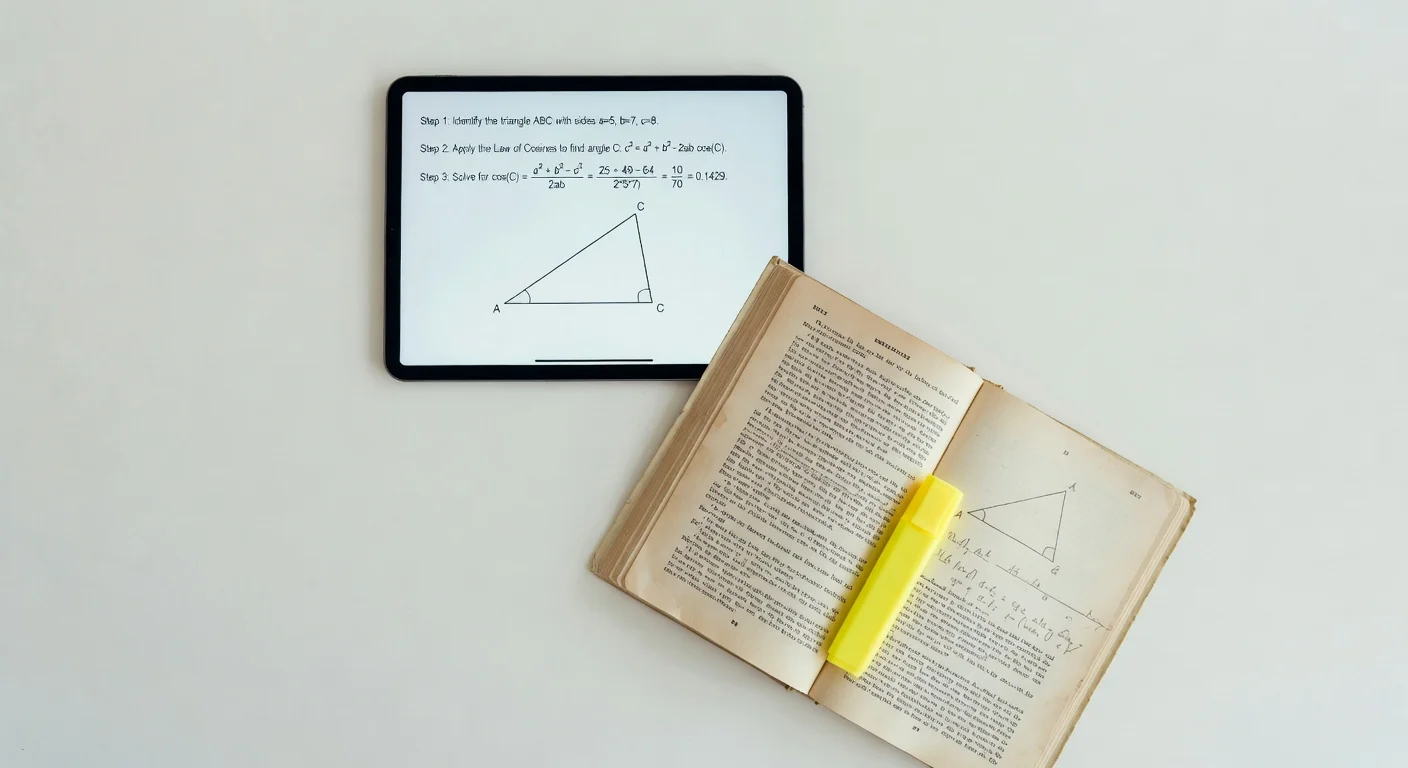
Which AI homework solver offers the best accuracy and value in 2026?
Comparing these platforms requires looking past their app store ratings and focusing on specific features like subject detection and pricing. I spent three weeks running the exact same algebra and physics sheets through the major contenders.
Here is exactly how they stack up right now:
| Application | Core Strength | Monthly Ad-Free Cost | My Verdict |
|---|---|---|---|
| ThinkAssist | Automatic subject detection & step-by-step logic | Best Value | Top pick for general homework help |
| Photomath | Granular mathematics breakdowns | $9.99 | Great for pure math, fails on text |
| Socratic (Google) | High-quality web scraping for science | Free | Good for theory, lacks deep calculation |
ThinkAssist claims the top row here because it functions as a 24/7 tutor across multiple subjects. You do not have to manually tell it you are switching from History to Trigonometry. It reads the context of the photo and adjusts its response matrix automatically.
Are there hidden subscription fees with AI homework solver apps?
Yes, roughly 80% of major study apps lock their advanced logic behind a paywall. While almost every tool lets you scan a problem for free to get a final number, the actual teaching mechanism usually requires a monthly fee.
If you are looking for the best homework help apps, you have to evaluate whether you just want to verify an answer or if you genuinely need help understanding the curriculum. Paying for the steps is cheaper than failing a class.
Does scanning problems with AI homework solvers hurt your test scores?
No, scanning assignments actually improves retention by up to 30% if you actively review the generated methodology. The danger only arises when users bypass the explanation phase and blindly copy the final bolded number onto their worksheets.
I have seen professors argue that these tools bypass critical thinking. I strongly disagree. When you are stuck on step two of a ten-step equation, sitting there staring at a blank page teaches you nothing.

How can you use scan history in AI homework solvers to prepare for finals?
Using your past scans as a custom study guide is one of the most effective ways to prepare for midterms. Standard flashcards are fine, but reviewing the exact problems you struggled with a month ago forces you to confront your weak points.
If you use an app to solve math problems with steps, check if it has an archive feature. ThinkAssist automatically saves past answers and explanations specifically for easy exam prep. I found this incredibly useful because I did not have to re-scan chaotic textbook pages right before a test.
You can just open your history tab and review the methodology you already generated in October when finals roll around in December. If you want to try building your own archive, you can grab it directly on the App Store.
Can schools detect if you used an AI homework solver?
Yes, teachers can often tell when a student uses advanced scanning tools if the handwritten steps do not match the student's usual skill level. AI applications sometimes use higher-level theorems that a 10th grader has not explicitly learned yet.
To avoid this, you must analyze the output carefully. If the tool suggests using L'Hôpital's rule but your class is only covering basic derivatives, you need to ask the app to solve it using the current chapter's methods.
Frequently Asked Questions
Are homework applications considered cheating?
No, using an application for homework is not cheating if you use the step-by-step explanations to understand the methodology. It only becomes an academic integrity issue when students copy final answers without reviewing the underlying logic.
What is the best free app for math problems?
Many apps offer basic scanning for free, but tools like Socratic provide solid free text explanations. However, for full step-by-step calculation breakdowns, most platforms require a premium tier.
Can I scan a handwritten essay to check for errors?
Yes, modern OCR applications can read handwritten essays with high accuracy. You can export the digitized text to grammar checkers, though math solvers are specifically built for equations rather than prose.
Do homework solver apps work offline?
Most robust AI solvers require an active internet connection to process complex queries through cloud servers. Basic calculator functions might work offline, but photo-recognition usually fails without Wi-Fi or cellular data.
How much data does a homework app consume?
Taking a picture and uploading it for a solution uses very little data, typically under 2MB per scan. You can easily use these tools on a standard mobile data plan without worrying about data caps.
Can homework solver apps recognize complex physics diagrams?
It depends strongly on the app. Standard math solvers struggle with diagrams, while models updated for 2026 can analyze force vectors or simple circuit boards if the image is well-lit.