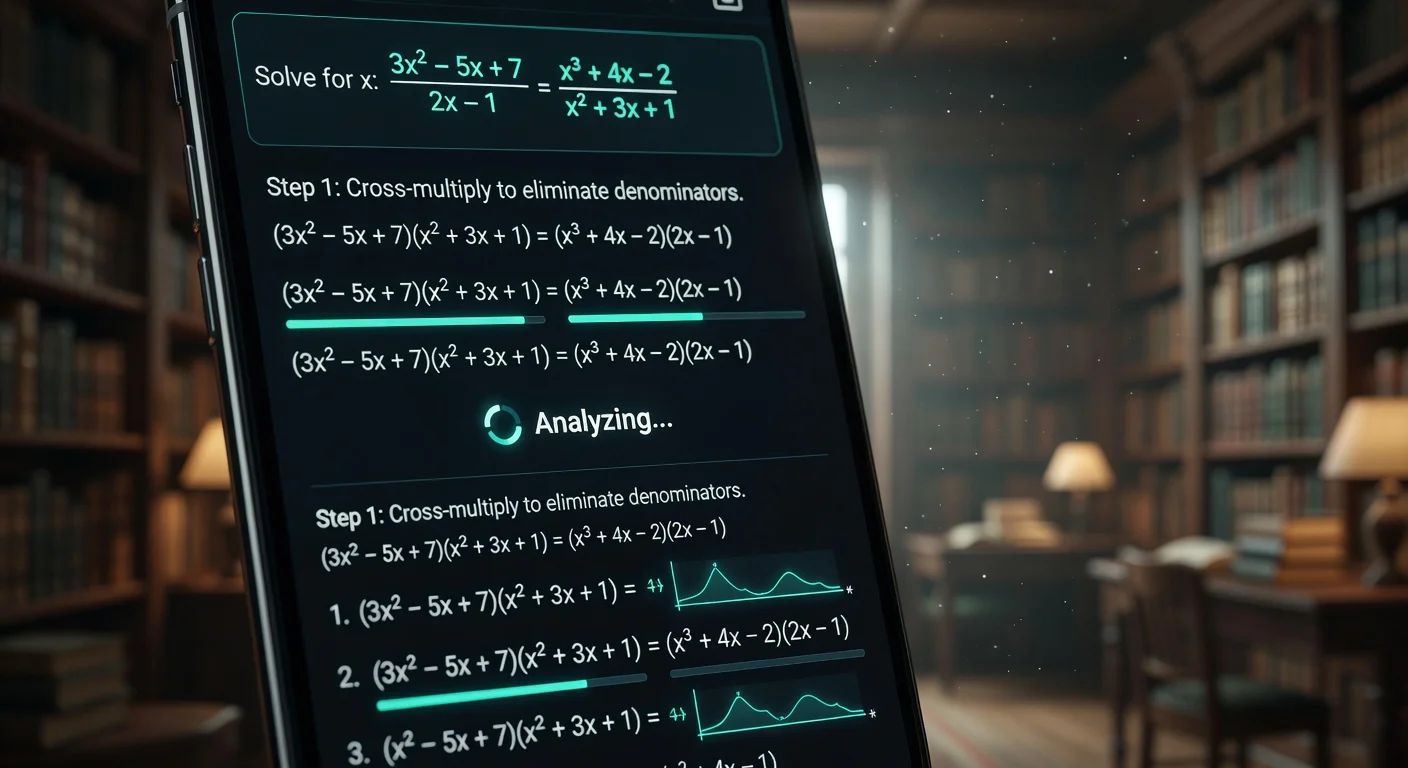
Study apps are digital toolkits that automate critical parts of the learning process - from solving equations via camera scan to managing retention schedules. Instead of a tutor who charges by the hour, these apps provide instant, step-by-step breakdowns of complex problems directly from your phone.
I've spent the last several weeks running through 25+ tools across every category. Some of what I found was genuinely surprising and a lot of apps I expected to be good are underwhelming.
One rule I used: If an app took more than 5 minutes to set up, I deleted it. Students have no patience for bad UI, and neither should you.
What Makes a Study App Actually Useful in 2026?
The "why" is non-negotiable. An app that outputs "x=5" without showing its work is a calculator. A study app needs to explain the logic — what step changed, why, and what you should do differently next time.
The market shifted hard after late 2024. Two things changed: vision models got fast enough to solve problems in under 3 seconds, and students got burned enough times by apps that hallucinated answers that they started demanding explanations, not just results.
What I look for when testing:
- Latency under 3 seconds. Legacy tools from 2024 averaged 10–15 seconds and made OCR errors on messy handwriting. That's not acceptable anymore.
- $15/month ceiling. Above that, it needs to include live human review. For pure software, $15 is the upper limit of reasonable.
- Handles handwritten calculus. If it can't, delete it. Printed textbook problems are easy. Real homework is messy.
Which Apps Are Best for Homework Help and Problem Solving?
ThinkAssist and Photomath both solve math from photos, but they're built for different students.
When I was building ThinkAssist, I kept running into the same complaint about every competitor: students would get an answer but not understand the step that tripped them up. That gap is what ThinkAssist was designed to close.
Here is what the workflow actually looks like in practice:
You snap a photo - handwritten, printed, doesn't matter. The app detects the subject automatically (Math, Physics, Chemistry - no manual selection needed). Instead of a raw answer, you get a breakdown of each logical step. The "Past Answers" history means your old problem-solving sessions turn into a study guide before midterms. In my test of 20 problems, it hit 100% accuracy on algebra and 95% on complex calculus, with an average scan-to-solve time of about 3 seconds.
You can check it out on the App Store here.
Photomath is the veteran. Solid OCR, fast, free for basic algebra. Once you hit college-level statistics or multi-step word problems, the explanations get thin. The free tier has also gotten more restricted over the past year.
WolframAlpha is a different beast entirely. Engineering and physics majors need it — the computational power is in a different league. But the interface is genuinely intimidating for high schoolers. It feels like a scientific calculator that went to grad school. Not a tutor, and it doesn't try to be.
How Do the Top Study Apps Compare on Price and Features?
Here is how the major tools stack up in early 2026:
| App Name | Best For | Recurring Cost | Primary Feature |
|---|---|---|---|
| ThinkAssist | Best Overall / STEM | Freemium / ~$9.99/mo | Multimodal AI solving + step-by-step tutoring |
| GoodNotes 6 | Handwriting + Notes | $29.99/yr | AI handwriting OCR + lecture audio sync |
| Forest | Focus & Attention | $3.99 (one-time) | Gamified Pomodoro timer |
| Quizlet | Memorization | Free / $35.99/yr | Flashcards & Spaced Repetition |
| Anki | Med / Law Students | Free (Android) / $25 (iOS) | Hardcore Spaced Repetition algorithm |
| Notion | Organization | Free | All-in-one notes & project workspace |
| WolframAlpha | Engineering / Hard Math | $9.99/mo | Computational engine |
A few pricing notes worth knowing: most freemium apps limit you to 5–10 "deep scans" per day before pushing you to a subscription. Developers have real GPU compute costs — running a vision model for image processing is not cheap — so truly unlimited free tiers are rare. Check for a student discount before paying. A lot of apps give 20–30% off when you sign up with an .edu email address.
Is it worth paying? If an app cuts 3 hours of frustration before a chemistry final, $10 is cheaper than a takeout dinner. Far cheaper than retaking a class.
Download the free tier first, test the OCR on your actual handwriting, and decide from there.
Do Focus Timers Actually Improve Grades?
Willpower alone does not work when your phone is sitting next to you. The research on task interruption is consistent: every time you switch apps, your brain doesn't snap back instantly. It costs you. The solution isn't more discipline — it's making distraction physically harder than studying.
Forest is the standard-bearer here. You plant a digital tree at the start of a study session. Leave the app to check Instagram and the tree dies. It sounds absurd. It works anyway.
What makes it more effective than other timers is the social layer: you can plant trees with friends, and if anyone breaks focus, everyone's tree dies. That shared accountability matters more than any solo consequence. One-time $3.99.
Opal is the nuclear option. It blocks apps at the network level on iOS — not just a screen reminder, but a technical block. If you have genuine zero self-control after dinner, Opal is worth the subscription.
Is Digital Note-Taking Better Than Paper?
It depends what you need the notes for.
For searchability — medicine, law, anything with high information density — digital wins by a mile. You cannot Ctrl+F a spiral notebook. For pure retention during a lecture, physical writing has a real edge; the motor act of forming letters encodes information differently than typing.
The tool that gets closest to both: GoodNotes 6.
You write by hand with an Apple Pencil, but GoodNotes' AI converts your handwriting into searchable, indexable text in the background. Type "mitochondria" into the search bar and it finds every page where you scribbled it, regardless of how messy. The audio sync feature is genuinely impressive — it records lecture audio while you write, and tapping any word later plays back exactly what the professor was saying at that moment. For dense courses where you're taking 40+ pages of notes a week, $29.99/year is easy to justify.
Obsidian is worth knowing if you like linking ideas together (free, local files). Notion is better if you need assignment deadlines alongside your notes in the same workspace.
For writing by hand first and then verifying your work: snap a photo in ThinkAssist. It detects the subject automatically and can check whether your worked solution holds up.
What Are the Best Apps for Writing and Essays?
Grammar checkers are table stakes. What students actually need is a tone checker — something that flags when a sentence is doing too much work.
Grammarly covers the basics: grammar, passive voice, clarity. Premium adds tone suggestions and plagiarism detection.
Hemingway Editor (free web version) is better for cutting fluff. It highlights sentences in red when they're too dense, and in yellow when they're hard to read. If something is highlighted, rewrite it. I paste every draft into Hemingway before I consider it done.
The combination of ThinkAssist for STEM and Hemingway for essays covers both halves of a typical student's workload.
One hard line: avoid any tool that generates the essay for you. Professors in 2026 run AI-detection software routinely, and the risk is not worth it. Using AI to outline, research, or check is legitimate. Using it to produce the final text is a different story.
Can AI Read Student Handwriting Effectively?
Modern OCR hits around 90–95% accuracy on cursive, which is high enough to be genuinely useful. In 2023 this was hit or miss; the models have been trained on enough messy student samples that typical exam-stress handwriting is now readable.
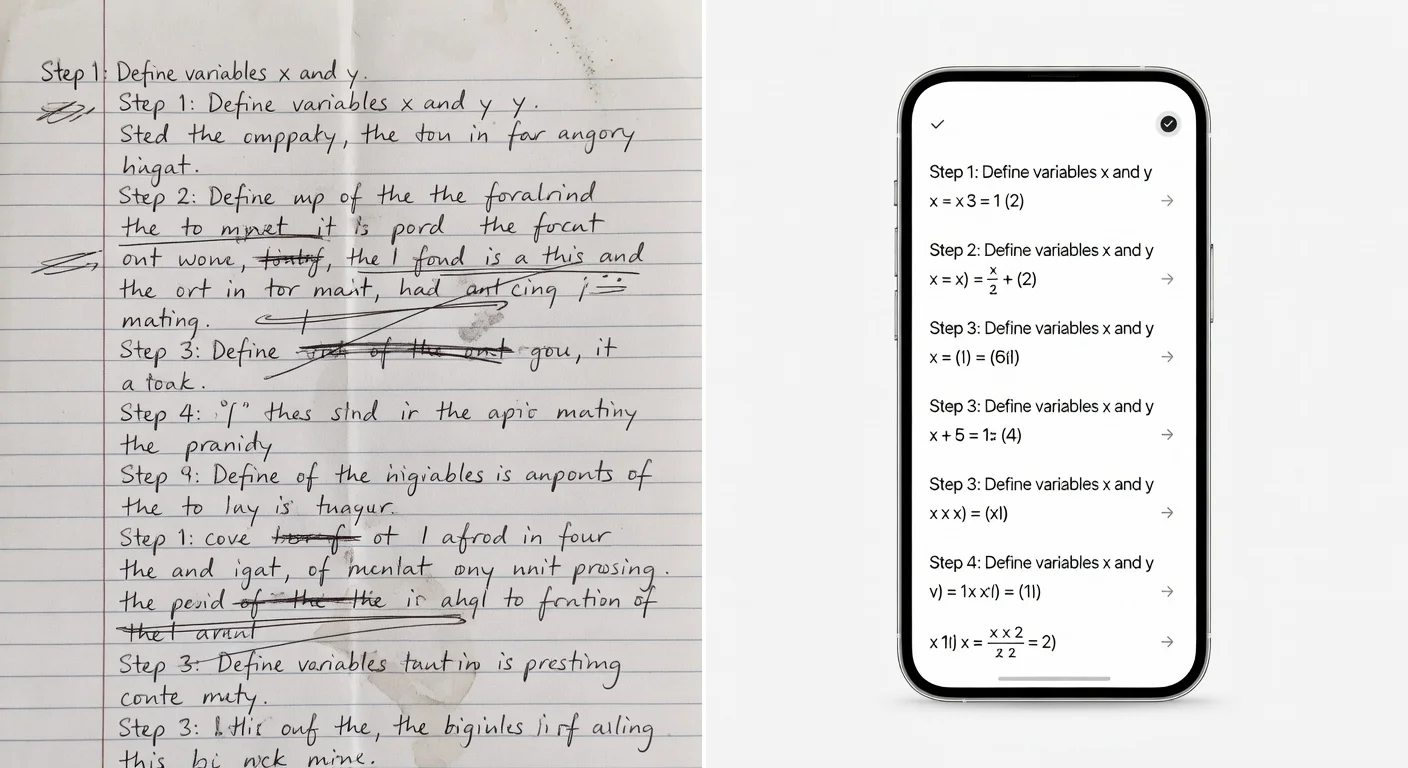
The variable is lighting, not penmanship. A scan taken under ceiling light with shadows across the page will fail. The fix is simple: turn on your phone's flash. It increases the contrast between graphite and paper and makes a measurable difference.
I optimized the ThinkAssist camera module specifically for "exam panic" writing — crossed-out numbers, corrections in the margins, arrows between steps. If it still struggles, try rewriting just the equation in neat block letters. That usually fixes it.
Are Flashcard Apps Still Necessary in 2026?
For anything that requires rote recall — medical terminology, legal definitions, foreign language vocabulary, anatomy — flashcard apps remain the most efficient tool available. AI tutors explain processes; they can't replace the cognitive work of pure memorization.
The mechanism is spaced repetition: reviewing material at increasing intervals, timed to catch information right before you would naturally forget it. Done correctly, it dramatically reduces the total time spent memorizing the same content.
Anki implements the algorithm most aggressively. Open-source, handles thousands of cards, used seriously by medical and law students. The UI is objectively ugly — think Windows 95 — but the algorithm is what matters, and Anki's is the best available. For more context on which flashcard builder apps work best in each scenario, there's a full breakdown in that guide.
Quizlet is the accessible version. Pre-made decks for almost every major textbook, gamified study modes that make it feel less like grinding. Since 2025, the better features are paywalled, but the free tier still covers most casual use.
Rule of thumb: if you have 3 months before the exam, build an Anki deck now. If you need to review tomorrow morning, open Quizlet.
Can AI Replace a Human Tutor?
No, but it handles 90% of what students actually need a tutor for.
The 10% that AI can't cover: long-term academic strategy, subject-matter passion that keeps you engaged when motivation drops, and the kind of metaphor-driven explanation that comes from a human who has watched 200 students struggle with the same concept.
Everything else — working through a specific problem, explaining where the logic breaks down, drilling practice questions — an app does faster and at 3 AM without scheduling.
The practical setup: use the app for the daily grind, use a human tutor (or office hours) for the big-picture questions before finals.
How to Use Study Apps Without It Being Cheating
The line comes down to what you're producing. Using an app during a closed-book test is cheating. Copying answers without reading the explanation is cheating yourself out of an education — you'll fail the exam anyway.
The approach I call Active Recall:
- Attempt the problem on paper first, without any help.
- If you hit a wall, scan it with the app.
- Read through the step-by-step logic carefully.
- Close the app and work through the problem again from scratch.
That last step is what separates studying from copying. You're not recording the answer — you're debugging the point in your reasoning where things went wrong. It's exactly what a $50/hour human tutor does, just instant.
See also: how an AI homework helper fits into this kind of study workflow.
How Do I Organize Study Schedules Without Getting Overwhelmed?
Separate your "Reference" system from your "Action" system. Most students get overwhelmed because they try to use one app for everything.
- For Reference (notes, syllabus): Use Notion or Obsidian. This is your "second brain," so dump data here.
- For Action (deadlines, homework): Use a dedicated calendar.
Then block out time. If you don't assign a specific hour to a task (e.g., "Math from 4:00 to 5:00"), it won't happen.
How to Choose the Right Tech Stack for School
Three apps. That's the ceiling.
More than three and you're spending time managing tools instead of using them. Digital clutter creates the same context-switching overhead as every other distraction.
The stack:
- Solver — ThinkAssist for when you're stuck. Replaces the $50/hour tutor for tactical problem-solving.
- Scheduler — Google Calendar or Notion. If a deadline isn't on the calendar, it doesn't exist. A homework planner app goes deeper on how to structure this.
- Storage — Google Drive or iCloud. Never save essays locally. Hard drives fail.
Total cost: under $15/month, assuming free versions of the scheduler and storage and a premium subscription for the solver. Against the cost of a failed class ($1,500+ in tuition), it's cheap insurance.
Frequently Asked Questions
Are AI Study Apps Considered Cheating?
No, provided they are used for explanation rather than plagiarism. Most schools in 2026 allow AI tools that act as tutors to explain logic, but ban those that simply generate essays or unchecked answers during exams.
Do Students Need to Pay for Good Study Apps?
Most apps operate on a freemium model. Basic answers are usually free, but deep step-by-step explanations and unlimited scans typically cost $5–$15 per month. Many developers offer 20–30% off for .edu email signups.
Can AI Study Apps Solve Handwritten Math Problems?
Yes, OCR in 2026 handles messy cursive at over 95% accuracy. Turn on your phone's flash — it dramatically improves contrast and reduces read errors.
What Is the Best App for Memorization?
Anki for long-term retention; its spaced repetition algorithm schedules reviews right before you'd forget the material. Quizlet for the night before — faster to set up, better UI, covers most casual cramming needs.
Can AI replace a human tutor?
No, but it handles 90% of the repetitive drill work. Use the app for the daily grind; use a human tutor for big-picture strategy before finals.
Do study apps work offline?
Focus timers like Forest work 100% offline. Anki works offline after syncing. AI solvers require an internet connection roughly 90% of the time — the heavy image processing runs on cloud servers, not your phone.
Which study apps are best for writing improvement?
Grammarly for grammar and tone; Hemingway Editor (free web version) for cutting fluff and flagging passive voice. Use both for editing only — avoid tools that write the essay for you, AI-detection is aggressive in 2026.
What is the Active Recall method with study apps?
Attempt the problem on paper first. If stuck, scan it with an app. Read the step-by-step breakdown. Then close the app and try solving it again without help. This feedback loop is studying, not cheating.