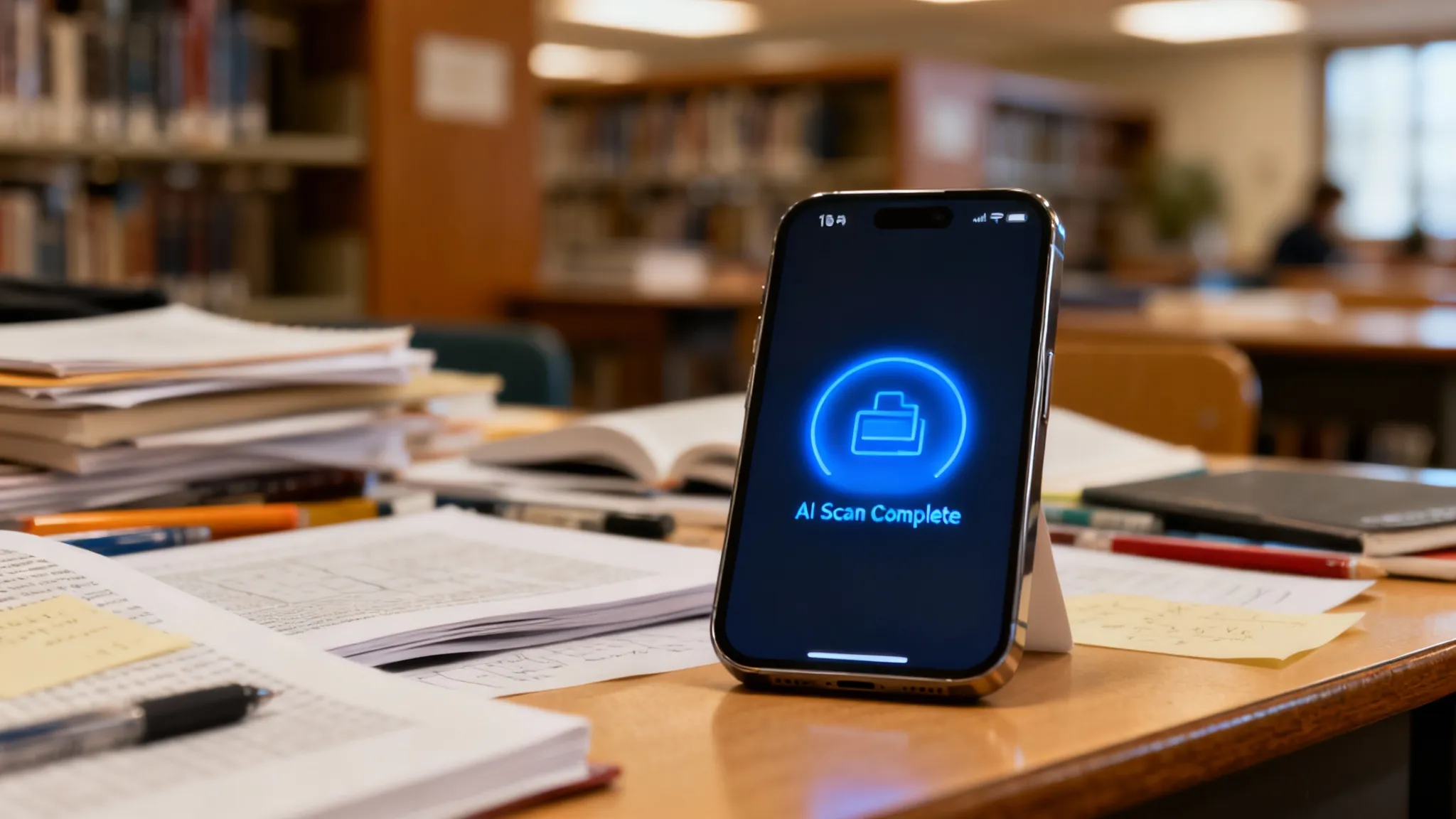
A homework planner app is a digital command center that tracks assignments, exams, and deadlines. Unlike the paper agendas of the past, modern 2026 versions auto-sync with your LMS (like Canvas) and (crucially) integrate AI to help you actually do the work, not just list it. After testing dozens of planning and solver tools across four semesters of college coursework, I have learned that the difference between an A and a C often comes down to what happens when you get stuck — not how well you organized your calendar.
The Problem with Traditional Homework Planners
I’ve tested dozens of apps since my freshman year. Here is the problem with 90% of them: they are just glorified calendars.
You spend 20 minutes color-coding your "Math Homework" block for Tuesday night. But when Tuesday comes, you get stuck on question #3, stare at the wall for an hour, and the whole schedule falls apart.
The shift happening in 2026:
We are moving away from "Input Apps" (where you type in deadlines) to "Action Apps" (where the app helps clear the deadline).
- Old Way: Write down "Do Calculus P. 42."
- New Way: Snap a picture of Page 42, get the logic explained, and finish in 15 minutes.
The shift toward AI-integrated study tools has been rapid — more students now reach for solver apps than static calendars when managing their workload.
Scheduling Alone Is Not Enough to Improve Grades
A planner only helps if it reduces friction. Research on decision fatigue shows that the mental cost of choosing what to do next kills productivity faster than the work itself.
However, a schedule is useless if you don't have the tools to execute it. This is where I distinguish between schedulers and solvers. You need a workflow that handles both.
My recommended features checklist:
- OCR Scanning: Can it read my handwriting?
- Step-by-Step Logic: Does it teach me the concept?
- Alerts: Does it nag me intelligently?
- Speed: Does it load in under 2 seconds?
If an app takes five minutes to set up, you won't use it. For more on the solver side of this equation, see our guide on apps that help with homework.
OCR accuracy varies by input type:
- Printed text: high accuracy on clean fonts
- Handwriting: noticeably lower (lighting and pen pressure matter significantly)
Many apps can also parse a paper syllabus. Snap a photo of the handout and the AI populates your calendar with the deadlines automatically. It's not always perfect (I once had "Feb 4" read as "Feb 14"), but it saves 20–30 minutes of manual typing each semester.

What Are the Top Homework Planner Apps in 2026?
I rounded up the most popular tools currently flooding the App Store. I looked at price, utility, and whether they actually help you learn.
| App Name | Best For... | Core Feature | Cost |
|---|---|---|---|
| ThinkAssist | Learning & Problem-Solving | AI Solver + Instant Help | 3-day free trial, then $6.99/wk or $29.99/yr |
| Notion | Organization Geeks | Custom Databases | Free / $10+/mo |
| Todoist | Simple Lists | Natural Language Input | Free / $5/mo |
| Google Calendar | Basic Scheduling | Time blocking | Free |
1. ThinkAssist (The Procrastination Killer)
I categorize ThinkAssist differently than Notion. While Notion is great for building a pretty database, ThinkAssist is designed to eliminate the gap between seeing a task and actually starting it.
The biggest reason homework plans fall apart is the moment you get stuck. You stare at problem #3, lose momentum, and the whole evening derails. With ThinkAssist, that wall disappears — you scan the problem, get the reasoning explained, and keep moving. The homework session stays on track because there is no 20-minute frustration spiral.
What actually matters here:
- Zero friction start: You see the assignment, open the app, and scan. No setup, no menu navigation.
- Built-in review: Every problem you scan gets archived with its explanation, so your nightly homework automatically builds your exam prep library.
Cost reality: Standard planners are often free. AI-integrated tools cost money because running GPU models isn't cheap. But compared to a human tutor at $40/hour, even ThinkAssist's $6.99/week (or $29.99/year) is straightforward math (and it's available at 11 PM on a Sunday).
You can check it out on the App Store here.
2. Notion
I love Notion for semester-long projects. If you have a 40-page thesis due in three months, build a roadmap here.
The downside: It requires a lot of setup. I spent more time designing my dashboard than actually studying.
3. Todoist
Great for quick capture ("Remind me to read Hamlet Chapter 1"). But it doesn't help you understand Hamlet. It’s strictly for memory management.
If memory is all you need help with, our guides to homework reminder apps and free assignment tracker apps cover the tools built for that job.
A Three-Step AI Study Workflow for 2026
You cannot rely solely on a calendar. The modern "A+" workflow in 2026 involves three specific steps.
Step 1: The "Capture" Phase
As soon as the teacher assigns work, get it out of your brain.
- Don't trust your memory.
- Put the due date in your phone instantly.
Step 2: The "Block" Phase
Group similar tasks. Do not switch between History and Math every 20 minutes.
- Why: According to the APA's research on multitasking, task switching can cost up to 40% of your productive time.
- Block out 90 minutes for "Quantitative Work" (Math/Physics).
Step 3: The "Solve" Phase
This is where apps like ThinkAssist replace the old textbook flip-through.
- Scenario: You hit a wall on Question 5.
- Old reaction: Text 3 friends, browse Reddit for 20 minutes, lose focus.
- New reaction: Snap a photo, get the logic, finish the problem, move to Question 6.
By keeping the momentum going, you finish homework in half the time. That frees up your evening for actual life.
For more on the solving side of this equation, our AI homework helper comparison covers the full landscape. And if math is your primary bottleneck, our guide on how to do math homework efficiently has specific techniques.
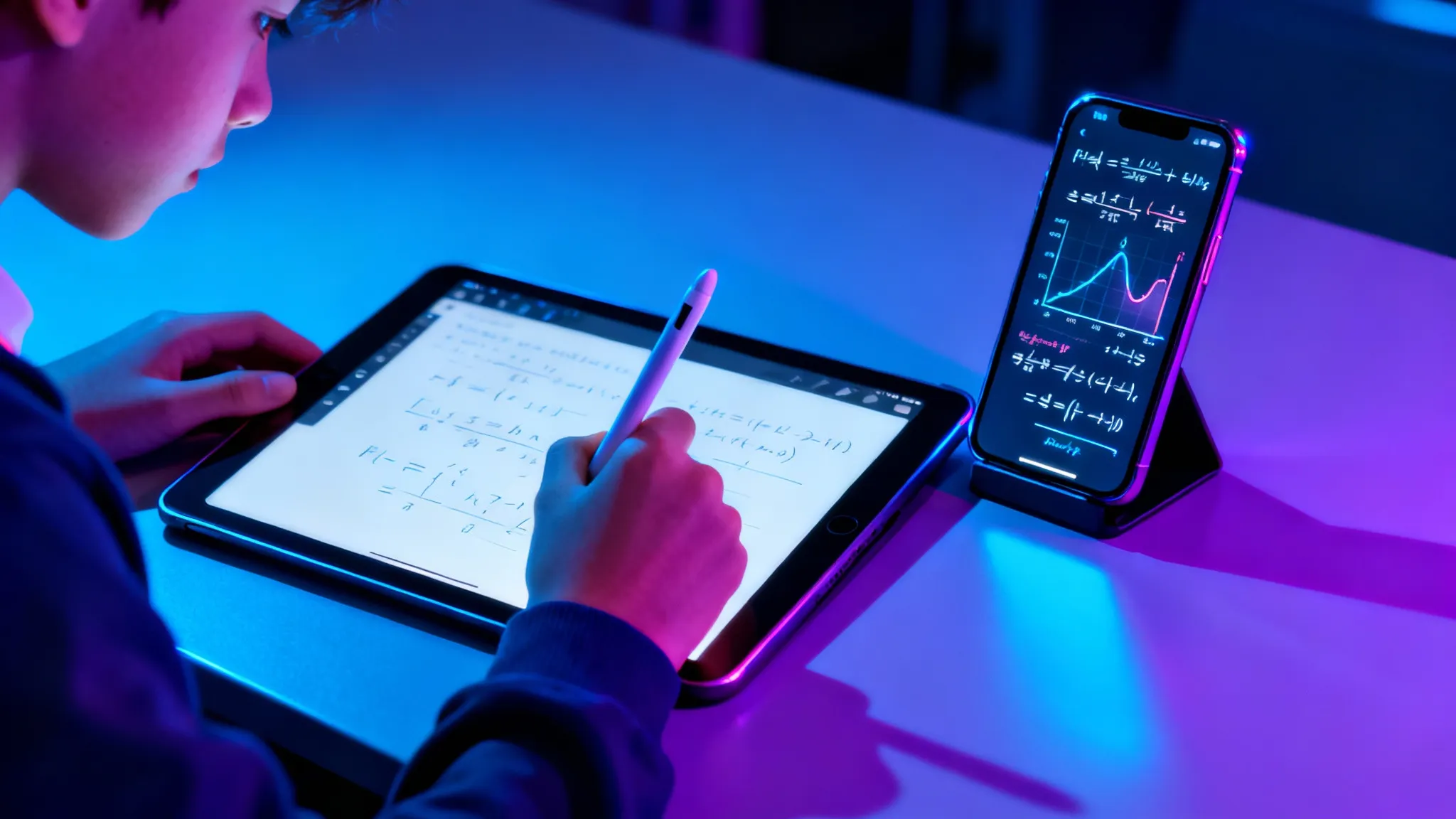
Does Using AI in Homework Apps Help or Hurt Learning Retention?
This is the big debate in faculty lounges right now. Teachers worry that "solvers" make students lazy.
I honestly think the opposite is true. Use the tool correctly, and it forces you to engage.
- Lazy usage: Copying the final answer.
- Smart usage: Reading the explanation to find where your logic broke.
A 2025 study published in Nature found that students using AI tutors with interactive feedback loops learned significantly more — and in less time — than those in traditional classroom settings. The key is engaging with the explanations rather than copying answers.
If you use an app like ThinkAssist, treat it as a partner. Read the solution. If you create a habit of reading the "Why," you are actually studying every time you do homework.
Paper vs. Digital Homework Planners: Which One Actually Keeps Me on Track?
Paper planners offer better memory retention, but digital planners offer better compliance. Writing a task down by hand helps you remember it. But a paper agenda is easy to lose, or to forget to open.
- Digital: Nudges you. Beeps at you. Integrating tools like ThinkAssist directly on the same device means you are one tap away from starting the work.
- Paper: Passive. Requires will power.
If you are struggling with motivation, go digital. If you are struggling with memory, write it down, then put it in your phone.
How Do I Organize a Rotating Class Schedule?
You need a dedicated academic planner that supports "Week A / Week B" logic. Standard calendars like Outlook struggle with this because they assume every week is identical.
If your school operates on a rotating block schedule, you have two options:
- Dedicated academic apps: Apps like MyStudyLife handle rotation logic natively.
- Manual color coding: In Google Calendar, assign a specific color to each subject (e.g., Red for Math, Blue for History).
But the schedule is just the container. Even the most perfectly color-coded calendar looks ugly if every block is overdue.
How to Pick the Right Homework Planner App for Your Workload
Start by identifying your actual friction point. Most students fail at one of two stages: forgetting the deadline, or getting stuck on the content.
Audit your needs in three steps:
- Check your syllabus format — is most of your coursework digital or on paper handouts? Paper-heavy classes need strong OCR.
- Identify the bottleneck — do you miss deadlines (need better notifications) or fail to finish the work (need a solver)?
- Test the camera — download an app and snap your hardest homework problem. If it can't read your handwriting or gives a hallucinated answer, delete it. The tech in 2026 is good enough that you shouldn't have to settle.
My advice by bottleneck:
- Just need a list: Stick to Todoist (free tier).
- Need to understand the material: Invest in a tool like ThinkAssist.
- Want a full life OS: Spend a weekend configuring Notion.
Frequently Asked Questions
Do I really need a paid subscription for a homework planner?
For basic to-do lists, no. Free apps like Google Tasks work fine. However, if you want AI tutoring features that actually solve the problems you schedule (like ThinkAssist), the subscription fee (ThinkAssist is $6.99/week or $29.99/year after a 3-day free trial) is worth the time saved.
Can AI homework apps effectively prepare me for exams?
Yes, modern apps store your past queries and generate custom study guides. Instead of just giving the answer, tools like ThinkAssist explain the "why," which is critical for retention during finals week.
Is it cheating to use an AI solver app?
It depends on how you use it. If you copy paste answers, you learn nothing. If you use the step-by-step breakdown features to understand the logic behind a math problem you're stuck on, it's legitimate tutoring.
How does image recognition in these apps work?
Apps use OCR (Optical Character Recognition) combined with Large Language Models. You snap a photo, the app translates the handwriting into digital text, and the AI engine computes the solution instantly.
Can homework planner apps sync with Google Classroom or Canvas?
Yes, many modern planners offer direct integrations or API connections to pull assignment deadlines from platforms like Google Classroom, Canvas, and Blackboard automatically.
What is the difference between a homework planner and a homework solver?
A planner tracks deadlines and organizes your schedule. A solver helps you understand and complete the actual assignments. The best tools in 2026 combine both functions so you can plan and execute in one workflow.
Do homework planner apps help with procrastination?
They help by breaking large assignments into smaller tasks and sending timely reminders. However, the real anti-procrastination feature is solver integration — when you can immediately start working on a problem instead of staring at it, the friction of starting disappears.
Which homework planner app handles messy handwriting best?
Apps with advanced OCR like ThinkAssist perform best with handwritten notes. Printed text still scans more reliably than handwriting, and results depend on lighting and legibility. Improve room lighting before concluding the tech is broken.
Do homework planner apps work offline?
Basic scheduling and task lists usually work offline. AI features like photo scanning and step-by-step problem solving require an active internet connection.
Can homework planner apps help with group projects?
Some tools like Notion support shared workspaces where team members can assign tasks and track progress together. For the actual solving component, each student typically uses their own AI tutor account.
How do I stop forgetting about assignments I planned?
Set multiple reminders at different intervals — one when the assignment is given, one 48 hours before the deadline, and a final alert the evening before. Apps with push notifications make this automatic.