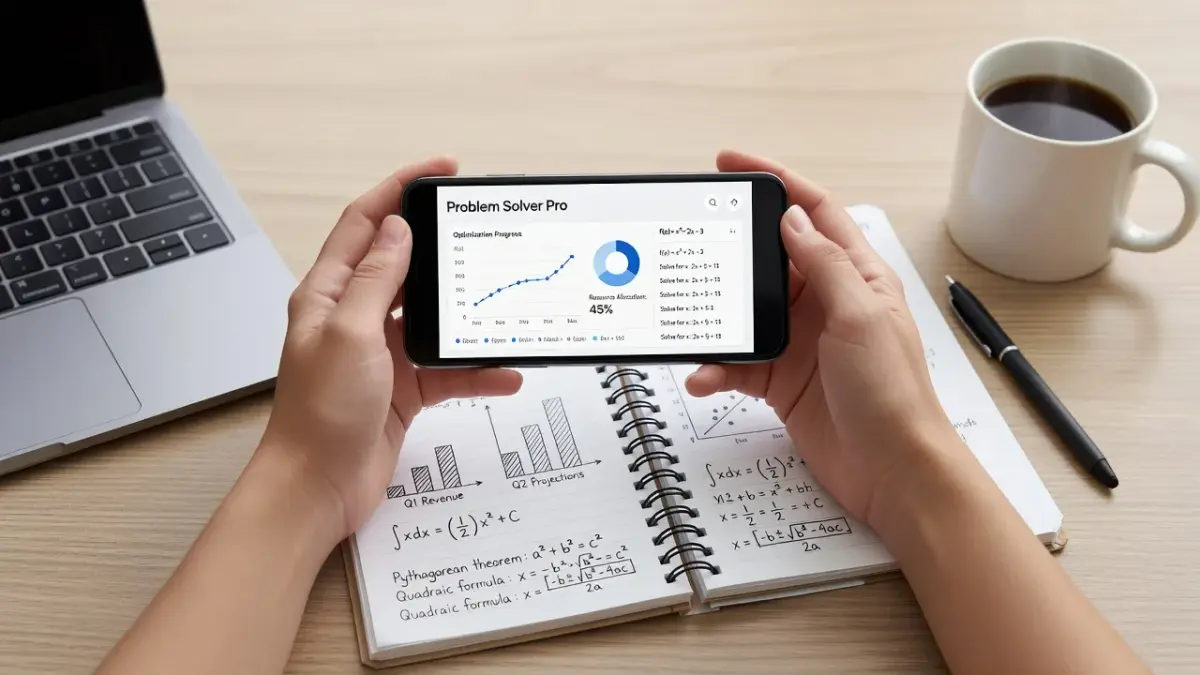
The best problem solving application depends on your primary domain: Wolfram Alpha leads for symbolic math, Miro dominates collaborative brainstorming, and LeetCode sets the standard for technical interview preparation. Choosing the wrong tool usually happens when you force a visual whiteboard into a computational calculation workflow. For students who need immediate analysis of multi-subject coursework questions, our ThinkAssist app for iPhone captures homework photo scans to generate step-by-step explanations across various subjects. It provides a clear path forward when you reach a roadblock on daily assignments.
What are the best math problem solver apps: Wolfram Alpha, Photomath, or Symbolab?
Wolfram Alpha is the top application for advanced symbolic math and physics calculations, while Photomath excels at instant camera scans for basic algebra. If you work on calculus, differential equations, or chemistry, Wolfram Alpha uses its vast computational knowledge engine to parse complex syntax and generate proofs. Photomath focuses primarily on K-12 math and algebra, using optical character recognition (OCR) to outline solving paths from printed or handwritten equations. Symbolab sits in the middle, offering structured step-by-step guides for college-level calculus and linear algebra with dedicated mathematical keyboards.
Comparing computational apps comes down to your input method and subject depth:
- Wolfram Alpha: Best for computational depth, physics formulas, and data analysis. As of November 2026, Wolfram Alpha Pro costs $9.99 per month for full step-by-step breakdowns.
- Photomath: Best for quick handheld photo parsing of algebraic expressions on mobile devices. Its free tier handles arithmetic and simple equations well.
- Symbolab: Best for university students needing practice problem sets in matrix algebra and vector calculus. Full step breakdowns require a $6.99 monthly subscription.
If you are evaluating dedicated math apps for mobile devices, reviewing our list of the best app to solve math problems can clarify which scanner fits your current coursework level.

What are the best brainstorming apps for problem solving?
Miro and FigJam are the best visual whiteboarding applications for unstructured group brainstorming and root-cause analysis. When a problem requires mapping user flows, creating fishbone diagrams, or grouping sticky notes, standard text lists fail. Miro provides an infinite digital canvas equipped with built-in templates like the 5 Whys framework and SWOT analysis grids. FigJam integrates directly into product design workflows, making it ideal for software teams analyzing user experience roadblocks.
Key factors when selecting a visual brainstorming application include:
- Miro: Features deep template integration for agile strategy sessions. Free plans support up to three active boards, while paid tiers start at $8 per user per month.
- FigJam: Exceptional for design teams already working within Figma, offering native widget support and live team voting.
- Stormboard: Designed for enterprise retrospective meetings, turning unstructured sticky notes into organized project tasks.
What are the best mind mapping apps like XMind and MindNode for problem solving?
MindNode is the top mind mapping application for Apple device users, while XMind provides the strongest cross-platform flexibility for complex data trees. Structured mind mapping breaks large, overwhelming problems down into manageable child nodes. MindNode features a minimalist interface that lets you build branch structures quickly using keyboard shortcuts on macOS and iOS. XMind excels at handling massive, intricate maps with multiple main topics, logic charts, and direct presentation modes.
Here is how the leading mind mapping tools handle structured thought organization:
- MindNode: Offers rapid node generation and organic layouts. Check features directly on MindNode's website.
- XMind: Built for multi-platform environments (Windows, macOS, Android, iOS) with heavy export options including PDF, SVG, and Markdown.
- Coggle: A web-based collaborative mind mapper that simplifies real-time team branch editing and color coding.
What are the best coding interview practice apps: LeetCode, HackerRank, or CodeSignal?
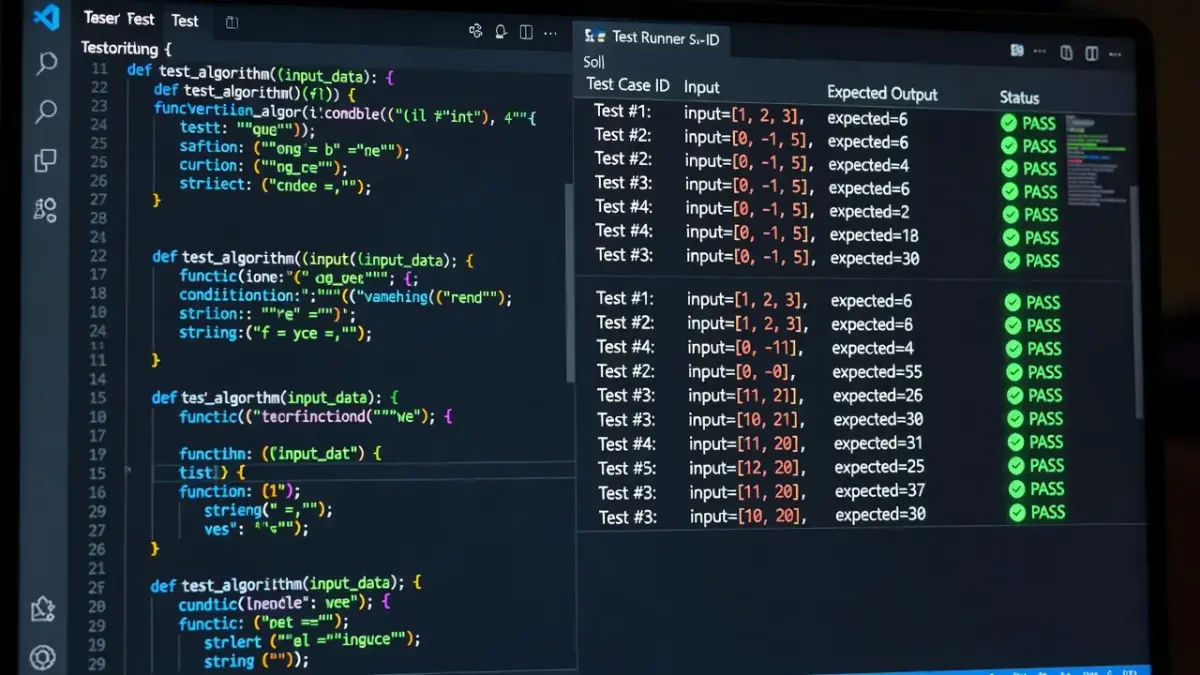
LeetCode is the definitive application for technical software engineering interview preparation, whereas CodeSignal excels at automated developer skill assessment. If your goal is passing data structure and algorithm interviews at technology companies, LeetCode provides the largest collection of real-world corporate interview questions. HackerRank focuses heavily on foundational computer science syntax and domain-specific language tracks. CodeSignal uses standardized scoring frameworks like the General Coding Assessment to evaluate practical coding proficiency for corporate hiring pipelines.
Comparing technical problem-solving platforms:
- LeetCode: Features over 3,000 algorithmic problems categorized by difficulty and company. The Premium tier costs $35 per month for specific company question filters. Explore options on LeetCode.
- HackerRank: Ideal for practicing fundamental algorithms and language proficiency through structured tutorial badges.
- CodeSignal: Excellent for practicing timed coding assessments under realistic pre-employment screening conditions.
What are the best decision making apps for pros and cons and decision matrices?
Rationale and ChoiceMatrix are the top decision-making applications designed to evaluate weighted choices using objective decision matrices. Facing complex career or business choices with mental lists often leads to cognitive bias. Rationale uses causal chain trees to outline pros, cons, and unintended downstream consequences of specific choices. ChoiceMatrix lets users assign numerical weight percentages to competing criteria (such as cost, effort, and long-term impact) to calculate clear objective scores.
Effective decision-making apps generally follow three core structures:
- Weighted Decision Matrices (ChoiceMatrix): Pre-determine your priority weights before scoring options to prevent subjective bias.
- Causal Chain Mapping (Rationale): Map out direct outcomes and secondary effects of a strategic shift.
- Structured Pros and Cons (Decision Mentor): Use guided prompt sequences to convert vague intuition into qualitative data.
Comparing Top Problem Solving Applications Across Key Categories
Selecting the correct software depends on the underlying format of your problem and your target output.
| Application | Category | Best For | Core Trade-Off |
|---|---|---|---|
| Wolfram Alpha | Computational Math | Advanced calculus, physics equations, and data science | Requires precise syntax input; steep curve for non-math users |
| Miro | Visual Brainstorming | Team flowcharts, sticky note grouping, and root-cause mapping | Free plan limits active boards; unstructured canvas requires setup |
| ThinkAssist | Academic Homework | Instant photo scans with step-by-step explanations | Focused exclusively on educational subject support |
| MindNode | Mind Mapping | Hierarchical thought structuring and rapid outlining | Exclusive to Apple ecosystem; limited enterprise collaboration |
| LeetCode | Technical Coding | Computer science algorithm practice and tech interview prep | High difficulty floor; less focus on practical full-stack project building |
For students needing detailed step-by-step solutions across broad academic fields, selecting an app optimized for mobile camera capture saves substantial study time.
Which apps help build critical thinking for problem solving?
Brilliant.org is the premier application for building fundamental quantitative problem-solving skills through interactive visual lessons. Rather than delivering quick answers, Brilliant guides users through interactive puzzle modules covering logic, computer science principles, and physics fundamentals. Platforms like Elevate focus on core mental math, deduction speed, and language processing through daily cognitive training exercises.
Key skills developed by critical thinking applications:
- Brilliant.org: Teaches active problem-solving logic through visual step-by-step interactive puzzles. Annual plans average around $13.49 per month in 2026.
- Elevate: Enhances numerical estimation speed, reading comprehension, and mental arithmetic through personalized daily mini-games.
- Lumosity: Focuses on broader cognitive training metrics, including spatial processing and memory retention tracks.

How ThinkAssist Solves Academic Problems Step-by-Step
ThinkAssist is an iPhone and iPad application designed to break down homework questions into clear step-by-step explanations. When working through physics derivations, chemistry stoichiometry, or complex math word problems, hitting a single logical roadblock can halt your study session. ThinkAssist resolves this bottleneck by using camera scanning combined with automatic subject detection.
Key features of the ThinkAssist iOS app include:
- Snap a Photo: Capture any printed or handwritten homework problem directly with your camera.
- Automatic Subject Detection: The built-in AI solver identifies the core discipline automatically, whether it involves algebra, biology, history, or literature.
- Step-by-Step Explanations: Review logical line-by-line breakdowns to understand how to solve the problem rather than just viewing a final answer.
- 24/7 Tutor and Exam Prep: Save past explanations inside the app to review previous study questions before midterms and final exams.
Positioned as a versatile AI homework helper, ThinkAssist is free to download on the Apple App Store. Subscription options include a weekly plan with a 3-day free trial at $6.99 per week, or a yearly plan with a 7-day free trial at $29.99 per year.
Frequently Asked Questions
What is a problem solving application?
A problem solving application is software designed to analyze, structure, or calculate solutions for specific challenges. These range from symbolic math engines and coding test platforms to visual mind maps and AI homework solvers.
Are math problem solving apps free to use?
Most math problem solving apps offer free basic tiers that provide final answers. Detailed step-by-step explanations usually require a paid subscription or premium upgrade.
Which problem solving app is best for coding interviews?
LeetCode is widely considered the top app for technical coding interviews due to its massive database of algorithm questions asked by top tech firms.
Can an AI problem solver read handwritten text?
Yes, modern problem solving apps use advanced optical character recognition (OCR) to parse legible handwritten equations and text questions accurately.
What is the difference between mind mapping and digital whiteboarding apps?
Mind mapping apps focus on structured, hierarchical tree nodes originating from a single central idea. Digital whiteboarding apps provide open canvases for freeform sticky notes, sketches, and team flowcharts.
How do step-by-step solver apps help students learn?
Step-by-step solver apps break complex solutions into smaller logical operations, allowing students to spot exactly where their calculation or reasoning went wrong.
Is Wolfram Alpha better than Photomath?
Wolfram Alpha is significantly better for advanced university math, physics, and data science. Photomath is faster and easier for mobile camera scanning of basic secondary school algebra.