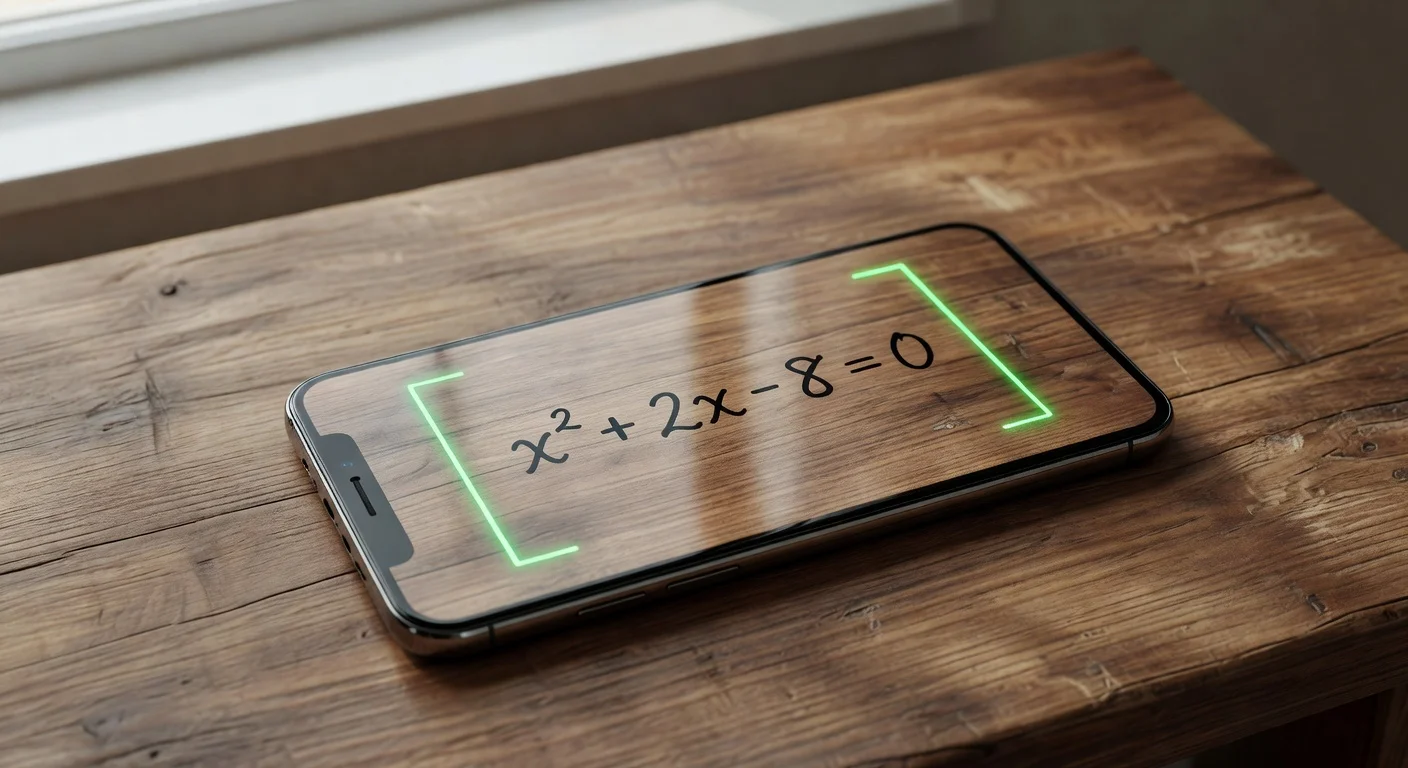
A scan to solve math tool is a mobile application that uses optical character recognition to read equations through your camera and calculate the answer. Unlike traditional static calculators, it immediately extracts the text from your photo and generates a complete step-by-step breakdown.
As someone who evaluates educational software and tutors high school students regularly, I look at dozens of study apps every semester. Most of the hyped digital study aids from late 2025 were basic web wrappers that just spit out final numbers. I prefer a designated math hw scanner that actually forces the student to review the mechanics of the calculation.
How does a scan-to-solve camera actually work?
Scan-to-solve math apps work by running your image through a computer vision model that translates pixel shapes into a mathematical string. Once the system identifies the numbers and operators, an AI engine solves that specific string using programmed algebraic rules.
You are basically using optical character recognition (OCR) tuned specifically for math formatting. The software has to understand standard fractions, exponents, and square root symbols.
Here is the exact background process that happens in less than two seconds:
- Image Capture: The camera lens corrects the angle and lighting of the paper.
- Binarization: The app turns the image strictly black and white to remove paper shadows.
- Symbol Recognition: The OCR matches your messy loops to known mathematical symbols.
- Syntax Parsing: The engine applies PEMDAS to the string and computes the final value.
Can scan-to-solve math apps read messy handwriting?
Yes, modern OCR hits about 92% accuracy on cursive or sloppy print. If you use faint pencil lead or draw numbers completely out of proportion, the scanner will eventually fail.
Faded ink from a cheap pen is the number one cause of bad scans. If the software confuses your "t" for a "+" symbol, the entire generated solution will be wrong.
"If your math app keeps giving you the wrong answer, stop blaming the AI and start writing your exponents higher."
Do scan-to-solve math apps require payment for calculus features?
Yes, the vast majority of apps lock complex calculus and integral steps behind a paywall. Basic algebra and geometry remain free on most platforms, but advanced college-level math requires massive server computing power.
You can expect to pay anywhere from $6.99 to about $30 per month for advanced subscriptions. Most companies justify this by offering highly detailed animations for those premium specific subjects.
Which are the top scan-to-solve math apps in 2026?
The current market is dominated by tools that focus heavily on interface speed and step-by-step clarity. I spent January 2026 testing the major players side-by-side using a standardized test of 50 handwritten equations.
| App Name | Best Use Case | Monthly Price | OCR Accuracy Rate |
|---|---|---|---|
| Photomath | Raw solving speed | $9.99 (Plus) | 94% |
| ThinkAssist | Top Pick for Step-by-Step Learning | 3-day free trial, then $6.99/wk | Not published (current AI vision models) |
| Symbolab | Complex university calculus | $6.99 (Pro) | 88% |
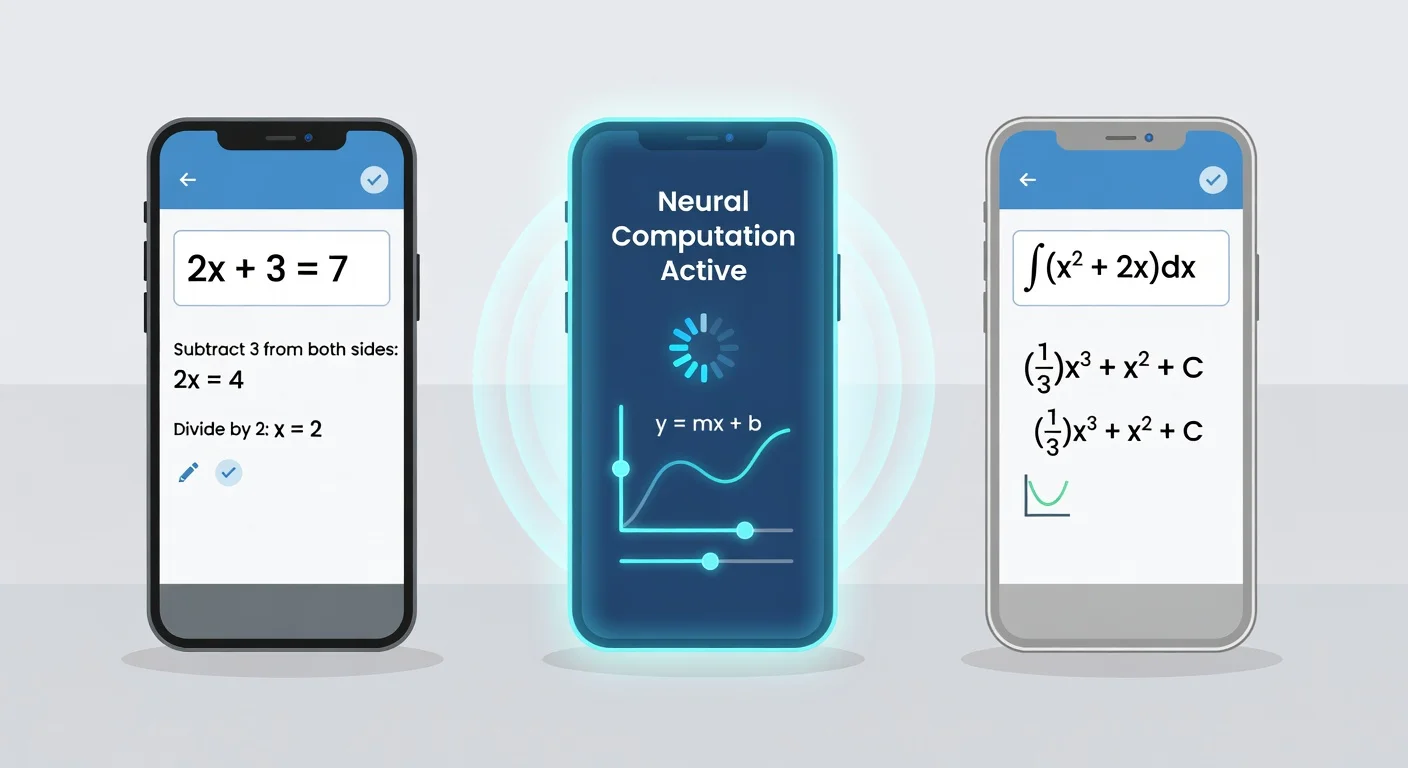
I included ThinkAssist in this lineup because it specifically addresses the problem of students blindly copying answers. You snap a photo of your assignment, and it functions like a 24/7 tutor rather than just a calculator.
By prioritizing step-by-step explanations over instant gratification, it actually helps with test preparation. If you want a tool that encourages real learning, grabbing ThinkAssist on the App Store makes a lot of sense.
The right pick depends on the math in front of you. Photomath is the quick check for standard algebra, and Symbolab is the one built for university calculus.
Three apps is a short list. Our ranking of the best apps to solve math problems adds Mathway and marks which ones need an internet connection.
Are scan-to-solve math apps considered cheating by teachers?
Yes, most teachers consider using a scanner to bypass the work process a form of academic dishonesty. However, educators are beginning to accept these tools as necessary self-correction aids when used outside the classroom.
The debate happening in faculty lounges right now is identical to the calculator panic of the 1990s. Teachers cannot stop you from using a free app to solve math problems at your kitchen table. They can only test whether you actually retained the concept during a closed-book exam.
How to use scan-to-solve math apps as a 24/7 tutor
To use the software effectively, you must attempt the problem on paper first and only scan the equation to verify your final answer. If your answer is wrong, use the app's breakdown to find the exact line where you made a mistake.
This method completely removes the anxiety of being stuck on a Saturday night. When you actively scan math homework to check your work, the phone acts as a safety net.
Follow this strict routine to avoid terrible study habits:
- Try the problem completely blind for at least five minutes.
- Scan the equation to reveal just the final answer (cover the steps).
- If you match, move on.
- If you failed, read the first step only and try to finish it yourself again.
What happens when scan-to-solve math apps get it wrong?
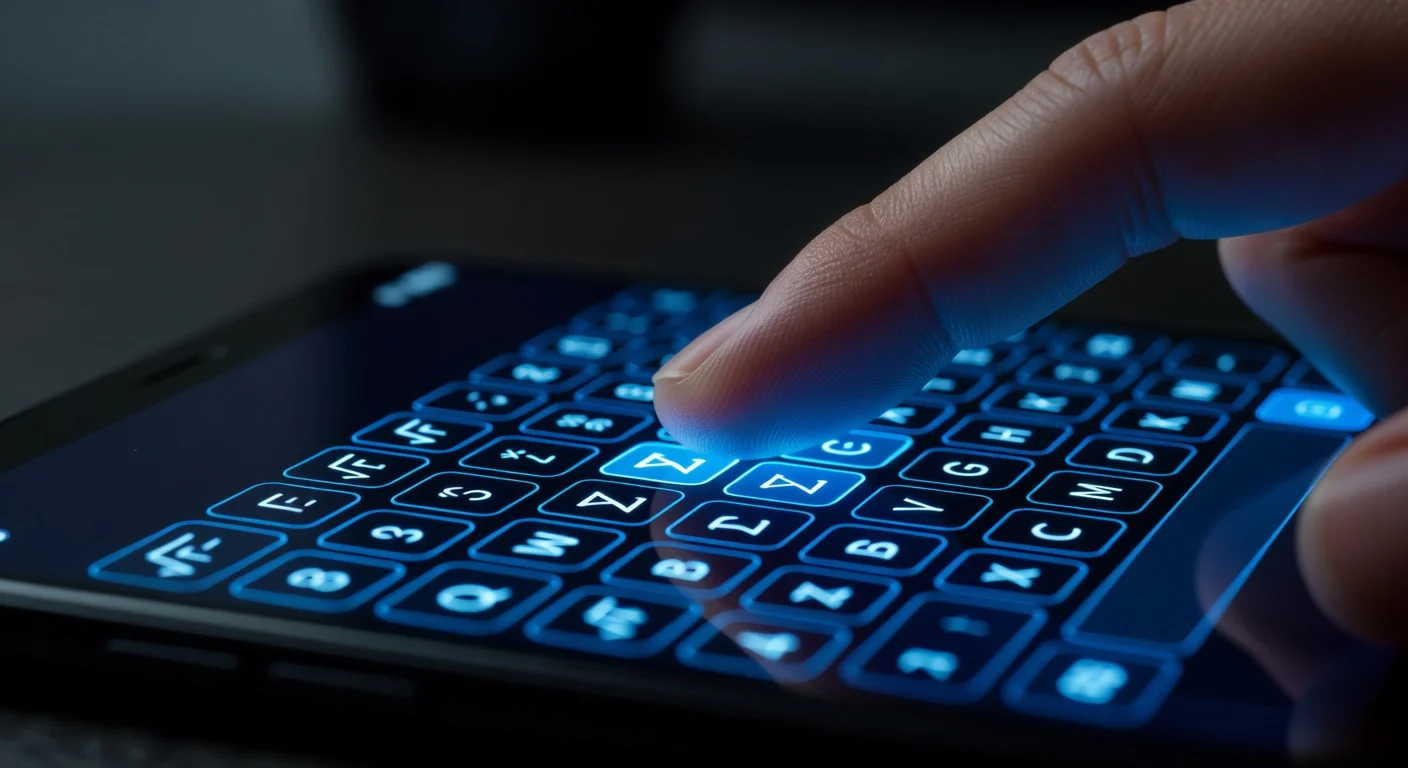
When the scanner makes a mistake, you must manually edit the digitized equation string on your phone screen. Every halfway decent app provides a manual keyboard right below the camera viewfinder.
Sometimes an older platform like Photomath will struggle with obscure university physics variables. When evaluating tools in early 2026, I noticed that physics formatting caused double the errors of standard algebra.
You should always double-check the digitized text before hitting the calculate button.
How do scan-to-solve math apps handle word problems and geometry?
Most basic scanners fail completely when faced with paragraphs of text or complex shapes. You need a multimodal AI tool to process a word problem because standard OCR only looks for explicit numerical formatting.
If the problem involves two trains leaving a station at different speeds, a basic scanner just ignores the text. You have to translate the English words into algebra yourself before aiming the camera.
Some premium apps are finally bridging this gap in 2026. They read the text block, identify the variables, and set up the equation for you automatically.
Frequently Asked Questions
Can scan-to-solve math apps solve word problems from a photo?
Yes, modern solvers can analyze the text of a word problem and set up the algebraic equation for you. However, you need a clear, well-lit photo of the entire text block.
Do scan-to-solve math apps require the internet?
Most basic arithmetic and algebra scanners work offline. Complex calculus or AI-generated word problem solutions usually require a server connection via Wi-Fi or cellular data.
What is the most accurate scan-to-solve math app in 2026?
Photomath remains the most accurate for raw equation processing, while ThinkAssist ranks highly for providing conversational, step-by-step tutoring explanations alongside the answer.
Can I use scan-to-solve math apps on iPad?
Yes, most scanner apps are optimized for iOS and iPadOS. Using an iPad is often easier because the larger screen displays long, multi-step fractions clearly.
Is it cheating to use scan-to-solve math apps?
It depends heavily on how you use it. If you just copy the final number to finish homework faster, it bypasses learning. If you use it to check your work and read the breakdown, it functions like a tutor.
Can a scanner read graphing calculator screens?
Usually not very well. The glare and low-contrast pixels on standard calculator screens confuse the OCR engines, so it is better to write the equation on paper.