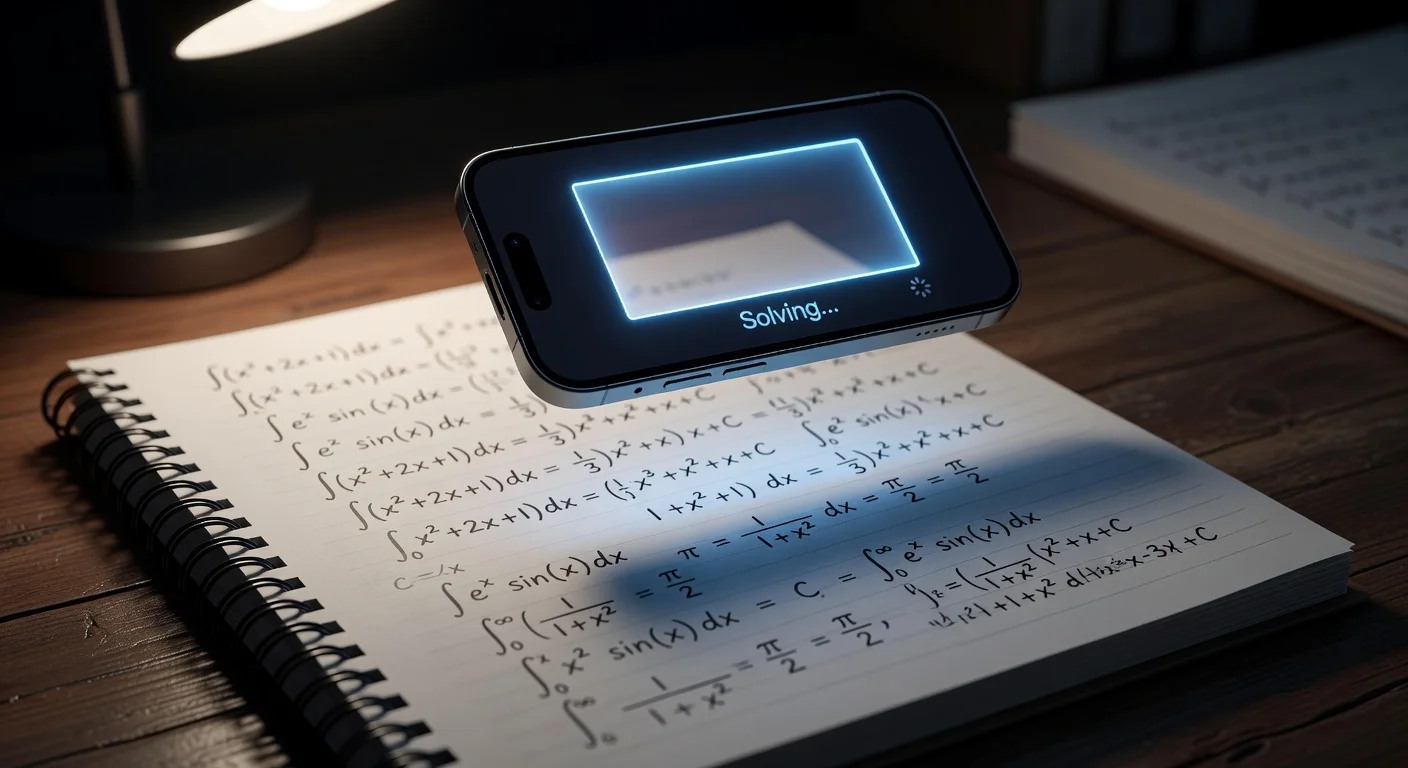
AI math solvers are mobile apps that use Optical Character Recognition to convert a photo of an equation into digital text, then run it through a language model to generate a step-by-step solution. Unlike a calculator where you type inputs manually, you point your camera at the problem and the app handles the rest (explaining the logic, not just the answer).
I've tested this category extensively. The gap between a good solver and a bad one is not accuracy on clean printed problems. They all handle those. The gap shows up on messy handwriting, word problems at 11 PM, and whether the explanation is actually useful for learning the material or just for copying the final line.
How accurate are photo-based math solvers in 2026?
Top-tier apps hit around 98–99% on printed algebra and standard calculus. That number drops to roughly 90–95% for handwritten problems and lower still for abstract theoretical proofs or geometry diagrams where the spatial relationships are implied rather than written.
Since multimodal AI models became standard in late 2025, most of the old failure modes are gone. Apps no longer confuse an "x" with a multiplication sign or misread a fraction bar. The remaining errors cluster around two things: lighting and faint pencil marks.
Accuracy by problem type, based on my testing:
- Printed text (textbooks, PDFs): 99%
- Clear handwriting: 90–95%
- Word problems: 88%, depending on how ambiguously they are phrased
- Geometry diagrams: improving, but still the hardest case
If an app fails on a scan, the usual fix is re-shooting with the phone's flash on. Shadows over the paper are the most common cause of a misread character.
Which app is best for taking a picture to solve math problems?
The right answer depends on what you actually need from it. A quick answer-checker is a different tool from a full homework tutor.
| Feature | ThinkAssist | Photomath | ChatGPT (Plus) |
|---|---|---|---|
| Best for | Tutoring + exam prep | Quick answer checks | General questions |
| Input | Photo, auto-detects subject | Photo | Text or image upload |
| Step-by-step | Yes, detailed logic | Yes | Variable |
| Exam prep | Saves query history | Basic history | None |
| Subject range | Math, science, languages | Math only | All subjects |
| Speed | ~3–4 seconds | ~3 seconds | ~25 seconds |
| Price | 3-day free trial, then $6.99/wk | Freemium | $20/mo |
The speed difference between a dedicated app and a general chatbot matters more than it sounds. I timed uploading the same calculus problem to ChatGPT vs ThinkAssist: 25 seconds vs under 4 seconds. When you have 30 problems to verify before a test, that adds up.
The other difference is exam prep. ThinkAssist saves your past queries and explanations in a browsable history. Before midterms, instead of rereading the whole textbook, you scroll through your own confusion log. It sounds minor until the night before an exam.
If you only want to confirm a final answer, Photomath's free tier is enough. For university-level calculus, our ranking of the best apps to solve math problems adds Symbolab and Mathway, with prices for each.
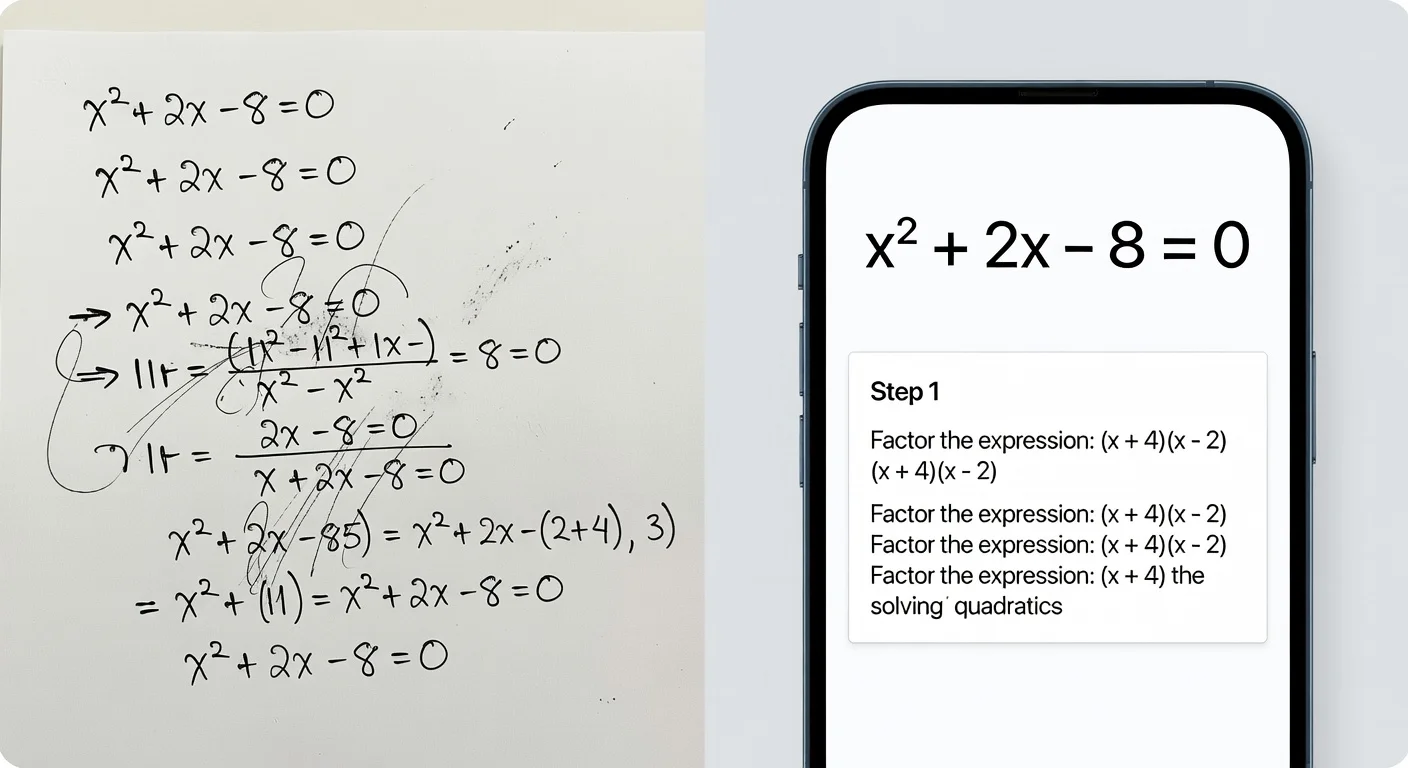
How do you actually scan a math problem with your phone?
The workflow is simpler than most students expect. Here is the exact sequence:
- Download a dedicated app: ThinkAssist for iOS.
- Grant camera access. The app needs it to function.
- Flatten the paper. Crinkled pages distort geometry problems and curved surfaces create shadows.
- Frame the problem tightly. Most apps show a capture box. Fit just the relevant problem inside. If you capture surrounding text or an adjacent problem, the AI may try to solve both.
- Turn on flash if the room is dim. This is the single most effective fix for misread characters.
- Snap and review. Processing takes 1–4 seconds. Scroll down for the step breakdown.
If the result looks wrong, check the "scanned text" field before rescanning. Usually one character was misread. Correcting it manually is faster than taking another photo.
Can I just use ChatGPT instead of a dedicated app?
For occasional one-off questions, sure. For regular homework use, no.
General chatbots are not optimized for mathematical notation. Fractions, exponents, integrals, and matrix brackets all require formatting that general text models handle inconsistently. Dedicated math apps are trained specifically on this visual syntax.
The practical difference: a dedicated solver gives you a clean, formatted step-by-step breakdown in under 4 seconds. A general chatbot upload takes around 25 seconds and often returns answers in a format that requires interpretation before you can use it.
There is also the hallucination issue. General-purpose models occasionally invent plausible-looking steps that are mathematically incorrect. Specialized math solvers have a much lower rate of this.
How do AI math solvers handle word problems?
Better than they used to, but it requires careful scanning. The OCR needs to capture the full context. Word problems often bury the key variable or constraint in the opening sentence, so if you crop that out, the AI is solving an incomplete problem.
Tips for word problems specifically:
- Capture the entire paragraph, not just the equation at the end
- Lighting matters more here than for pure equations. Shadows can corrupt a critical word.
- If the problem references a diagram, scan both the text and the diagram in the same shot
Handwritten word problems are harder than printed ones. Printed text hits 99% accuracy; handwritten drops to 85–90%. If your assignment is handwritten and you are getting errors, try printing the problem or typing it in manually.
Do AI math solvers work on geometry diagrams?
This is the hardest case. Geometry depends on spatial relationships (angles, implied measurements, shapes) that are not always expressed as text. The AI has to "see" the figure, not just read labels.
The rule for getting it right: draw clearly and label explicitly. If your triangle looks ambiguous, the AI has nothing to work from. Make sure angle measurements (like 90°) are written legibly right next to the relevant angle, and that your shape is distinct enough that a human could identify it at a glance.
The technology is improving here faster than anywhere else in math AI, but it is still the weakest area.
How to use a photo math solver without cheating
The line is straightforward: using an app during a closed-book test is cheating. Using it to understand a concept you are stuck on at home is studying.
The protocol I use:
- Attempt the problem on paper first. Even a wrong attempt is useful.
- Scan after 5 minutes of genuine effort. Not immediately.
- Compare your steps to the app's steps. Find the exact line where your logic diverged.
- Close the app and redo the problem from scratch.
The last step is what makes this studying rather than copying. You are not recording an answer. You are identifying a specific error in your reasoning. Schools in 2026 increasingly test on paper specifically to expose students who used apps without ever understanding the material. If you cannot explain the steps out loud, you learned nothing.
For a broader look at how AI fits into a complete study workflow, the AI homework helper guide covers the full picture.
What are the privacy considerations when scanning homework?
Most established apps process the image server-side, extract the mathematical content, and discard the photo. They retain the text of your query, not the visual.
That said: never scan documents that contain your name, student ID, or any other personal information. A photo of your homework with your name at the top is more data than you need to share. Cover or crop identifying details before scanning.
Stick to apps from established developers with published privacy policies. If you cannot find a clear statement about how image data is handled, that is reason enough to use a different app.
Is it worth paying for a premium math solver?
Free tiers are answer machines. They give you x = 4 with no explanation. That is useful for a quick check but useless for learning the method, which is what you actually need to pass the exam.
Premium tiers give you the step-by-step logic. For reference: a human tutor charges $40–60 per hour. A premium app subscription runs $10–30 per month and answers questions at 11 PM without scheduling.
If you are struggling with the material, the ROI is obvious. If you are already comfortable and just want a fast answer-checker, the free tier is probably sufficient.
For a comparison of math solvers alongside other study tools, see the best study apps guide.
Frequently Asked Questions
Is using a math photo solver considered cheating?
It depends on how you use it. Copying an answer during a test is cheating. Using the step-by-step breakdown to understand where you went wrong on homework is tutoring. Most educators treat it the same way they treat calculators.
How accurate are AI math solvers in 2026?
Around 98–99% for printed algebra and standard calculus. Handwritten problems drop to roughly 90–95%. Abstract proofs and geometry diagrams are the hardest cases, especially with unclear handwriting.
Can AI math apps read cursive handwriting?
Yes, with caveats. Faint pencil marks and shadows are the most common failure points. Turn on your flash and write with reasonable pressure and the accuracy is usually fine.
Should I use a dedicated math app or just ChatGPT?
Use a dedicated app for speed and formatted output. In my testing, a dedicated solver returned a formatted answer in under 4 seconds. Uploading to a general chatbot took around 25 seconds and the output was harder to read.
Do AI math solver apps work on word problems?
Yes. Modern OCR reads the text context, not just numbers. Capture the full paragraph. Cutting off the first sentence often removes the variable that defines the whole problem.
Do I need an internet connection to scan math problems?
Generally yes. The heavy processing runs on cloud servers. Some apps handle basic arithmetic offline, but for calculus, word problems, or step-by-step breakdowns, you need a connection.
Is it worth paying for a premium math solver app?
Yes if you are struggling. Free tiers give you the answer but not the logic. A human tutor costs $40–60 per hour. A premium app subscription runs $10–30 per month and is available at 11 PM.
Are there privacy concerns with scanning homework?
Stick to established apps with clear data policies. Never scan anything with your name, student ID, or other personal information. Most reputable apps process the image and discard it (they retain the text query, not the photo).