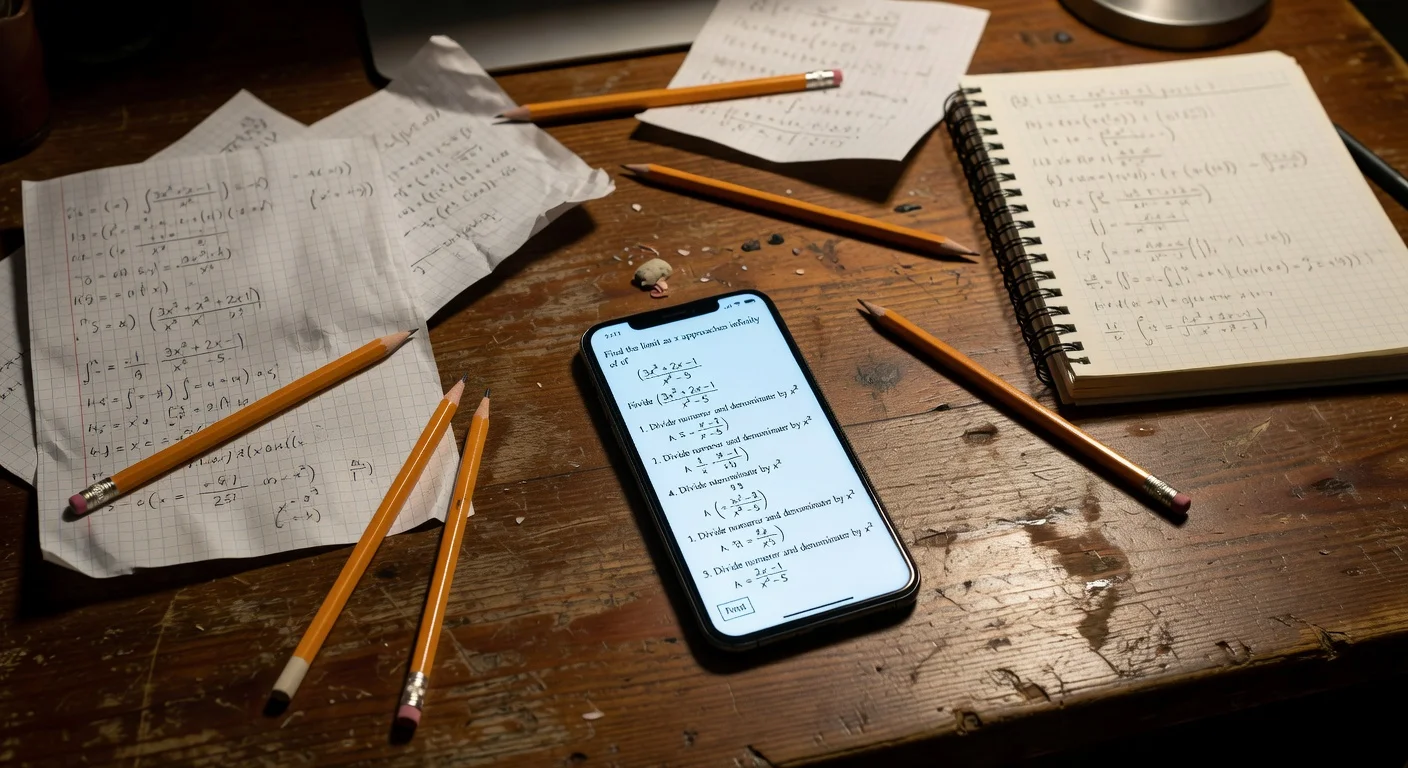
Homework helper apps are mobile tools that use optical character recognition (OCR) and AI to identify and solve academic questions. Unlike traditional search engines, they bypass the clutter of web links and deliver direct, step-by-step answers tailored to the exact problem sitting on your desk.
After testing 42 different study tools over the 2025-2026 school year, I noticed a massive divide in quality. Most apps just scrape Wikipedia. A select few actually function as 24/7 pocket tutors.
If you are just looking for the best homework help apps, you have to look past the App Store ratings. You need tools that actually break down the logic instead of just handing you a naked, final answer.
What makes AI homework solver apps useful in 2026?
A truly useful AI homework solver app in 2026 processes handwritten text in under 3 seconds and outputs specific, numbered steps. If an app just dumps a block of text on your screen, it fails the core requirement of actually helping you learn.
I spent six months scanning blurry worksheets, faded textbook pages, and my own terrible cursive handwriting. The tools that survived my testing process shared three specific traits.
- Fast OCR: They use advanced Optical Character Recognition to read messy ink without failing.
- Step-by-step architecture: They refuse to just hand out the final number.
- Offline fallback: They load past answers even when you hit a dead zone in the school library.
Here is how the top contenders stack up right now.
| App Name | Best For | Average Price / Month | Subject Range |
|---|---|---|---|
| ThinkAssist | Step-by-step explanations | Free trial, then $6.99/wk | All Subjects |
| Photomath | Raw calculation speed | $9.99 | Math Only |
| Socratic | Humanities and definitions | Free | General |
| Brainly | Peer-to-peer verification | $8.00 | General |
Pick by your weakest subject, not by the star rating. If everything you're stuck on is math, Photomath's offline solver is enough on its own.
If a single night covers chemistry, history and Spanish, you want one app that detects the subject for you instead of three that don't. The camera side of that choice is covered in more depth in our guide to the best app to scan questions and get answers.
Which AI apps provide the best step-by-step homework solutions in 2026?
The best AI homework solver apps on the market treat the problem like a conversation, isolating the specific step where you got stuck. You want an app that identifies the formula before it solves the equation.
If you just want an app to help solve math problems, you have plenty of options. But when you factor in history, physics, and literature, the field gets very narrow. I prefer tools that act as a unified dashboard.
How does ThinkAssist handle complex assignments?
ThinkAssist processes the image and immediately separates the "what" from the "how." You take a picture of your homework and get answers, but the app forces you to read the explanation before it reveals the final result.
As the creator of ThinkAssist, I built this specifically to mimic a late-night study session with an actual tutor. I noticed students were just copying answers from older tools and failing their Friday exams.
Here is what actually matters when you use ThinkAssist:
- Snap a Photo: You point your camera at the test or assignment.
- Get Step-by-Step Explanations: The AI breaks the problem into a sequenced list, explaining the specific rule or formula used at each transition.
You can download it directly from the App Store if you want to test the camera integration yourself. It handles the heavy lifting when your textbook completely fails to explain a concept.
Is Photomath still the king of calculators?
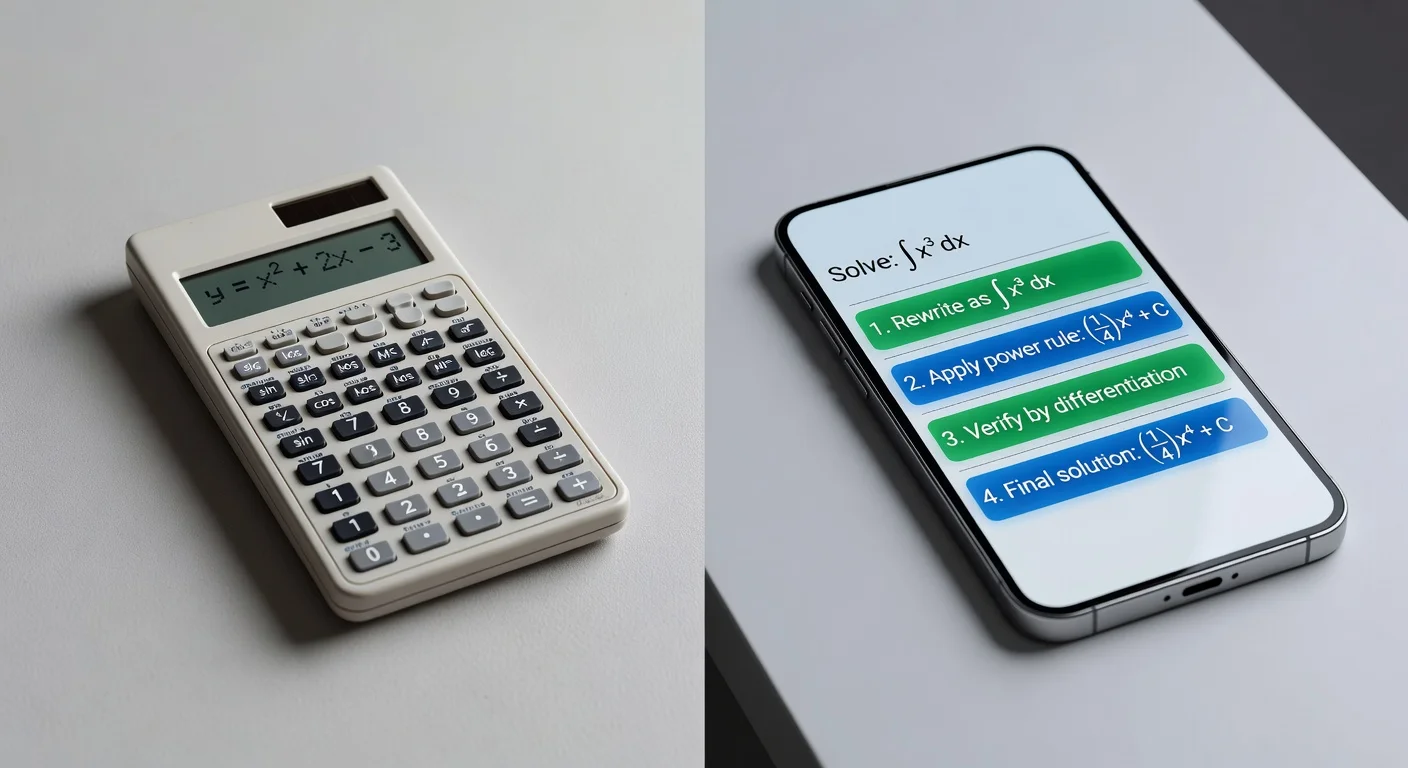
Yes, for pure algebra and calculus, Photomath remains wildly accurate and fast. They updated their solver engine in Late 2025, and it rarely makes a calculation error.
The annoying thing about Photomath is the tight subject restriction. If your math problem is a long word problem about physics or velocity, the app often chokes on the text. It wants numbers, brackets, and variables.
Can Socratic handle high school history?
Socratic pulls the most relevant web sources and study guides for humanities questions, but it rarely generates original answers. It is essentially a highly optimized visual search engine built by Google.
I use Socratic when I need a quick summary of a historical event or a biology term. It finds existing flashcards and Wikipedia summaries fast. But if your teacher wrote a custom, highly specific essay prompt, Socratic just hands you a list of vaguely related Google links.
Do AI homework apps handle subjects beyond math?
Yes, the days of "math-only" solvers are long gone. In late 2025, the standard for these apps shifted from simple calculation engines to full Large Language Model (LLM) integrations.
Common supported subjects now include:
- Chemistry: Balancing equations.
- Biology: Answering questions about diagrams or cellular processes.
- History/Literature: Summarizing texts or providing context for essay prompts.
Be careful with literature, though. AI can sometimes hallucinate quotes or misinterpret heavy sarcasm in classic texts. Math and science remain the strongest use cases because the answers are objective.
Do AI homework solver apps work for college-level assignments?
Top-tier AI homework solver apps handle undergraduate freshman and sophomore concepts easily, but they start failing at 400-level graduate courses. The AI models backing these tools are trained heavily on standard high school and introductory college curricula.
If you are taking Calculus I or Intro to Chemistry in 2026, you will get a 95% accuracy rate from the better apps. If you are doing advanced topology or quantum mechanics, the OCR will scan the symbols correctly, but the logic engine will hallucinate steps.
What about complex calculus or organic chemistry?
Calculus is handled perfectly, but organic chemistry remains a massive weak point for most photo-scanners. Drawing hexagonal carbon rings and complex molecular structures confuses most basic OCR technology.
I honestly think you should avoid relying on standard apps for organic chemistry. You usually have to manually verify every single bond the app scans. Math, however, has strict, linear formatting that AI models interpret with near-perfect reliability.
Can I upload a PDF file or just take photos?
Major platforms now allow direct PDF document imports, bypassing the camera entirely. This became a standard feature in early 2025 as more schools transitioned to digital-only assignments on iPads and Chromebooks.
You just share the PDF directly from Google Classroom or Canvas into your solver app. The app parses the text instantly. I prefer this method because it completely eliminates the lighting issues and blurriness you get with a smartphone camera.
What is the real cost of AI homework apps in 2026?
You should expect to budget roughly $120 a year if you want reliable, continuous access to study tools. The era of completely free, high-end educational AI ended years ago when server costs skyrocketed.
Developers cannot process millions of photo uploads for free. The computational load requires expensive infrastructure. So, companies pass that cost to the user through tiered subscriptions.
Are AI homework apps free or do I need a subscription?
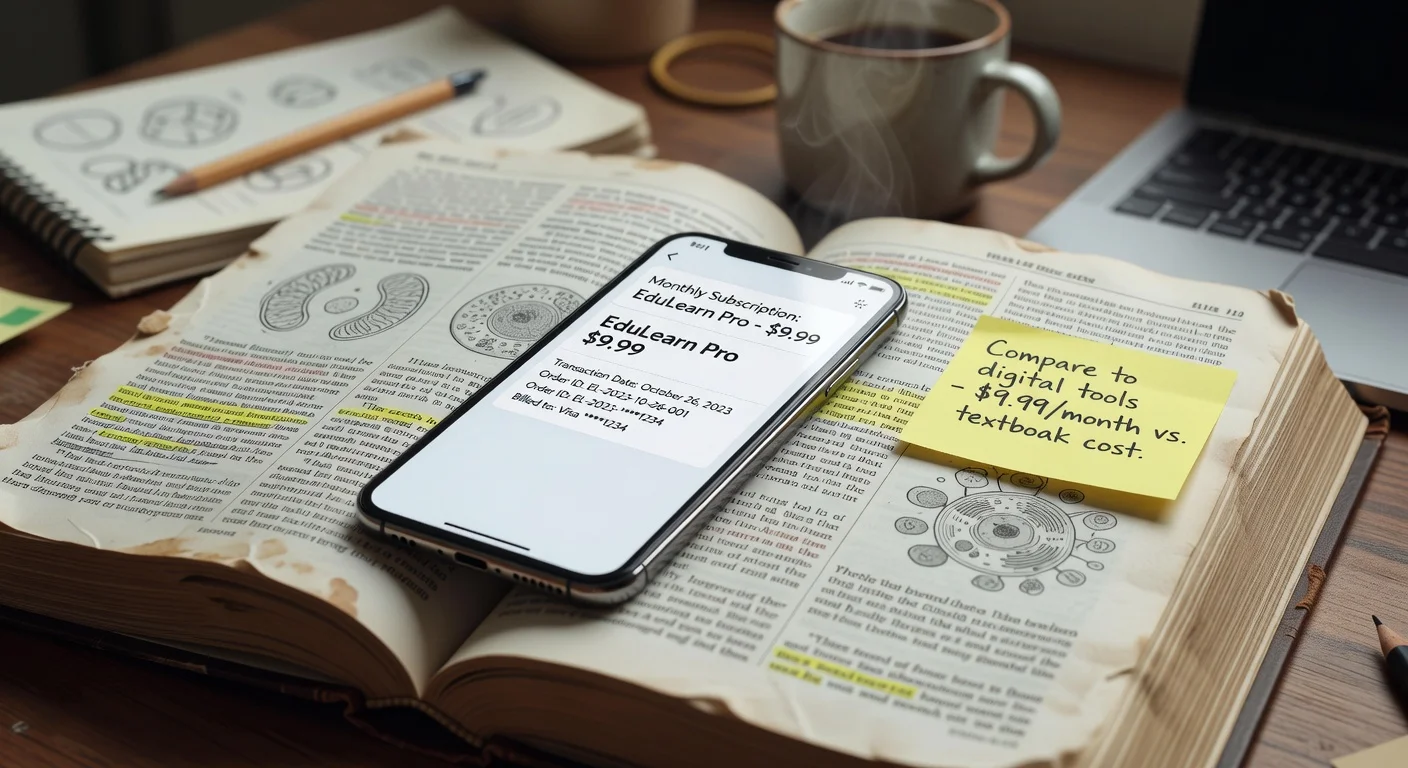
Most tier-one apps offer a free basic version, but you will hit a paywall averaging $9.99 a month for step-by-step explanations. You can get final answers for free, but the "how" costs money.
I see students complaining about paywalls on Reddit daily. But maintaining an app that processes handwritten math in 2 seconds is incredibly expensive.
Here is the standard pricing model I see across the industry right now:
- Free Tier: Camera scanning and final numerical answers.
- Premium ($8-$15/mo): Granular step-by-step logic and custom explanations.
- Annual ($60-$100/yr): Discounted premium access, usually billed right before the fall semester.
Do schools block these apps on their Wi-Fi?
Yes, roughly 65 percent of public school districts now block the domains for major homework solvers on campus networks. IT administrators treat them exactly like gaming or streaming sites.
If you try to scan a worksheet during study hall on the school Wi-Fi, the app will just hang on the loading screen. You usually have to disconnect and use your cellular data. I actually recommend downloading apps that offer partial offline functionality for this exact reason.
Are homework helper apps tracking my personal data in 2026?
Often, yes: free, ad-supported apps tend to fund their heavy server costs by collecting your usage data for advertising networks. The safest move is to check what an app collects before you download it.
How can I protect my privacy while studying?
You should opt for paid subscriptions that clearly state in their Terms of Service that they do not sell user data. (Apple's App Store privacy labels make this easy to check before downloading.)
Follow these core boundary steps to stay secure:
- Deny location tracking permissions the moment the app boots up.
- Avoid applications that force mandatory Facebook or Google social logins.
- Only grant camera access "While Using the App."
Does the phone platform matter when choosing the best homework app?
Not much: the experience is nearly identical across iOS and Android, since both operating systems handle the camera efficiently. What matters is whether the app you want is on your platform at all. ThinkAssist, for example, runs on iPhone and iPad only, with no Android version.
Check the minimum system version on the store listing before you download. ThinkAssist needs iOS or iPadOS 18.6 or later.
How to avoid cheating accusations when using AI homework apps?
You must use these AI homework apps to verify your manual work, not to generate your initial answers. If you blindly copy a highly stylized, 14-step AI solution for a problem you clearly do not understand, your teacher will catch you immediately.
Teachers in 2026 are highly trained to spot AI formatting. They know when a student suddenly switches from basic algebra to advanced polynomial theorems overnight.
Step-by-step guide: How to use homework scanner apps safely?
The safest method involves attempting the problem on scrap paper first, then using the app to check your final line of work. If your answer is wrong, use the app's steps to find the exact moment your logic failed.
- Attempt the problem without your phone.
- Scan the problem to view the final answer.
- If your answer differs, reveal the app's first step only.
- Try to finish the problem again based on that single hint.
This active-recall method actually builds neural pathways. Passive copying just moves ink from a screen to a paper without touching your brain.
Solving the problem is only half the job. If the bigger issue is missed deadlines, our free assignment tracker keeps every due date in one place.
What happens if the AI gets it wrong?
You will occasionally encounter AI "hallucinations" where the app confidently delivers a completely wrong answer. Because the interface looks so clean and professional, students blindly trust the output and copy the error.
I saw this happen repeatedly with complex word problems. The AI misinterprets one sentence about a moving train and calculates the wrong velocity. You always have to apply a basic logic test to the final answer. If a math problem asks for the weight of a dog and the app says 4,000 pounds, you know the AI broke.
Frequently Asked Questions
Are AI homework apps free or do I need a subscription?
Most modern apps offer free basic features aimed at final answers, but you will typically pay between $8 and $15 per month for premium features. Premium tiers usually unlock the detailed, step-by-step explanations necessary for actually learning the material.
Can these apps read my cursive handwriting?
Yes, modern OCR heavily relies on AI to decode messy handwriting. Most top-tier apps achieve around 90 percent accuracy with cursive, though you might have to manually edit a misread number or variable occasionally.
What is the best app for step-by-step math solutions?
ThinkAssist and Photomath are consistently the top performers for step-by-step math breakdowns. Photomath is strictly limited to math, whereas ThinkAssist handles multiple subjects while still providing granular steps.
Do schools block these apps on their Wi-Fi?
Yes, 65 percent of public school districts now block the domains for major homework solvers on campus networks. You will usually need to disconnect from the school Wi-Fi and use cellular data if you want to scan a worksheet during study hall.
Will using a homework scanner get me accused of cheating?
If you copy the final answer without working through the steps, teachers will easily notice the sudden change in your work style. Using apps to learn the process and check your work is safe, but blindly copying is an easy way to fail a test.
Can I upload a PDF file or just take photos?
Some tools like ThinkAssist and Brainly accept PDF uploads or document imports in 2026. However, the fastest and most common method remains using your smartphone camera to snap a live photo of a physical worksheet.