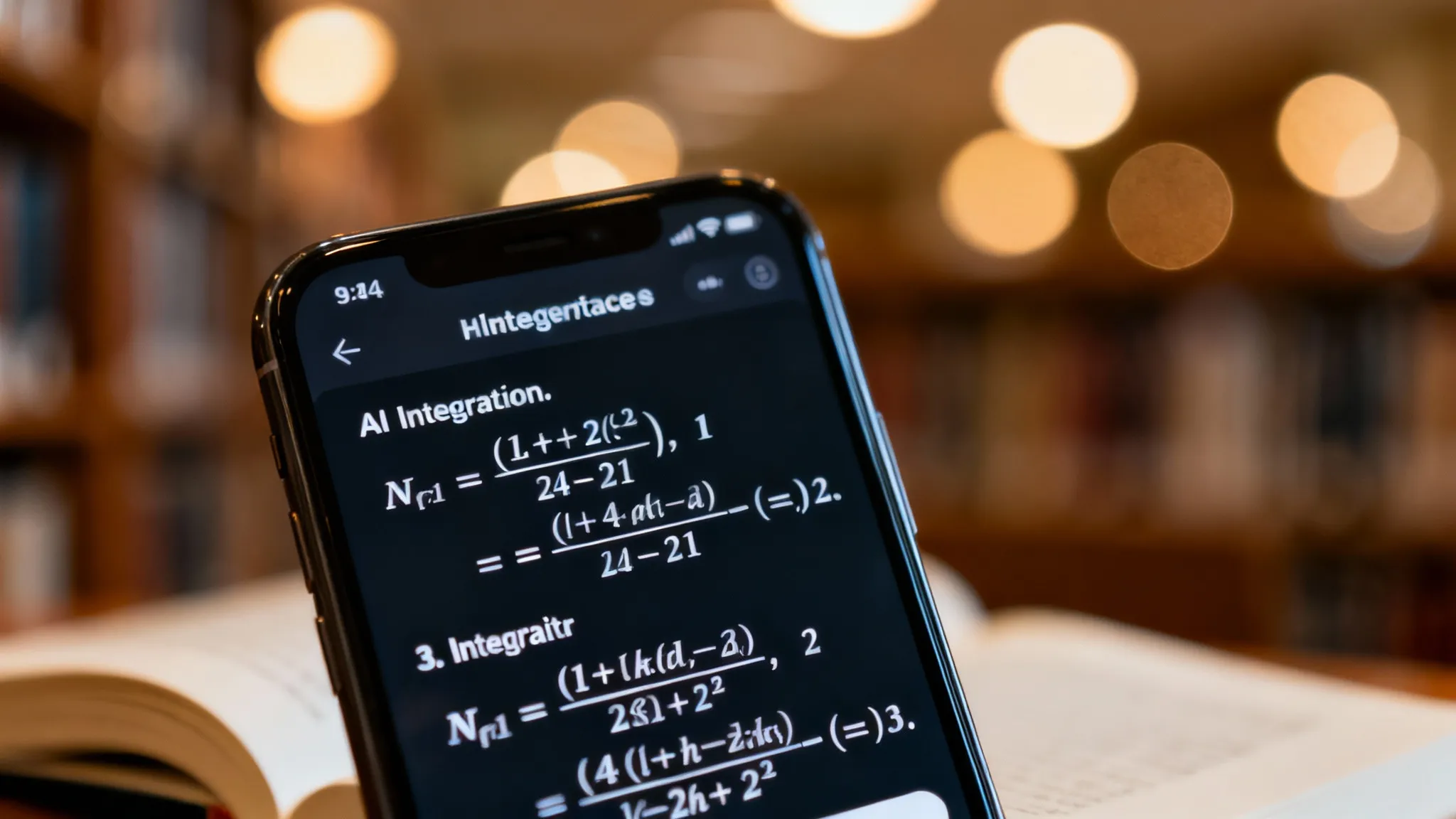
Tutory AI is a specialized homework assistant that uses Large Language Models (LLMs) to scan, read, and solve academic problems. Unlike generic chatbots that often hallucinate on complex math, Tutory AI is fine-tuned to provide step-by-step logic rather than just a final answer. It bridges the gap between a calculator and a human tutor by explaining how it reached the solution. After evaluating dozens of AI study tools across different subject areas over the past year, I can say this is one of the more focused offerings in the space — here is what that actually means in practice.
What exactly can Tutory AI do?
It handles everything from basic algebra to college-level literary analysis. I tested the latest 2026 version, and it doesn't just output "x=5"; it breaks down the factoring process.
Here is the core functionality:
- Direct Vision Scanning: Uses OCR to read paper tests.
- Stepwise Logic: Explains the methodology (e.g., "First, isolate the variable").
- Multi-Subject Support: Handles Chemistry, History, and Calculus.
Tutory AI leans heavily toward STEM subjects.
"If you are looking for a tool that writes entire history papers, this isn't it. It's built for problem-solving, not creative writing."
Tutory AI's Handwriting Recognition: Real-World Test Results
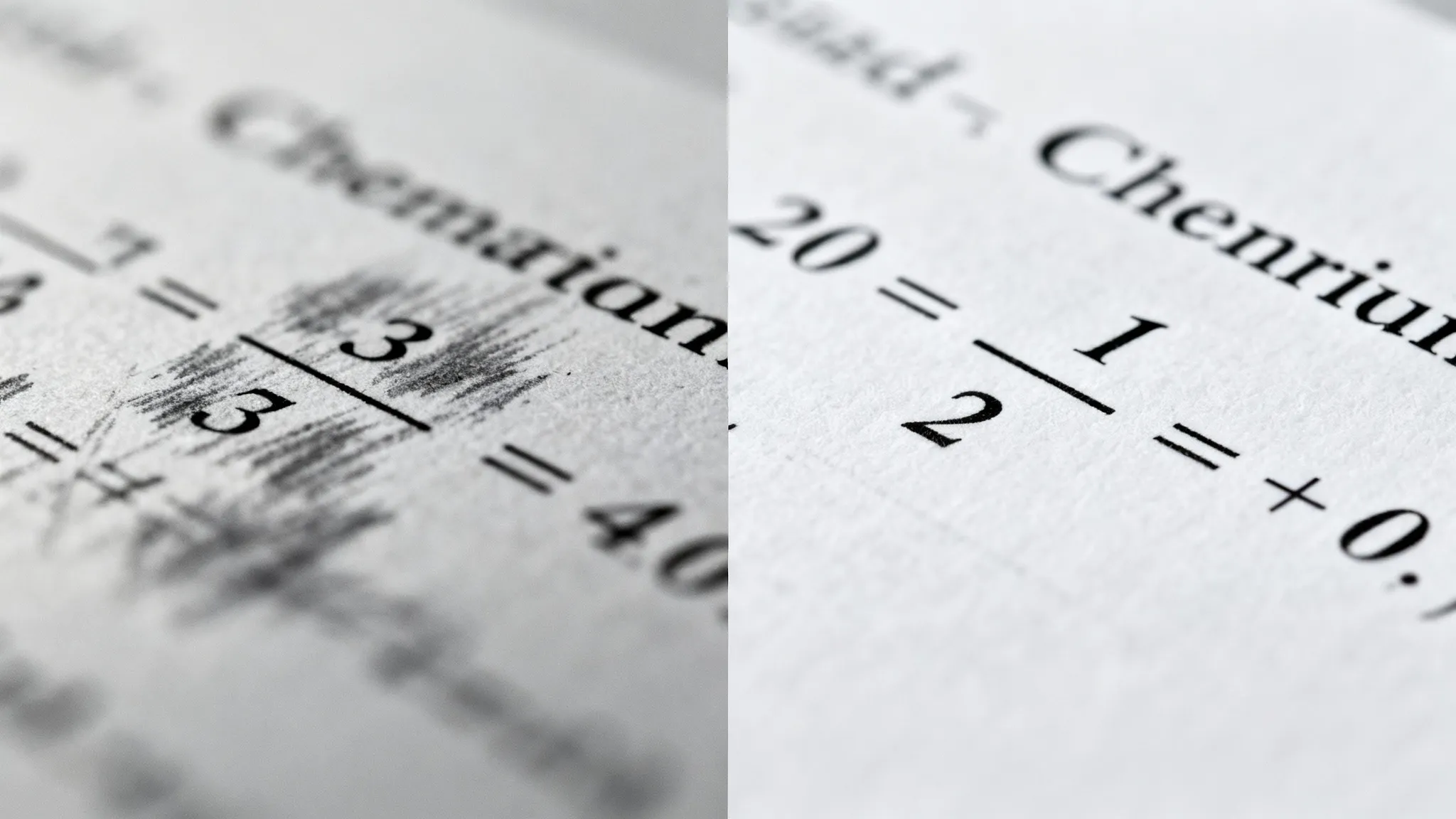
The app handles neat print handwriting reliably, but looped cursive is a consistent weak point — something to know before you rely on it for a time-sensitive assignment. In my testing with standard cursive and messy "scratchpad" math, Tutory AI deciphered about 85% of the inputs correctly.
If you write with a faint pencil or have extremely looped cursive, the OCR (Optical Character Recognition) sometimes misinterprets numbers. For example, it frequently confused my handwritten "5" with an "S".
The tech has improved massively since late 2025. The latency (wait time) for processing an image is now down to under 2 seconds. For a direct comparison with a competing scanner, see our Gauthmath scanner accuracy review.
OCR Performance Factors:
- Lighting: Flash is mandatory in dim rooms.
- Contrast: Works best with blue/black ink on white paper.
- Stability: Shaky hands cause re-scan errors.
How much does Tutory AI cost in 2026?
Most students will hit a paywall after their first few scans. While marketing materials often flaunt "free access," the reality is a Freemium model restricted by daily limits.
Typically, the free tier allows:
- 3 to 5 photo scans per day.
- Basic final answers (no steps).
- Standard processing speed (slower queue).
To unlock unlimited scans and detailed explanations, you are looking at a subscription. This usually hovers around $14.99 to $19.99 per month.
That pricing feels steep for a high school student's allowance. This brings me to alternatives that offer better mileage for your dollar.
Tutory AI vs ThinkAssist: A Head-to-Head Comparison
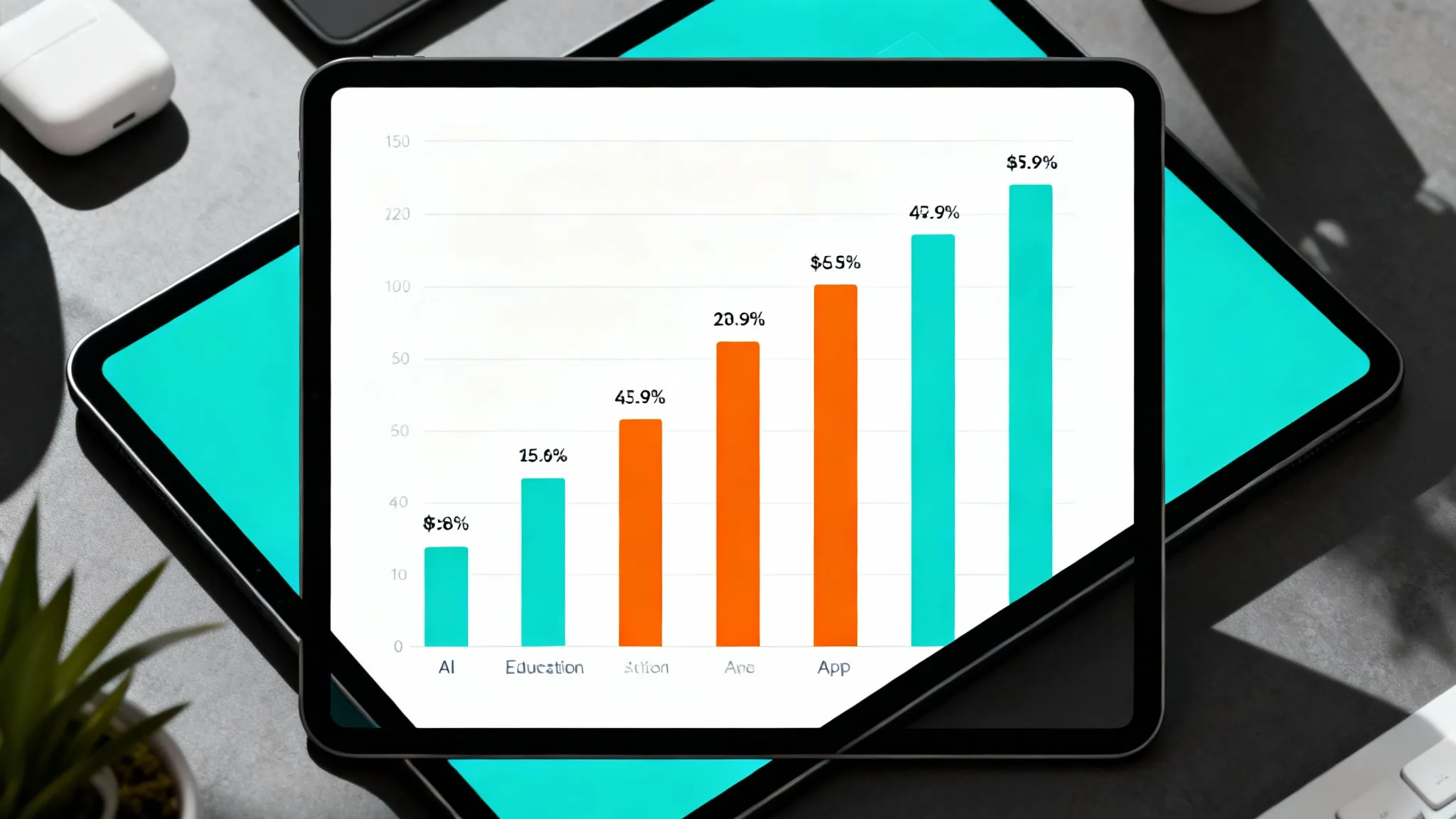
I put Tutory AI head-to-head with the top contenders. The market is crowded right now, so I narrowed it down to the tools that actually work.
I included ThinkAssist in this test because it has recently gained traction specifically for its stronger OCR engine on handwritten homework.
| Feature | Tutory AI | ThinkAssist | Generic ChatGPT |
|---|---|---|---|
| Best For | General STEM | Handwritten Homework | Creative Writing |
| Cost | ~$19.99/mo | Freemium | Free / $20/mo |
| Handwriting OCR | Good (85%) | Excellent (95%+) | Average |
| Speed | 2-3 Seconds | Instant (<1 sec) | Variable |
| Explanation Depth | High | Very High | Medium |
| Ads | Yes (Free Tier) | No | No |
Where the handwriting gap matters in practice:
During my tests, ThinkAssist consistently picked up messy handwriting that Tutory AI missed.
The practical difference: if you write with moderate sloppiness (most students do), an 85% OCR rate means roughly 1 in 6 problems will need re-scanning. For a late-night homework session, that friction adds up fast. For a broader look at the homework solver landscape, check our best homework help apps comparison.
How accurate is Tutory AI for exams?
It sits at roughly 92% accuracy for high school math and 88% for college calculus. These numbers are solid, but they aren't perfect.
I noticed specifically that word problems can trip it up. If the problem involves a "trick" or requires inferring information not explicitly stated, the AI might hallucinate a variable.
Three scenarios where accuracy drops:
- 3D Geometry: Interpreting flat drawings of cubes/spheres is hit-or-miss.
- Abstract Physics: Concepts that require "common sense" assumptions.
- Regional Syntax: If your textbook uses non-standard notation.
"Never trust an AI blindly for a final grade. Use it to check your work, not replace it."
Step-by-Step: Getting Reliable Results from Tutory AI
Getting a good result is 90% about how you feed the data to the app. If you take a blurry photo from across the room, you will get garbage output.
Here is my workflow for getting the right answer every time:
- Isolate the Problem: Crop the image so only one question is visible.
- Check the text: Before hitting "Solve," verify the AI converted the image to text correctly.
- Read the 'Method': Don't just look at the final number.
- Verify: Ask it "Are you sure?" or check against a similar problem.
If the app fails to read your photo, try rewriting the equation clearly on a blank sheet of paper. It takes ten seconds but saves five minutes of frustration. For more tips on photo-scanning homework effectively, see our math homework scanner guide.
The Academic Integrity Question: AI Solvers and School Policies
This is the most contested topic in 2026 education tech. The short answer: It depends on your intent.
If you copy the answer during a test, that is cheating. Most schools have clear policies against this, and some institutions even use "trap" questions to catch AI users. Education media and district administrators have widely documented schools updating their honor codes to address AI solvers — it is happening across institutions at every level.
However, using it for study is different.
If you use ThinkAssist or Tutory AI to break down a problem you are stuck on at 10 PM, that is studying. It is no different than asking a parent or hiring a human tutor, except it costs less and is available instantly.
Acceptable Use Cases:
- Verifying your manual work.
- Understanding where you made a mistake in a long calculation.
- Generating practice problems similar to your homework.
Can Tutory AI detect graphs?
Support for graphs is currently limited but growing. In early versions, uploading a graph resulted in errors. The 2026 update claims to handle coordinate geometry.
My experience? It is okay with standard parabolas ($y=x^2$), but if you upload a complex statistical scatter plot, it often fails to extract the precise data points. For serious statistics work, you are still better off using dedicated software like Excel or a scientific calculator.
Final Verdict: Is Tutory AI Worth Downloading in 2026?
Tutory AI is a solid tool, but it feels slightly dated compared to newer entrants. The interface can be cluttered, and the OCR struggles with the nuances of real-world homework which is rarely printed perfectly.
If you need a reliable, fast, and highly accurate solver for handwritten work, I'd point you toward ThinkAssist. It handles messy handwriting significantly better, and the step-by-step logic is clearer for students who actually want to understand the material — not just copy an answer.
If you are stuck on a problem right now, grab a tool that helps you understand the why, not just the what.
Frequently Asked Questions
Is Tutory AI free to use?
Most versions offer a limited free tier allowing 3-5 scans per day, but unlimited step-by-step solutions usually require a subscription ranging from $9.99 to $19.99 monthly.
Can Tutory AI solve word problems?
Yes, modern iterations in 2026 use multimodal LLMs to parse context from text descriptions, though they still occasionally struggle with highly abstract physics scenarios.
Does ThinkAssist work better than Tutory AI?
For students prioritizing handwriting recognition accuracy and a cleaner interface without ads, ThinkAssist tends to perform better — particularly with messy or mixed notation.
Is using Tutory AI for homework considered cheating?
It depends on usage; using it to copy answers is academic dishonesty, but using it to generate step-by-step explanations for verify/study purposes is widely accepted as tutoring.
Does Tutory AI work for subjects beyond math?
Tutory AI supports chemistry, biology, and history at a basic level, but its strongest performance is in STEM problem-solving. For broad multi-subject coverage, dedicated AI tutors with wider training tend to perform better.
What should I do if Tutory AI gives a wrong answer?
Cross-check with a second source immediately. Use the edit function to manually correct the scanned input if OCR misread a symbol, then re-run the solver. Never submit an answer you have not personally verified.