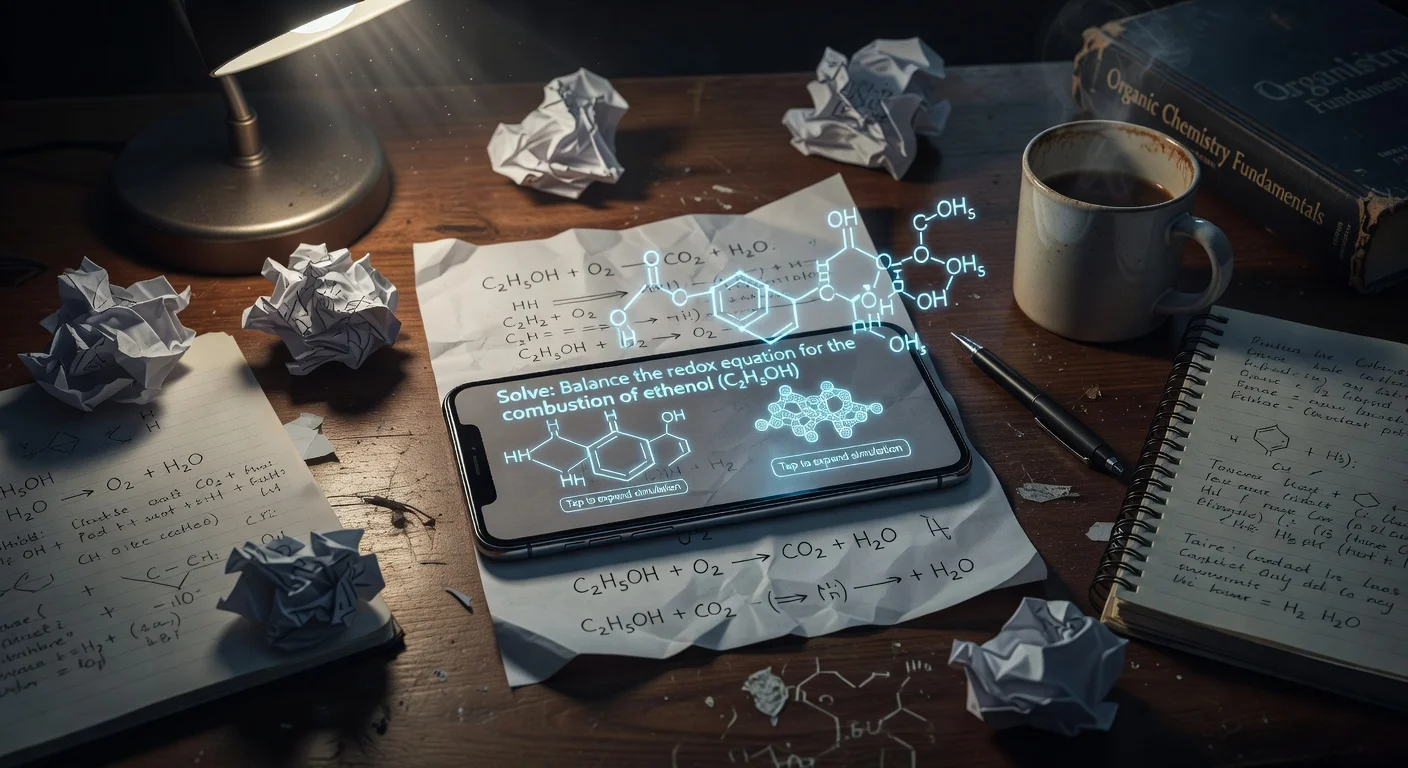
Question scanner apps are AI-powered mobile tools that use optical character recognition to read and solve textbook problems. Unlike traditional search engines, they process images instantly and generate specific, step-by-step explanations for the exact problem you photographed.
After testing more than 15 study apps over the last three years, I noticed a massive shift in how these tools operate. The old pattern was taking a photo and hoping a user on a forum had answered it five years ago. Now, in 2026, on-device intelligence breaks down the logic in real-time.
Students are no longer manually typing out complex calculus symbols or long word problems. I honestly think typing out homework questions will be entirely obsolete by next year.
Why are students abandoning traditional search?
Search engines require manual input, which completely breaks a student's focus during study sessions. If you run into a massive polynomial fraction, figuring out how to type it on a mobile keyboard takes longer than solving it.
I spent most of late 2025 speaking with educators and watching students study. The workflow has changed entirely.
Here is exactly what the modern study loop looks like:
- Encounter a roadblock: You get stuck on a specific textbook problem.
- Scan: You use your phone's camera to capture the text.
- Review: The app highlights the exact step where your logic failed.
This is where a homework solver app completely outpaces a standard web browser. You get an organized path instead of a chaotic list of blue links.
What are the top question scanner apps for 2026?
I built this breakdown based on hands-on testing with the current versions of these tools.
| App Name | Best For | Average Price | Speed & OCR Engine |
|---|---|---|---|
| ThinkAssist | Step-by-step logic breakdown | Free trial, then $6.99/wk | Instant cloud processing |
| Photomath | Pure offline mathematics | $9.99/mo (Premium) | On-device processing |
| Socratic | Broad science and history | Free | Google Vision API |
If your primary goal is understanding the why behind an answer, ThinkAssist is designed specifically for that. You just snap a photo, and it acts as a 24/7 tutor by generating step-by-step explanations instead of just giving you the final output.
How do question scanner apps actually work?
These apps combine standard camera hardware with computer vision models to convert pixels into readable text. The server then processes that text through a specialized logic engine.
I was surprised by how fast this pipeline became over the last few months. A process that took ten seconds in 2023 now takes a fraction of a second.
Do I need a specific camera resolution?
No, any modern smartphone camera with at least 8 megapixels is completely fine for scanning text. The bottleneck is rarely the hardware anymore.
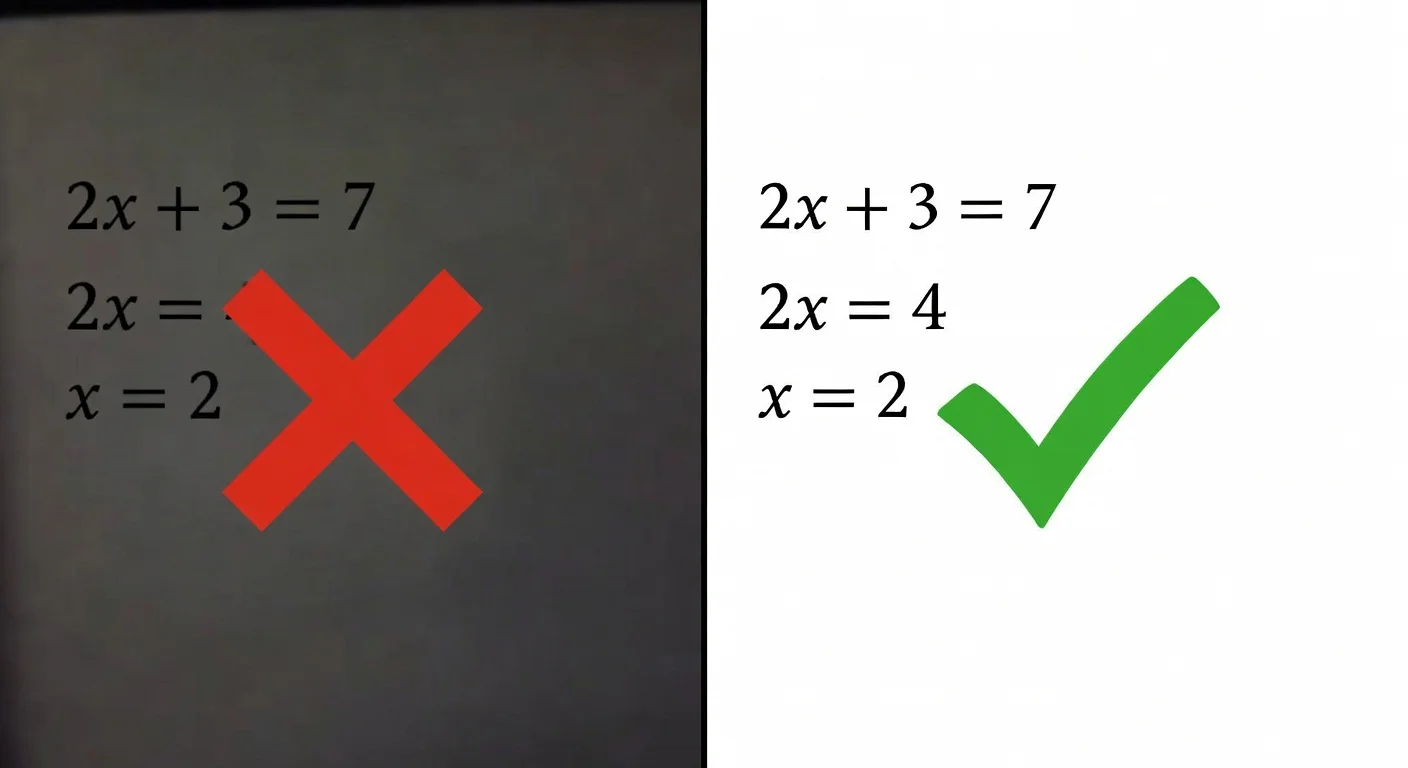
Your lighting matters far more than your megapixel count. I noticed that trying to scan a glossy textbook under a harsh desk lamp creates glare, which blinds the sensor completely.
"If the AI gives you garbage output, check your lighting before you blame the app."
Can AI read messy cursive handwriting?
Yes, modern apps can read cursive with about 85% to 90% accuracy. However, if you use faint pencil or have extremely messy, overlapping loops, the algorithm will struggle.
I tested this extensively with my own terrible handwriting. If I write an "S" that looks exactly like a "5", the system will fail. It cannot guess your intent if the visual data is ambiguous.
What happens if the OCR misreads the question?
The app will confidently solve the wrong problem. This is the most annoying thing about depending entirely on scan math homework tools without double-checking the input.
If your thumb covers a negative sign while capturing the photo, the entire equation changes. Always read the transcribed text on the screen before you look at the final solution.
How do the top 3 question scanner apps compare in 2026?
Testing these tools side-by-side revealed drastically different design philosophies. They all use the camera, but they treat the user completely differently.
How does ThinkAssist handle complex problems?
ThinkAssist processes the image and immediately drops you into a structured, step-by-step tutoring view. I honestly prefer this over the instant-answer approach because it forces you to look at the process.
If you are looking for an app that tells you the answer to homework, this tool gives you the solution, but its core strength is the explanation. It automatically detects the subject you are working on. You take a picture, and it shifts into the appropriate mode (math, chemistry, etc.) without you having to press any extra buttons.
Is Socratic still relevant in late 2025/2026?
Yes, Socratic remains highly relevant because it is entirely free and backed by Google's massive knowledge graph. It performs incredibly well for conceptual questions.
If you scan a paragraph about the French Revolution, Socratic pulls up reliable reference links and summaries. But it falls noticeably short when you need deep, sequential logic for advanced calculus. I use it strictly for fast fact-checking.
Why do math teachers prefer Photomath?
Teachers respect Photomath because its primary engine restricts itself purely to mathematical operations rather than generating text. You can check its official methodology out on their site.
It calculates equations natively on your device. This means you do not need an active internet connection to solve a quadratic equation. It is incredibly reliable, but it cannot help you at all if you are studying physics theory or biology.
Are question scanner apps considered cheating by schools?
It completely depends on the context of the assignment and the rules set by the instructor. A tool that breaks down a complex problem is just a digital tutor.
Professors are currently arguing about whether this is a crutch or an essential learning tool. Some schools aggressively block these URLs on their Wi-Fi networks.
Here is how you avoid crossing the line:
- Never scan a live exam. (Obviously).
- Use the scanner to check your work after you attempt the problem manually.
- Read the localized explanation instead of just copying the final highlighted number.
If you are just rapid-firing photos to fill out a worksheet in five minutes, you will definitely fail the mid-term. The app knows the material; you do not.

What features should I look for in a question scanner app before downloading?
You need to verify the app's privacy policy and its specific subject strengths before you give it camera access. The app stores are currently flooded with cheap clones that harvest data.
I spent a weekend tracking down free homework answers app alternatives, and half of them were just wrappers for basic APIs heavily loaded with unskippable video ads.
What is the real cost of question scanner apps in 2026?
Most premium scanner apps now cost between $8 and $12 per month. The days of entirely free, unlimited AI processing are mostly over.
Sever costs are incredibly high for image processing. If an app claims to be 100% free and has zero ads, be highly suspicious of how they are monetizing your data. Always opt for established publishers or transparent freemium models.
So, choose your tool based on your weakest subject. If you just need a quick factual check, use Google's free options. If you need a dedicated tutor that explains the logic behind the test, grab something specialized like ThinkAssist.
Frequently Asked Questions
What is the most accurate app for scanning questions?
Accuracy depends on the subject. For logic and detailed step-by-step breakdowns across multiple subjects, ThinkAssist performs incredibly well. For pure offline mathematics, Photomath remains a top contender.
Can I scan handwritten math problems?
Yes, modern OCR engines can read messy handwriting with about 85% to 90% accuracy. However, faint pencil marks or highly stylized cursive can still cause the camera to misread variables.
Do these apps work without Wi-Fi?
Most require an active internet connection to cloud-process complex queries. A few specifically built for math can solve basic equations offline using on-device processing.
Why did my scanner app give me the wrong answer?
Usually, this happens because of poor lighting or a cropped image. If the camera cuts off a negative sign or a tiny exponent, the AI will perfectly solve the wrong equation.
Are there any completely free scanner apps left?
Yes, Socratic by Google is entirely free without a premium tier. However, most highly specialized solvers now operate on a freemium model, charging $8 to $12 a month for unrestricted step-by-step explanations.
Is using a question scanner considered cheating?
That entirely depends on how you use it. Copying the final output for a graded test is cheating. Using the step-by-step breakdown to understand where you got stuck on a practice problem is studying.