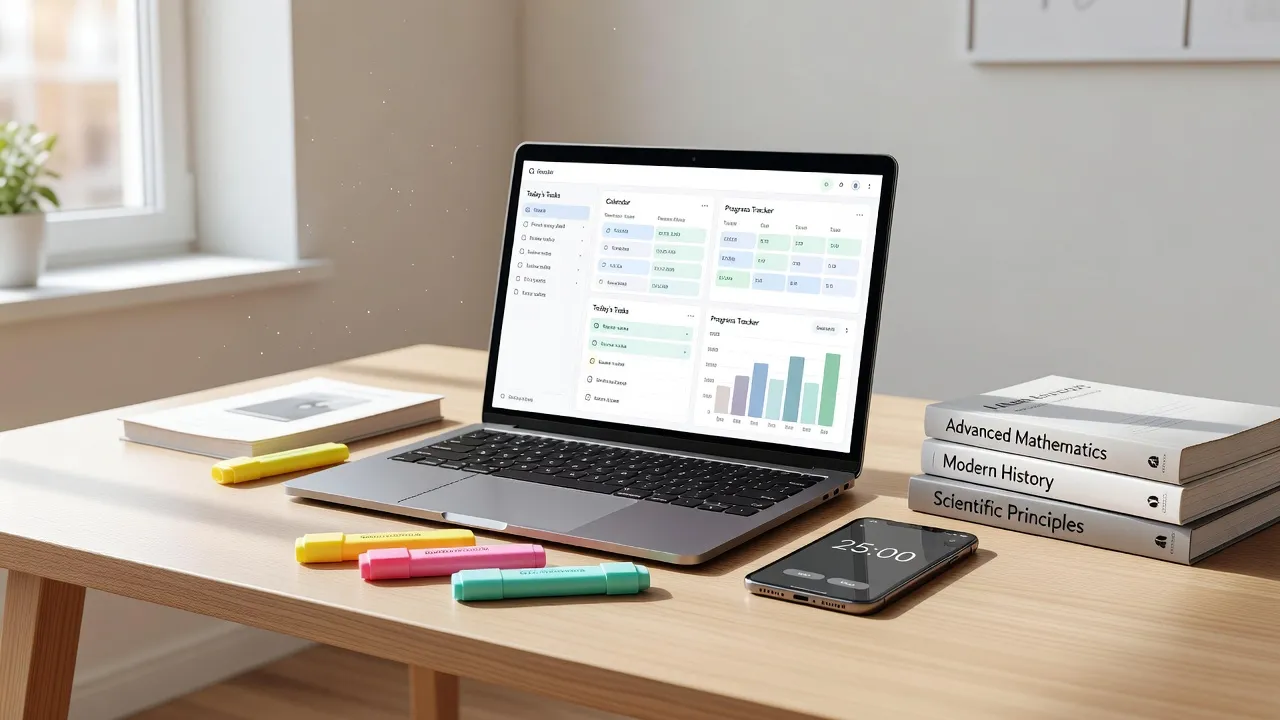
The best study tracker for most students is Toggl Track for detailed time logging, Forest for active distraction defense, or Notion for custom dashboard organization. Choosing the right tool depends entirely on your primary bottleneck: whether you struggle with timer friction, deadline visibility, or staying focused during long sessions.
Is Toggl Track good for tracking study time as a student?
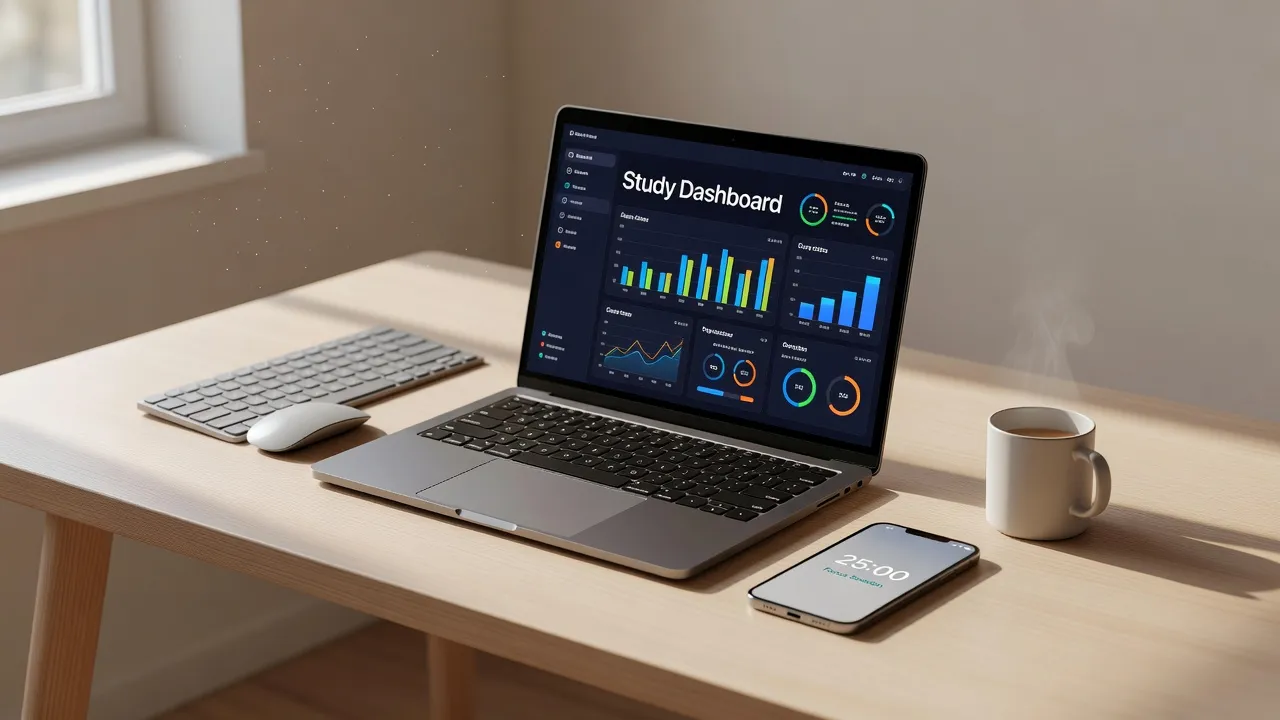
Yes, Toggl Track is one of the best study trackers for students who need detailed visual reporting across multiple classes. It allows you to create specific projects for each subject, assign tags for tasks like reading or problem sets, and generate weekly reports showing exactly where your hours went.
The main advantage of Toggl Track is its one-click timer across web, desktop, and mobile platforms. According to Toggl's official documentation, the platform offers auto-trackers that trigger based on active desktop applications, which helps prevent forgotten sessions.
The biggest drawback for students is the manual discipline required. If you forget to start or stop the timer, your study data becomes inaccurate fast. If you struggle to keep up with daily entries, reviewing a dedicated assignment tracker guide can help you combine time tracking with clear assignment milestones.
Is the Forest app a good study tracker for students?
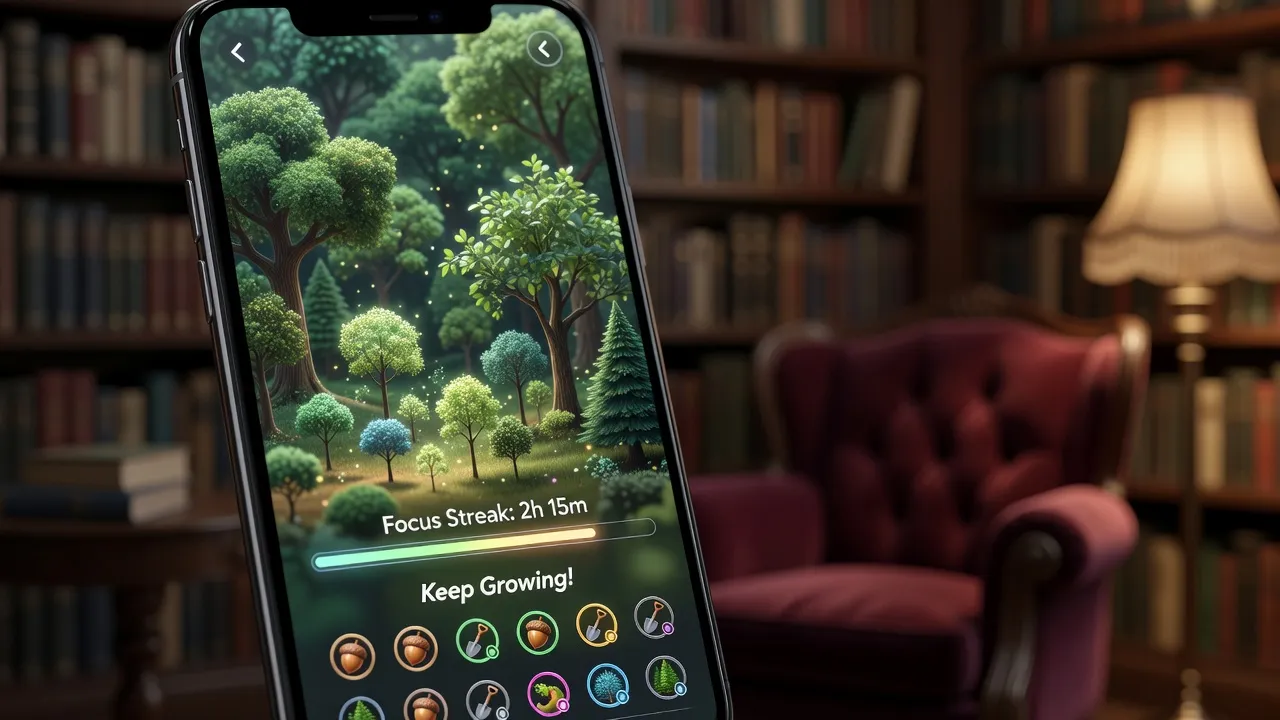
Yes, the Forest app is an excellent study tracker for students who get easily distracted by phone notifications during study sessions. Instead of passive tracking, Forest uses gamification to keep you focused: starting a timer plants a virtual seed that grows into a tree over 25 to 120 minutes.
If you leave the app to check social media or messages, your tree dies. Over time, completed sessions build a visual representation of your weekly productivity.
The primary limitation of Forest is its rigidity. It functions primarily as a Pomodoro focus timer rather than a comprehensive analytical tool, making it difficult to review long-term subject distributions. It is also a paid app on iOS, costing $3.99 up front, whereas the Android version is free with ad options.
Is MyStudyLife a good study planner app?
Yes, MyStudyLife is a solid study planner and schedule tracker for managing complex, rotating class timetables and exam deadlines. Unlike basic calendar apps, it natively supports block schedules, alternating week timetables, and assignment tracking tied directly to specific classes.
The platform sends push reminders for upcoming exams and incomplete homework tasks, ensuring you never miss a deadline. It also syncs seamlessly across iOS, Android, and web browsers for offline access.
However, MyStudyLife lacks built-in real-time timers. It tracks what you need to do and when it is due, but it does not measure how many actual hours you spend studying. Pair it with a focus timer if you need to log precise study duration.
How ThinkAssist supports study tracking through step-by-step problem solving
ThinkAssist tracks study progress by automatically archiving every solved assignment and math problem for fast exam preparation. Rather than requiring manual timer entries, the app acts as a personal 24/7 tutor that logs your learning history as you work through challenging course materials.
When you hit a roadblock on homework, you can snap a photo of any problem to get instant, step-by-step explanations. The automatic subject detection categorizes your questions across math, chemistry, physics, and humanities, effectively building a organized repository of your past work.
| Study Tracker | Primary Tracking Mechanism | Key Limit or Constraint | Best Student Workflow Fit |
|---|---|---|---|
| Toggl Track | Real-time stopwatches & tags | High manual entry overhead | Multi-subject time auditing |
| ThinkAssist | Automatic solution logging & AI | Requires subscription after trial | AI homework solving & exam prep |
| Forest | Gamified Pomodoro countdowns | Rigid failure state if app closes | Phone distraction prevention |
| MyStudyLife | Class schedule & deadline grids | No real-time study stopwatches | Rotating timetable organization |
| Notion | Custom databases & formulas | Steep learning curve and setup time | All-in-one academic dashboards |
| Focusmate | Live video co-working sessions | 3 free sessions/week cap | Social accountability & focus |
For students looking to streamline their daily routine, ThinkAssist is free to download on the Apple App Store. It includes a 3-day free trial, followed by a $6.99/week subscription. It bridges the gap between study organization and concept mastery by saving every solved problem directly to your account for quick test review.
Is Clockify a good study tracker for students?
Yes, Clockify is an outstanding free study tracker for students who want unlimited time logging without subscription paywalls. It offers almost every feature found in premium corporate time-tracking tools, including detailed project categorization, tags, timesheets, and visual charts.
Clockify permits unlimited users and projects on its free tier, making it ideal for group projects or study teams sharing tracked hours. You can run live timers or enter hours manually at the end of the day.
The main downside is that the user interface feels heavily corporate. Setting up workspaces, clients, and billable rates (which you must ignore as a student) adds extra friction compared to simpler, student-focused apps.
Are there good Notion templates for tracking study hours?
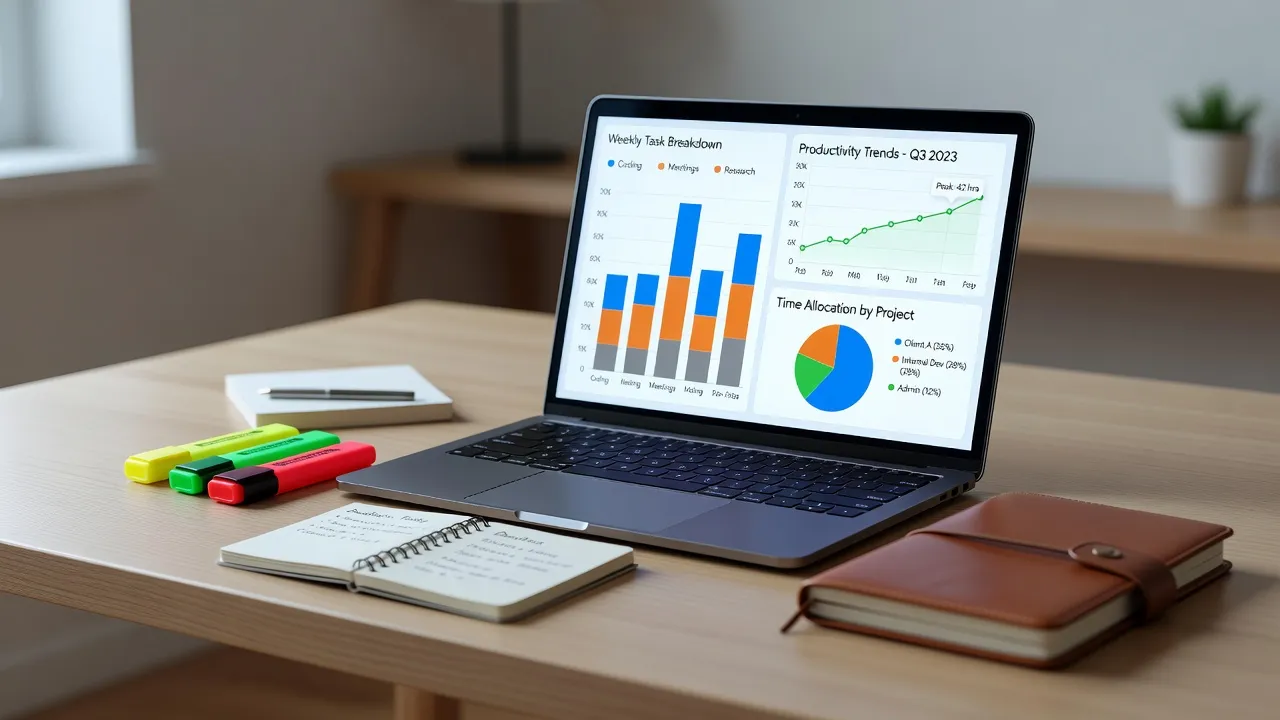
Yes, dozens of high-quality Notion templates allow students to track study hours alongside class notes and assignment databases. By using built-in database relations, you can link a time-tracking session directly to a specific subject, lecture, or project.
According to the official Notion Template Gallery, thousands of student-built academic dashboards feature integrated Pomodoro timers and automated formula properties that calculate weekly progress toward study targets.
The major constraint of using Notion for study tracking is setup complexity. Building or customizing a template requires a learning curve, and manually logging start and end times inside a database row can feel clunky compared to a dedicated mobile app widget. If you prefer lightweight mobile options, explore dedicated assignment tracker apps built specifically for fast entries.
Is Focusmate good for study accountability?
Yes, Focusmate is an exceptional study tracking and accountability tool for students who struggle with procrastination when studying alone. It pairs you with a live partner over video for 25, 50, or 75-minute silent work sessions.
At the start of a session, you state your study goals to your partner, work quietly with video enabled, and share your progress at the end. This structure leverages body doubling to keep you in your seat and focused on your work.
The principal limitation of Focusmate is its free tier cap. As of October 2026, the free plan restricts users to 3 sessions per week, requiring a $6.99/month subscription for unlimited sessions. Additionally, it requires a stable internet connection and a quiet environment suitable for video calls.
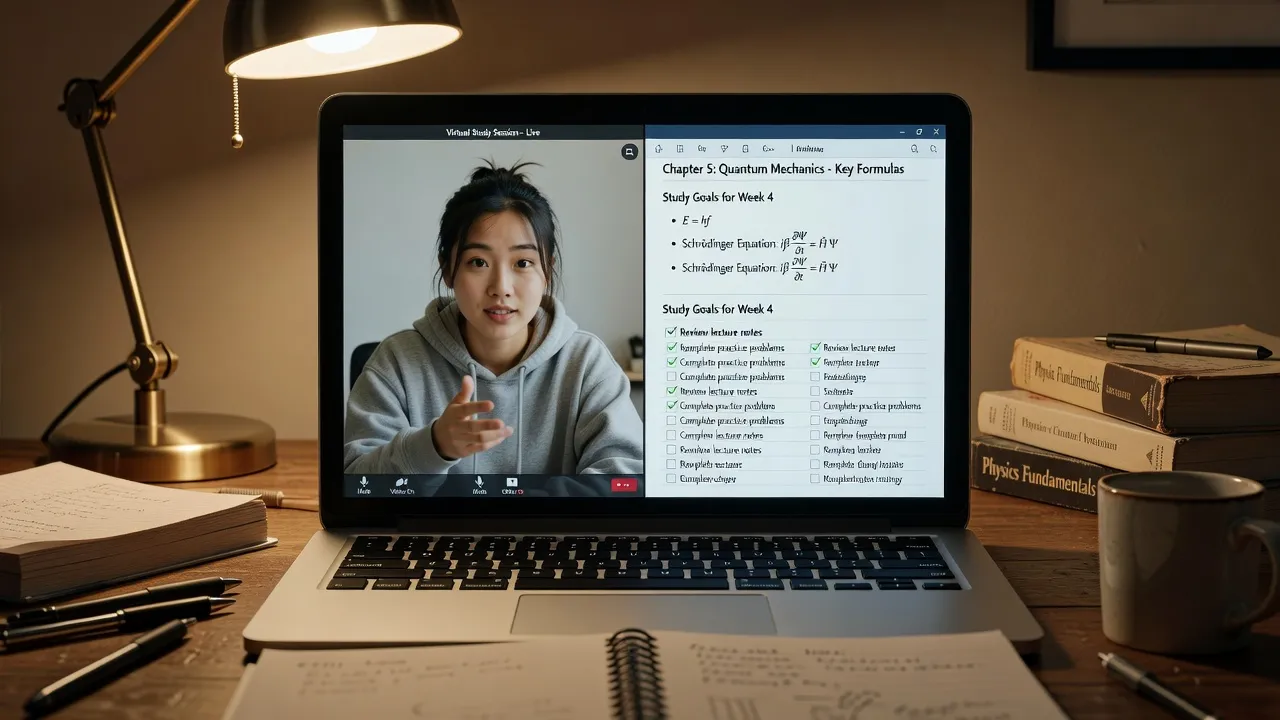
Key limits that rule out certain study trackers
The most common reason students abandon a study tracker is friction caused by rigid constraints or heavy manual data entry. Selecting the right tool requires matching its operational limits to your personal study habits.
- Manual entry fatigue: Apps like Toggl Track and Clockify require you to press start and stop every time you switch tasks. If you frequently forget to toggle timers, your data quickly becomes useless.
- Paywalls and session limits: Platform constraints can block your workflow right before midterms. Focusmate caps free users at 3 sessions weekly, while Forest charges upfront fees on iOS.
- Setup time sink: Custom tools like Notion can easily turn into a procrastination vehicle where you spend hours tweaking templates instead of actually studying.
- Lack of academic support: Standard time trackers only log hours spent sitting at your desk. They cannot tell you if you are solving problems correctly or understanding the material.
If you find that time loggers do not improve your grades, evaluate broader study applications and AI tutors that offer direct homework explanations alongside practice tracking.
Frequently Asked Questions
What is the best free study tracker for college students?
Clockify is the most comprehensive free study tracker for college students because it places no limits on tracking hours, projects, or visual reports. Toggl Track also offers a generous free tier for single users with automated idle detection.
Should I track study hours or task completion?
Tracking task completion is generally more effective for academic performance because measuring hours spent sitting at a desk does not guarantee comprehension. Using a combination of task checklists and focus timers yields the best results.
How many hours should a student track per day?
Most higher education guidelines recommend studying 2 to 3 hours outside of class for every credit hour taken. For a standard 15-credit semester schedule, target 30 to 45 hours of combined class and study time weekly.
Does time tracking reduce student procrastination?
Yes, time tracking reduces procrastination by creating immediate visibility over how time is spent and utilizing friction tactics like countdown timers or body doubling to initiate work sessions.
Is Forest app free on iPhone?
No, the Forest app costs $3.99 as a one-time purchase on the iOS App Store, whereas the Android version is free with optional rewarded video ads and in-app purchases.
Can Notion replace a study timer app?
Notion can track study hours using custom database properties and embedded timer widgets, but it lacks native background stopwatches and push notification alerts found in dedicated tracking apps.