
DeltaMath answers cannot be found on static answer keys because the platform uses dynamic variable generation to randomize numbers for every individual student. To find the correct answer for your specific assignment, you must solve the problem using step-by-step algebraic methods or use an ai homework helper app to process the exact values shown on your screen.
Finding exact solutions for DeltaMath assignments online is impossible through simple search queries. The software generates fresh numerical values, coefficients, and coordinate points every time a problem loads.
While static answer keys work for physical textbooks, digital learning platforms require a different strategy. Understanding how the software generates questions, formats input requirements, and scores incorrect attempts is essential for completing assignments without losing points.

Why can't you find a universal DeltaMath answer key online?
Universal DeltaMath answer keys do not exist because DeltaMath dynamically randomizes variables, equations, and graphs for every student account. Even if two students receive the exact same module title, such as "Solving Two-Step Equations," their actual numbers will differ completely.
The platform relies on algorithmic question structures developed for middle school, high school, and advanced placement courses. According to DeltaMath's platform features, the system pulls from thousands of problem templates while altering the underlying parameters for each instance.
If a problem template requires finding the slope of a line passing through two points, the system generates random coordinate pairs like $(2, 5)$ and $(-3, 11)$ for one user, while another user receives $(4, -1)$ and $(8, 7)$.
Because of this randomization, website forums and static PDF solution guides cannot provide direct answers to your current set. Attempting to copy numbers from a classmate or an online repository will result in marked incorrect answers.
How does DeltaMath score wrong answers and retry penalties?
DeltaMath scores assignments based on consecutive correct answers, often resetting your progress bar or deducting partial credit when you enter an incorrect response. The exact scoring structure depends on the specific settings chosen by your teacher for that assignment module.
Teachers can configure problem sets using several distinct grading modes:
- Timed Mode: Gives you a fixed number of seconds to solve as many randomized problems as possible.
- Give up Penalty: Deducts points or resets progress if you click "Give Up" to view the solution.
- Penalty On/Off: Determines whether an incorrect answer subtracts from your current streak count.
- Required Correct: Demands a set number of correct answers (such as 5 in a row) to earn 100% credit on the topic.
Under standard settings, entering a wrong answer breaks your active streak. If your teacher requires five consecutive correct answers and you miss the fifth question, your streak drops back down, forcing you to solve additional problems to finish.
If you get stuck on a tricky question, using a homework answers scanner to verify your manual calculations before hitting submit prevents unnecessary progress resets.
What is the best way to solve dynamic DeltaMath problems?
The most reliable way to solve dynamic DeltaMath problems is to apply systematic problem-solving templates to the specific numbers generated in your assignment. Because static answers do not exist, focusing on operational steps is the only consistent method to finish assignments quickly.
+-------------------------------------------------------------------+
|                  DeltaMath Solving Workflow                       |
+-------------------------------------------------------------------+
| 1. Read the Problem -> Identify constants and variables            |
| 2. Check Worked Example -> Click "Show Example" for identical format|
| 3. Execute Operations -> Work out the math on scratch paper       |
| 4. Verify Input Format -> Check for fractions, decimals, or pi    |
| 5. Submit Answer -> Record logic for future exam prep             |
+-------------------------------------------------------------------+
To complete any problem set efficiently, follow this four-step strategy:
- Identify the core template: Determine whether the question requires factoring, applying the quadratic formula, or calculating geometric transformations.
- Review built-in worked examples: Click the "Show Example" button inside DeltaMath. This generates a fully solved sample problem using different numbers so you can copy the structural process.
- Isolate your unique values: Plug your actual numbers into the steps demonstrated by the sample problem.
- Format your answer accurately: DeltaMath requires strict formatting for items like radical expressions, fractional exponents, and interval notation.
Entering $0.5$ when the platform explicitly requests a simplified fraction like $1/2$ will cause the system to mark your answer wrong, even if your underlying logic was correct.
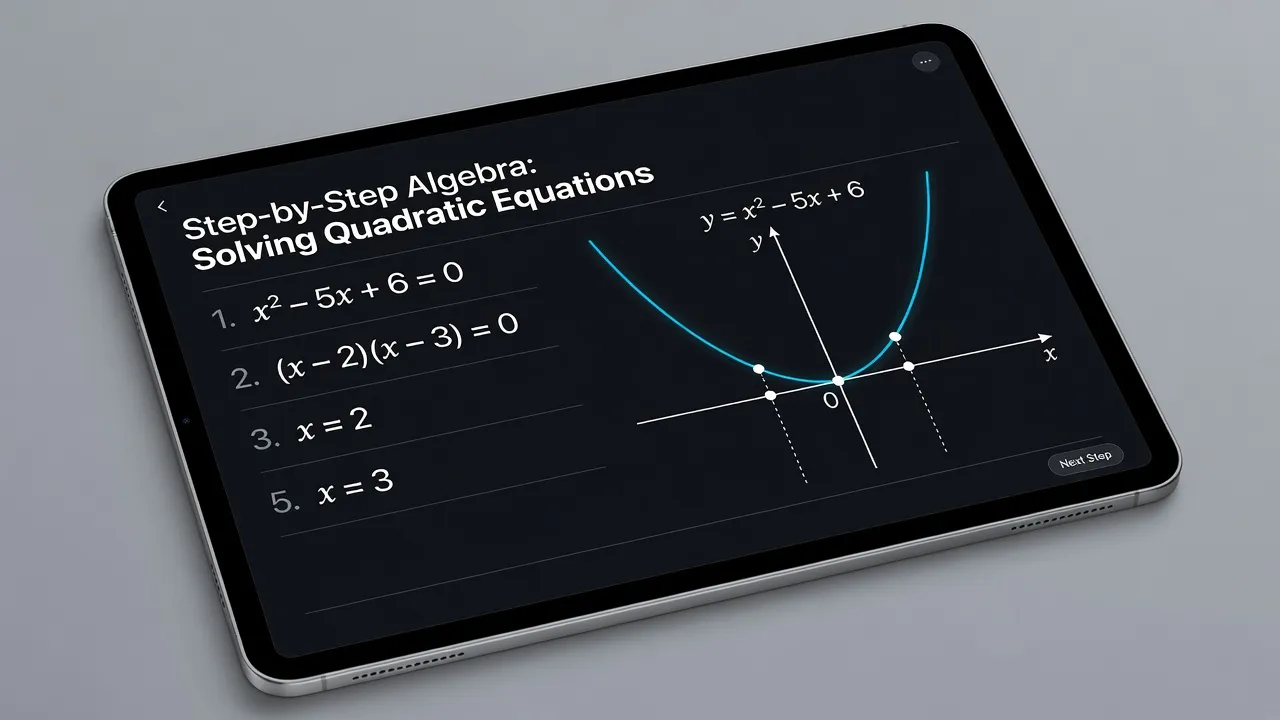
Comparing methods for finding and understanding DeltaMath solutions
Different study tools handle dynamic math platforms with varying levels of accuracy, speed, and conceptual clarity. Relying solely on general web searches rarely yields usable results for randomized equations.
The table below contrasts common methods students use to work through DeltaMath assignments.
| Method | Handles Randomized Values? | Step-by-Step Logic Quality | Ideal Use Case |
|---|---|---|---|
| DeltaMath "Show Example" | Yes (uses parallel numbers) | High (shows official platform formatting) | Learning official answer formatting requirements |
| Search Engines & Video Sites | No (only finds identical static questions) | Varies (depends on video creator clarity) | Reviewing general mathematical concepts |
| ThinkAssist AI Homework Solver | Yes (scans exact screen values instantly) | High (provides full step-by-step tutor logic) | Getting immediate help on your specific randomized numbers |
| Static Answer Sheets / PDFs | No (completely ineffective for dynamic sets) | Low (shows final numbers with minimal steps) | Outdated print textbook assignments only |
While DeltaMath's built-in examples demonstrate how to solve similar problems, they do not explain why specific steps break down when complex variables are involved.
General web searches on Google or YouTube often surface similar math topics, but you still have to manually map the video's numbers back to your own assignment.
Static PDFs found online are largely useless for modern coursework since automated platforms do not draw from static print answer keys.
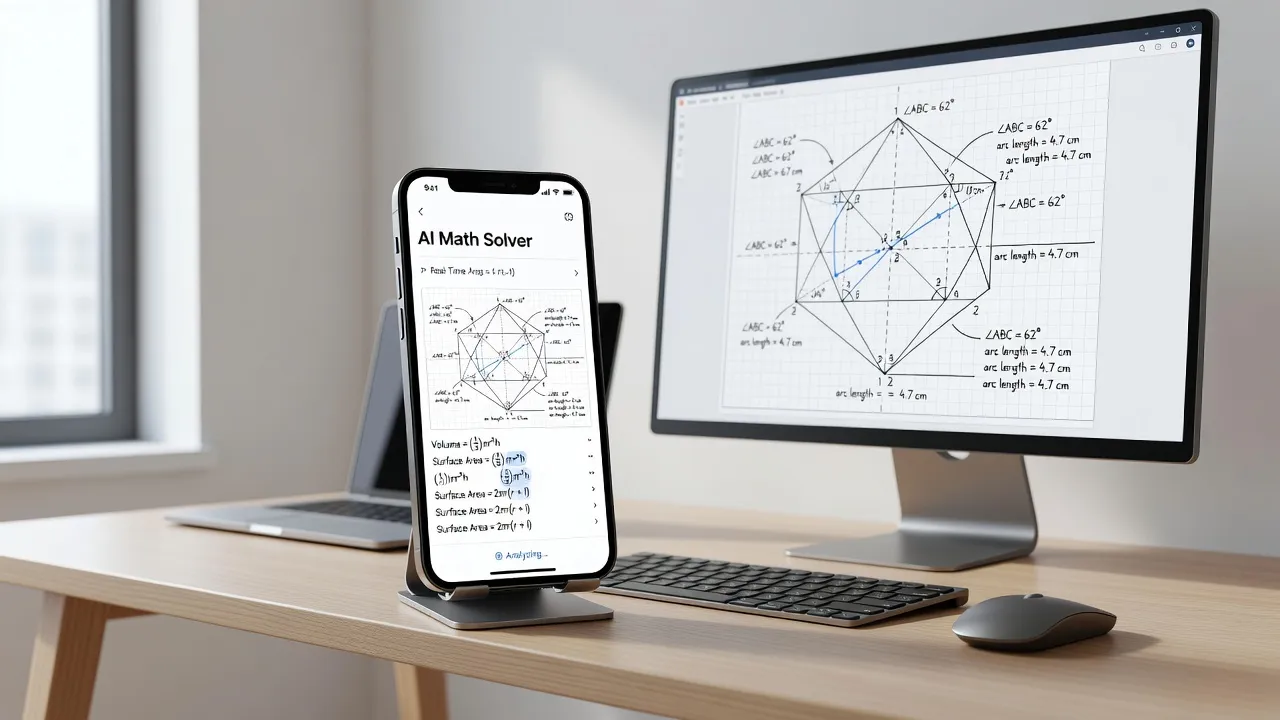
How can an AI homework helper break down randomized DeltaMath equations?
An AI homework helper breaks down randomized DeltaMath equations by using optical character recognition (OCR) to read the exact numbers from your screen and generate custom, step-by-step solutions. Instead of searching an online database for pre-existing text, advanced vision models interpret the mathematical operations directly from an image.
When you hit a barrier on a complex topic and need to know how do i solve this math problem, using a dedicated AI tool removes the frustration of guessing.
For instance, ThinkAssist functions as a 24/7 personal tutor that works directly with live coursework. You can snap a photo of your laptop screen showing any DeltaMath assignment, and the app automatically detects the subject matter whether it is basic middle school pre-algebra or advanced calculus.
The primary benefit of using ThinkAssist on iOS is that it does not simply hand over a single number that might be formatted incorrectly.
It breaks down the full logical sequence line by line:
- Automatic Subject Parsing: Identifies whether the problem involves polynomial division, logarithmic expansions, or vector operations.
- Tailored Calculation: Solves the exact coefficients, exponents, and constants rendered on your specific screen.
- Clear Explanations: Explains each algebraic transformation so you can answer the subsequent randomized problem without assistance.
- Exam Prep Storage: Saves past solved problems and step breakdowns inside the app so you can review them prior to in-class exams.
In my opinion, relying on inspection hacks or trying to bypass the browser interface is a waste of effort. Platforms continuously update their codebase to patch script exploits.
Using an AI solver to analyze the mathematical logic keeps you compliant with learning goals while saving hours of aimless trial and error.
What are the most common DeltaMath modules and how do you solve them?
The most common DeltaMath modules focus on foundational algebra, coordinate geometry, linear systems, and polynomial factoring. Master these core categories to improve your speed across almost all assigned problem sets.
Linear Equations and Systems
Linear equation modules require you to isolate unknown variables or find the intersection point of two lines.
When solving systems of equations by elimination or substitution, always double-check your arithmetic with negative signs. Distributing a negative sign incorrectly across parentheses is the single most common reason students fail DeltaMath linear modules.
Quadratic Functions and Factoring
Factoring modules expect answers expressed in precise binomial terms like $(x - 4)(x + 3)$ or simplified radical form following the quadratic formula.
If a module specifies that answers must be written in vertex form, $y = a(x - h)^2 + k$, entering standard polynomial form $y = ax^2 + bx + c$ will trigger an error even if both equations describe the exact same parabola.
Geometric Transformations and Proofs
Geometry modules on DeltaMath often use interactive click-and-drag interfaces for rotations, reflections, and dilations.
For formal proof modules, you must select geometric theorems (such as Side-Angle-Side or Alternate Interior Angles) from drop-down menus in a strict logical sequence. According to mathematical resources on computer algebra systems and automated grading, interactive geometry environments check logical dependencies at every step rather than just reading a final numeric output.
How to avoid common formatting mistakes on DeltaMath
Entering mathematically equivalent answers in the wrong structural format is the leading cause of lost points on DeltaMath. The platform's automated engine expects precise mathematical syntax.
To protect your accuracy score, watch out for these technical requirements:
- Fraction Reduction: Never leave fractions unsimplified. $4/8$ must be entered as $1/2$.
- Decimals vs. Fractions: Unless the problem specifically asks for a rounded decimal (e.g., "round to the nearest hundredth"), always enter exact fraction representations.
- Domain and Inequality Notation: Pay close attention to whether the module asks for interval notation like $[2, \infty)$ or inequality notation like $x \ge 2$.
- Plus-Minus Symbols: When taking square roots to solve quadratic equations, use the explicit $\pm$ key provided in the on-screen DeltaMath virtual keyboard rather than typing two separate equations unless instructed otherwise.
If you are unsure whether your final expression matches what the system wants, reviewing step-by-step solutions inside ThinkAssist helps clarify how standard algebraic expressions should be written out.
Frequently Asked Questions
Can teachers see if you view solution examples on DeltaMath?
Yes, teachers have access to detailed dashboard analytics on DeltaMath. Their dashboard displays the exact time you spent on each problem, how many incorrect attempts you made, and how many times you clicked the "Show Example" button.
Why is my correct answer being marked wrong on DeltaMath?
Your answer is likely marked wrong due to syntax or rounding formatting. If a question requests an exact simplified fraction and you enter a rounded decimal, DeltaMath registers it as incorrect regardless of your work.
How do you enter square roots and fractions on DeltaMath?
You can use the built-in DeltaMath virtual keyboard displayed on screen, or use standard keyboard shortcuts. Type / to create a fraction bar and type sqrt or use the √ key on the virtual keypad for square roots.
Does DeltaMath give you the same questions if you retry?
No, DeltaMath uses algorithmic problem generation. When you request a new question or retry after a wrong attempt, the platform generates a fresh problem with different numbers and variables.
Can you use a calculator on DeltaMath assignments?
Calculator use depends on your teacher's assignment settings. Some modules include an embedded scientific or graphing calculator directly inside the DeltaMath interface, while others require manual calculation or explicit step entry.
What is the fastest way to learn DeltaMath step-by-step logic?
The fastest way to learn DeltaMath logic is to review the built-in worked examples alongside an AI solver like ThinkAssist. Scanning the specific randomized problem gives you instant, custom step-by-step breakdowns for your exact variables.