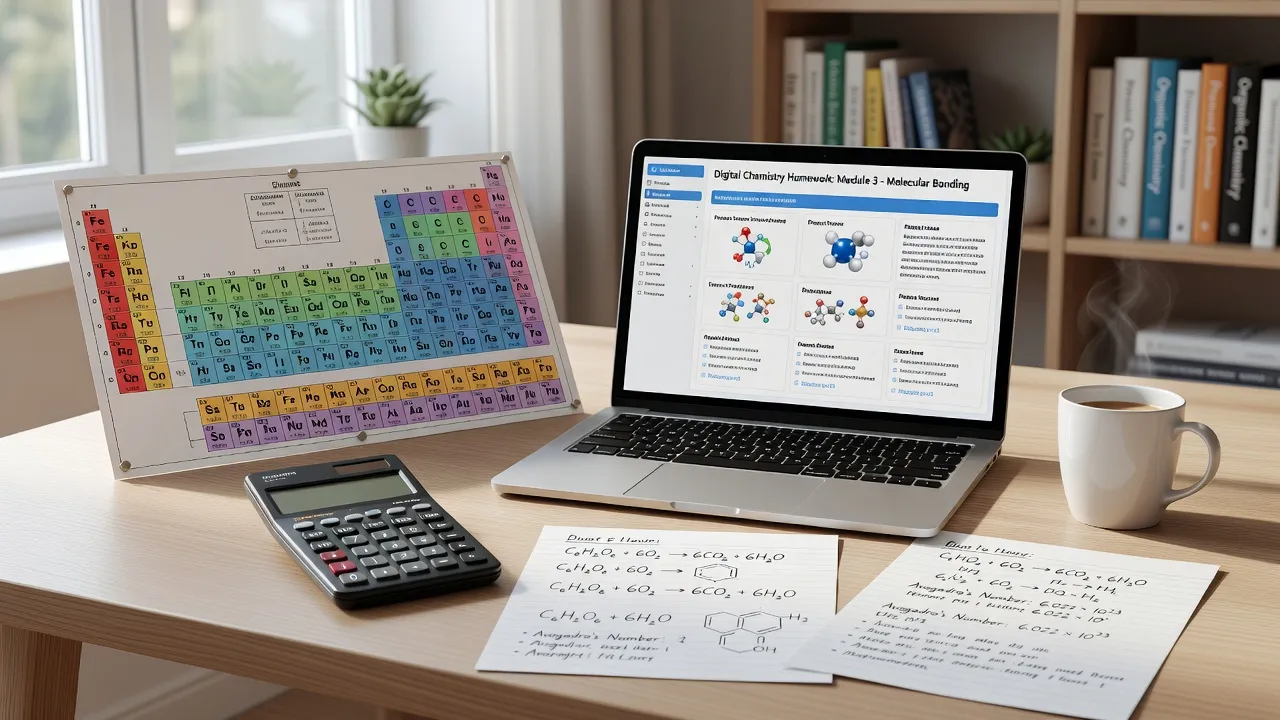
Pearson Mastering Chemistry answers are system-generated solutions to online chemistry assignments that rely on randomized numerical variables, strict significant figure rules, and chemical syntax algorithms to grade student input. Because the platform assigns unique numbers to every student, static answer keys found on public forums rarely match your specific problem set. Success on the platform requires mastering the underlying step-by-step chemical logic and learning how the automated grading system interprets your inputs.
To navigate these online homework sets effectively, students often combine textbook hints with on-demand learning tools. Using an AI homework app like ThinkAssist allows you to snap a photo of a problem to review the underlying dimensional analysis before submitting your final values into the Pearson portal.
What makes Pearson Mastering Chemistry answers unique?
Pearson Mastering Chemistry answers differ from standard textbook keys because the platform uses algorithmic variables to randomize problem parameters for every enrolled student. If two students open the exact same question on stoichiometry, Student A might receive 15.0 grams of reactant while Student B receives 22.5 grams.
The automated engine calculates an individualized correct value based on those specific parameters. Beyond varying the raw numbers, the platform enforces three structural elements on every submission:
- Numeric Tolerance: As of September 2026, Pearson's default grading settings allow a standard ±2% tolerance window around the calculated value, though instructors can tighten this threshold.
- Significant Figure Rules: The system tracks significant figures throughout multi-step calculations and flags your answer as incorrect if you round off digits too early.
- Chemical Syntax Recognition: Entering chemical formulas requires specific formatting for subscripts, superscripts, state symbols, and ionic charges.
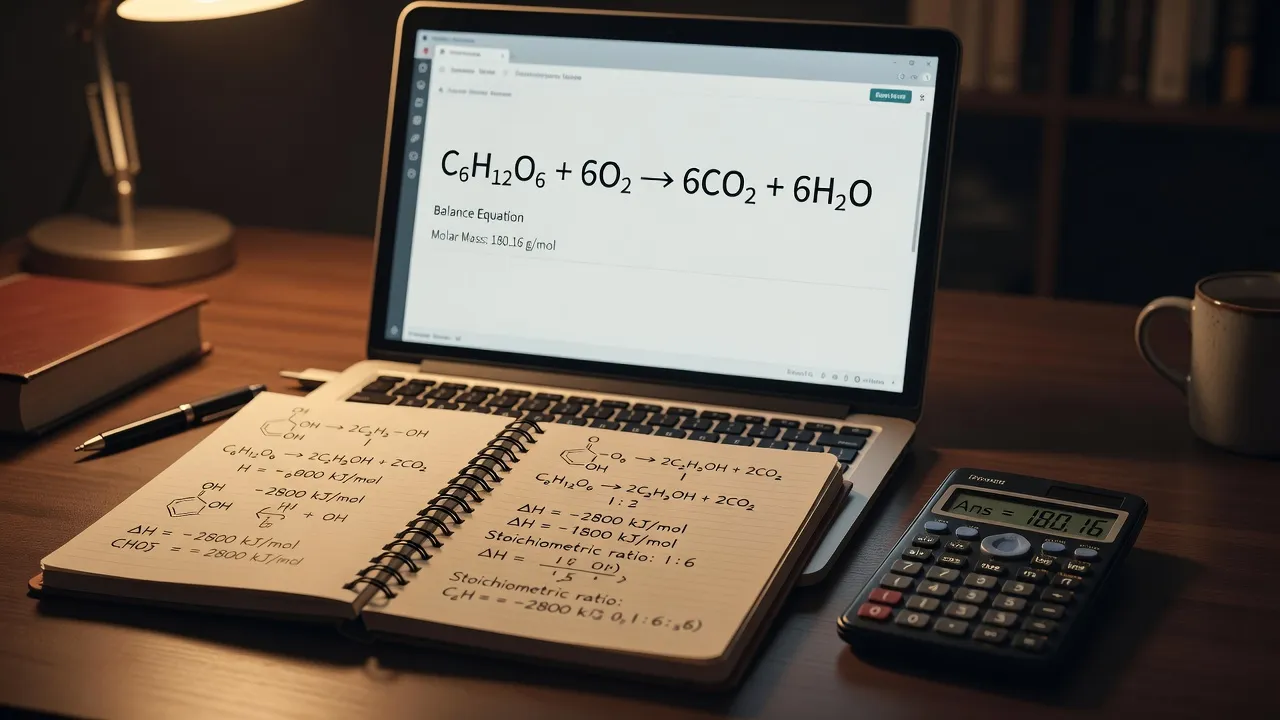
How does the Pearson grading engine evaluate your input?
The Pearson grading engine checks your response against a programmed answer key using precise mathematical range matching and syntax parsing. When you hit submit, the system does not simply look for a matching text string; it evaluates the mathematical structure of your value and the chemical validity of your notation.
- Student Input
- Syntax Parser
- Sig-Fig Check
- Numeric Range Comparison (±2%)
- Final Grade
Most instructors configure the system with a tiered point-deduction model. Under standard settings, the platform deducts a small percentage of credit (typically 3% to 10%) for each failed attempt on a question.
Syntax errors, such as typing a lowercase letter for an element symbol or forgetting parentheses in a polyatomic ion, sometimes trigger a warning without consuming a paid attempt. However, entering an incorrect number counts as a full attempt.
Why do static online answer keys fail on Mastering Chemistry assignments?
Static online answer keys fail on Mastering Chemistry assignments because copying fixed values ignores the randomized variables embedded in your specific problem instance. Searching for a problem title online usually yields the solution steps for a sample problem printed in the physical textbook, not the customized numbers generated for your portal account.
Relying on static keys creates three distinct failure points during an assignment:
- Mismatched Reactant Quantities: A online forum solution might calculate yield using 5.0 moles, while your portal assignment generated 8.2 moles.
- Molar Mass Variations: Differences in atomic mass values listed on different periodic tables can throw your final calculation outside the platform's ±2% tolerance window.
- Formatting Mismatches: Public forums often omit the exact subscript tags or bracket styles required by the digital submission box.
Instead of hunting for static numbers, learning how to set up the conversion factors ensures you arrive at the correct value regardless of which numbers the platform generates. If you need a refresher on unit conversions, reviewing a comprehensive chemistry conversion chart guide helps clarify how units cancel out in multi-step problems.
What single variable determines if your answer is marked correct?
The single variable that most frequently determines whether your answer is marked correct is how you manage significant figures and intermediate rounding. You can execute every chemical equation perfectly, but if you round intermediate values to two decimal places at Step 1, your final answer at Step 4 will drift outside Pearson's automated tolerance band.
To keep your calculations inside the scoring window, keep the full decimal value stored in your scientific calculator until the absolute final step. Only apply significant figure rules when preparing the final number for the answer box.
- Raw Calculator Output: 14.582914 g
- Apply Sig-Fig Rule (3 sig figs)
- Submitted Answer: 14.6 g
Chemical notation syntax is the second most common failure point. For example, entering electron configurations for topics like quantum numbers chemistry requires strict spacing and orbital designation tags. Entering 1s2 2s2 2p6 without using the platform's superscript tool will cause the automated grader to reject the input as invalid syntax.
Comparing approaches to solving Mastering Chemistry problems
Choosing the right study resource depends on whether you need quick syntax troubleshooting, foundational concept reviews, or instant step-by-step problem verification. The table below compares the primary methods students use to work through assigned problem sets.
| Approach | Accuracy on Randomized Problems | Step-by-Step Explanation Quality | Speed & Convenience | Best Used For |
|---|---|---|---|---|
| Pearson eTextbook Hints | High | Moderate (Static hints) | Slow | Understanding official question intent and basic formulas |
| Peer Study Groups | Moderate | High (Interactive discussion) | Varies by schedule | Talking through conceptual chemistry theory |
| ThinkAssist AI Homework Solver | High | High (Generates personalized logic) | Fast (Instant photo scan) | Breaking down complex dimensional analysis and math steps |
| Static Answer Repositories | Low | Low (Fixed historical data) | Moderate | Quick reference for un-randomized conceptual questions |
Using automated homework software requires choosing tools that explain the underlying logic rather than spitting out static digits. Similar to working through automated platforms like delta math answers, focusing on the step-by-step derivation ensures you perform well during unassisted midterms and exams.

How to break down complex Mastering Chemistry problems step by step
Breaking down complex Mastering Chemistry problems requires isolating the target units, listing your given values, and setting up conversion factors before performing any arithmetic. Taking three minutes to sketch the path on paper prevents common calculator input errors.
Follow this four-step sequence for multi-step stoichiometry and equilibrium questions:
- Identify the Given and Target Units: Write down the exact unit requested by the answer box (e.g., $kJ/mol$, $g/L$, or $M$).
- Extract Your Randomized Values: Copy the specific numbers generated in your assignment view, ignoring numbers found in third-party solution videos.
- Set Up Dimensional Analysis: Arrange your conversion factors so that every unit cancels out diagonally, leaving only your target unit on top.
- Execute and Format: Run the calculation once in your calculator, hold all decimals until the end, and format the output according to Pearson's syntax guidelines.
When you get stuck on a difficult problem during late-night study sessions, mobile learning tools can act as an instant personal tutor. With the ThinkAssist iOS app, you can snap a photo of a problem set, leverage automatic subject detection, and get instant step-by-step explanations.
The app saves past answers and explanations automatically, turning your homework routine into an organized study bank for upcoming midterm exam prep.
How to troubleshoot wrong answers on Mastering Chemistry
Troubleshooting wrong answers on Mastering Chemistry requires systematically checking unit labels, intermediate rounding choices, and platform-specific symbol formatting. System requirements and syntax guidelines checked in September 2026 confirm that simple typos account for a massive percentage of lost homework points.
Run through this diagnostic checklist whenever the portal rejects your input:
- Check Case Sensitivity: Element symbols must match official periodic table capitalization. Typing
COmeans carbon monoxide, whereasComeans cobalt. - Verify State Symbols: Some questions require physical state designations like $(aq)$, $(s)$, $(l)$, or $(g)$ directly following the formula, while others mark them wrong if included. Read the prompt instructions carefully.
- Inspect Charge Notations: Polyatomic ionic charges should generally be entered using superscripts (e.g., $SO_4^{2-}$). Check if the platform asks for the sign before or after the number.
- Review Constant Values: Confirm whether your problem specifies a particular value for constants, such as the ideal gas constant $R = 0.08206 \ L \cdot atm / (mol \cdot K)$ versus $8.314 \ J / (mol \cdot K)$.
- Test Key Concepts: If you suspect your underlying chemical theory is rusty, taking a quick chemistry quiz can help highlight whether the error stems from math formatting or conceptual gaps.
By systematically verifying your syntax and using AI tools like ThinkAssist to double-check your dimensional analysis steps, you can eliminate frustrating portal penalties, protect your homework score, and build true mastery over chemistry concepts.
Frequently Asked Questions
Why does Mastering Chemistry keep marking my correct answer wrong?
Mastering Chemistry usually marks an answer wrong due to significant figure rounding errors, incorrect chemical syntax capitalization, missing spaces, or using a slightly different molar mass constant than the platform's internal reference table.
How many attempts do you get on Pearson Mastering Chemistry?
The number of allowed attempts depends on your instructor's specific course settings. Most professors allow between 3 to 6 attempts per question, with a small percentage penalty applied to each incorrect attempt.
Does Pearson Mastering Chemistry detect copy and pasting?
The Pearson platform tracks browser focus events, submission times, and direct text inputs within the portal interface. While it records user interaction data, points are deducted based on incorrect answer entries rather than clipboard activity.
Do static answer keys work for Mastering Chemistry homework?
Static answer keys rarely work because Pearson uses algorithmic variables to assign different numbers to every student. Copying a number from an online forum will result in a wrong answer for your unique assignment.
How does tolerance work in Pearson Mastering Chemistry?
Pearson uses a default numeric tolerance of ±2% around the exact calculated answer. If the correct value is 100, the system accepts any value between 98 and 102, provided the significant figures match the prompt requirements.
How do you type exponents and subscripts in Mastering Chemistry?
You must use the platform's built-in math palette located above or beside the text submission box. Clicking the subscript ($X_b$) or superscript ($X^b$) buttons formats the chemical formulas correctly for the grading engine.
Can an AI homework solver help with Pearson Mastering Chemistry?
Yes, an AI solver can help by reading your specific problem parameters, breaking down the dimensional analysis step by step, and verifying your mathematical setup before you submit the final value to the portal.