

You can solve difficult math assignments in under 30 minutes by following a five-step homework process that isolates formula gaps, leverages digital tools, and verifies working step-by-step. This structured approach turns confusing equations into predictable operations, ensuring you finish problem sets faster while actually retaining the underlying principles. When you need immediate feedback on written assignment questions, our app ThinkAssist provides an iPhone-based helper that converts handwritten math photos into step-by-step breakdowns.
Math Homework Process at a Glance
Getting fast help on homework math requires picking the right tool for your specific bottleneck. The table below outlines each phase of the problem-solving workflow, including estimated completion times and primary requirements.
| Workflow Step | Focus Area | Time Needed | Primary Requirement |
|---|---|---|---|
| 1. Bottleneck Audit | Isolating concepts vs. execution errors | 3 - 5 mins | Homework rubric or class notes |
| 2. Text Translation | Extracting variables from word problems | 5 - 10 mins | Keyword reference list |
| 3. Equation Solving | Running algebraic operations | 5 - 10 mins | Camera scanner or solver engine |
| 4. Visual Plotting | Checking boundaries and intercepts | 3 - 5 mins | Dynamic graphing calculator |
| 5. Error Logging | Archiving missteps for exam preparation | 2 - 3 mins | Solution history log |
Step 1: Diagnose Whether Your Bottleneck Is Conceptual or Computational
The first step to getting help with mathematics homework is identifying why you are stuck. Math errors fall into two clear buckets: computational mistakes (making simple arithmetic slips) and conceptual gaps (not knowing which rule to apply next).
If you understand the underlying theorem but keep arriving at the wrong numerical answer, your issue is execution. In that scenario, double-checking your sign changes or re-running calculation steps on a basic solver fixes the problem immediately.
If you stare at a problem and have no idea how to set up the first line, you face a conceptual blocker. For conceptual blockers, pulling up video demonstrations or consulting detailed explanations works much better than jumping straight to a final calculator output. You can explore modern AI homework helper options to evaluate which study tools match your learning preferences.

Step 2: Extract Key Quantities and Translate Word Problems into Equations
To solve math word problems quickly, convert written text into standard mathematical symbols before attempting any arithmetic. Word problems confuse many students because language obscures the underlying equations.
Start by circling every numerical quantity and underlining the core question. Assign distinct variables to unknown values, such as assigning $x$ to distance and $y$ to total cost.
- Addition indicators: Words like sum, increased by, total, or combined signal addition.
- Subtraction indicators: Terms such as difference, fewer than, or decreased by mark subtraction.
- Multiplication indicators: Phrases including product of, times, or per point to multiplication.
- Division indicators: Terms like ratio of, out of, or split equally require division operations.
Once your quantities are mapped into an algebraic equation, line up your expressions vertically. Writing out explicit equation lines stops simple arithmetic mistakes before they propagate down your paper.
Step 3: Run Step-by-Step Solvers for Immediate Calculation Verification
Using dynamic math solvers helps you verify intermediate algebraic steps when you get stuck midway through a line. Do not use solvers simply to copy down final numerical answers; use them to inspect exact algebraic transformations.
When you enter your expression into a solver, compare its second and third lines of output against your own handwritten sheet. This highlights exact operational missteps, such as failing to distribute a negative sign across parentheses.
The steps appear in order from top to bottom, each line following the one above it.
- Original Problem: -3(2x - 4) = 18
- Correct Step 1: -6x + 12 = 18 (Distribute -3)
- Correct Step 2: -6x = 6 (Subtract 12)
- Final Result: x = -1 (Divide by -6)
If your handwritten page reads -6x - 12 = 18, the visual comparison reveals your distribution error in seconds. If you prefer capturing problems using your phone camera, you can take a picture of math problems to generate immediate logic breakdowns without manual typing.
Step 4: Graph Functions to Visualize Boundaries and Key Intercepts
Graphing your equations provides immediate visual confirmation of domain limits, roots, and line intersections. Algebraic solutions can occasionally produce extraneous roots, especially when working with radicals or quadratic equations.
Plot both sides of an equation as separate functions on a coordinate grid. The point where the two lines cross represents your real coordinate solution ($x, y$).
Equation: x^2 - 4 = x + 2
Plot Line 1: y = x^2 - 4  (Parabola with y-intercept at -4)
Plot Line 2: y = x + 2      (Straight line with slope 1)
Intersects:  (-2, 0) and (3, 5) -> Solutions: x = -2, x = 3
Checking your written answer against a visual plot confirms whether your algebraic solution makes geometric sense. It takes less than two minutes and eliminates simple coordinate mistakes on assignments.
Step 5: Archive Missteps to Build a Self-Correction Study Log
Building a personal archive of solved math mistakes prevents you from repeating identical logic errors on future tests. Most math homework assignments reuse specific problem formats across an entire unit.
When you correct an incorrect problem, snap a picture or log the explanation in a dedicated study notebook. Record three items for every error: the initial problem setup, the exact step where your logic failed, and the correct rule statement.
Reviewing this mistake archive before quizzes trains your brain to spot common traps quickly. Over a full semester, this habit dramatically improves exam performance while reducing overall study hours. If you want to refine your full workflow, check out our guide on how to do math homework faster.
Is Khan Academy a Good Resource for Math Homework Help?
Yes, Khan Academy is one of the best free resources for math homework help because it offers structured video lessons and targeted practice sets mapped to standard curricula. The platform covers everything from early arithmetic through linear algebra and multivariable calculus.
According to Khan Academy's official library, courses feature self-paced exercise modules that offer immediate feedback and step-by-step hints when you make a mistake. The real strength of the platform lies in its mastery system, which identifies foundational skill gaps from earlier grades that might be blocking your current assignments.
- Strengths: Completely free access, zero ad interruptions, aligned directly with U.S. State Standards and AP courses.
- Weaknesses: Requires manual searching by topic rather than letting you snap a quick photo of a custom problem.
- Best Use Case: Rebuilding core conceptual understanding when class lectures leave you confused.
What Is Art of Problem Solving (AoPS) and How Can Students Use It?
Art of Problem Solving (AoPS) is an advanced educational ecosystem designed for high-performing math students and competition contestants. It focuses heavily on deep mathematical reasoning, proof construction, and non-standard problem-solving methods.
Students can access the AoPS Online Community, which features vast discussion forums, contest archives (like AMC 10/12 and AIME), and free resources like Alcumus. Alcumus uses an adaptive learning engine that scales problem difficulty based on your demonstrated skill level.
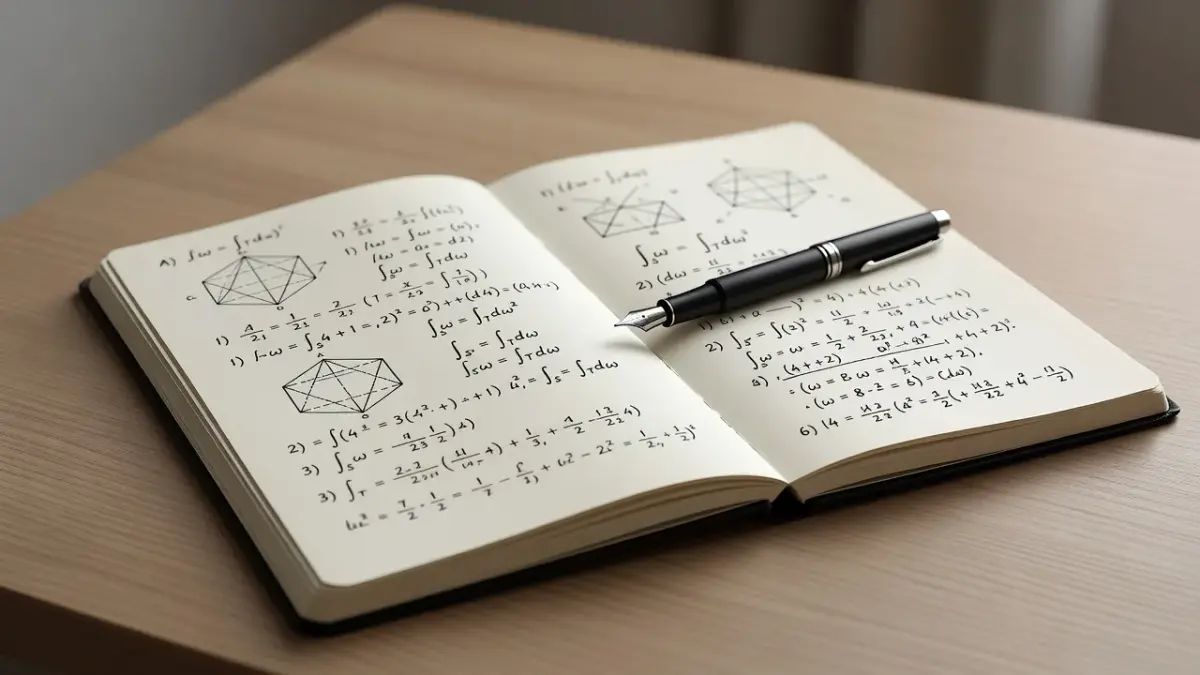
If standard textbook problems feel routine, AoPS challenges you to explain why formulas work rather than simply plugging in values. Its community forums allow you to post difficult proof problems and receive detailed critiques from top math students globally.
Is Wolfram Alpha Better for Learning Math or Just Solving Homework?
Wolfram Alpha is superior for precise mathematical computation, but it requires intentional effort from the user to serve as an actual learning tool rather than just a shortcut. Unlike standard search engines, it computes answers using symbolic algorithms and raw data capabilities.
As documented on Wolfram Alpha's computational engine, the platform handles complex differential equations, matrix operations, and domain analysis with complete precision. However, viewing full step-by-step solution breakdowns requires their paid Pro subscription tier.
User Input:   integrate x^2 * sin(x) dx
Engine Output: -x^2*cos(x) + 2*x*sin(x) + 2*cos(x) + C
Step Feature:  Shows Integration by Parts applied twice (Requires Pro)
If you only copy the top output line, you learn zero underlying mechanics. To actually learn, use the free tier to verify your final answers, and attempt the intermediate integration steps manually before checking your work.
How Do Photomath and Symbolab Help With Math Homework?
Photomath and Symbolab assist with math homework by automatically scanning problem statements and generating clear, line-by-line algebraic explanations. Photomath relies heavily on optical character recognition (OCR) via phone cameras, while Symbolab excels at complex college-level symbolic calculus inputs via specialized web keyboards.
- Photomath Mechanics: You point your phone camera at a handwritten or printed math equation. The app reads the characters and instantly breaks down each algebraic step, showing animations for factoring or equation simplification.
- Symbolab Mechanics: You enter functions using a deep mathematical keypad. It specializes in calculus, matrix algebra, and differential equations, offering step-by-step proofs for derivatives and integrals.
Both platforms eliminate guessing when working through difficult problem sets alone at night. They show you exact operational transitions so you can fix your own work without waiting for teacher office hours.
What Can the Desmos Graphing Calculator Do for Math Homework?
The Desmos Graphing Calculator lets students visually plot equations, solve inequalities, analyze regressions, and animate parameter changes on a free digital interface. It eliminates the need to buy an expensive standalone handheld graphing calculator for algebra and trigonometry coursework.
According to the official Desmos user documentation, users can type multiple functions simultaneously to find exact intersection coordinates, roots, and local extrema with a single tap.
Input Line 1: f(x) = 2x + 3
Input Line 2: g(x) = -x^2 + 6
Visual Result: Displays parabola and line with clickable intersection points at (-3, -3) and (1, 5).
Desmos also supports sliders for variables like $m$ and $b$ in $y = mx + b$. Adjusting sliders live on screen reveals exactly how changing parameters transforms graphs, making abstract function shifts obvious.
What Are the Best YouTube Channels for Math, Like 3Blue1Brown and PatrickJMT?
YouTube channels like 3Blue1Brown and PatrickJMT provide some of the best visual and step-by-step video math help available anywhere online. They approach mathematical instruction from two distinctly useful angles: visual intuition and direct exam preparation.
- 3Blue1Brown (Grant Sanderson): Focuses on deep visual animations via his custom software engine. His Essence of Calculus and Essence of Linear Algebra series explain why mathematical concepts behave the way they do geometrically.
- PatrickJMT (Just Math Tutorials): Focuses on quick, zero-fluff worked examples. If you have an assignment due in an hour and need to see five clear examples of integration by substitution, PatrickJMT walks through the exact mechanics step-by-step.
- Organic Chemistry Tutor (Julio Gonzales): Despite the channel name, he provides thousands of comprehensive, long-form tutoring videos covering algebra, physics, geometry, and calculus.
Watching 3Blue1Brown builds intuition when a topic feels abstract. Watching PatrickJMT or Organic Chemistry Tutor gives you immediate operational templates for tonight's homework set.
How ThinkAssist Streamlines Step-by-Step Math Homework Support
ThinkAssist provides an all-in-one iPhone and iPad study helper that solves homework questions step by step from a simple picture. When you are stuck on a difficult assignment late at night, typing complex algebraic notation into a standard search bar creates unnecessary friction.
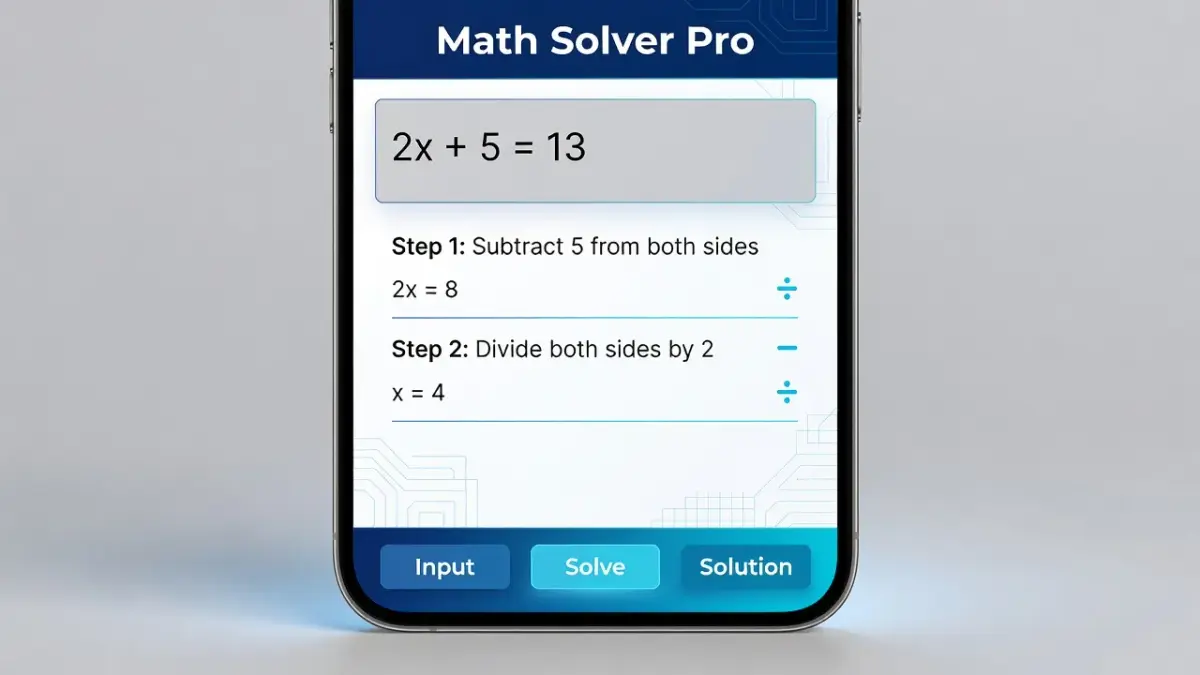
With ThinkAssist, you snap a photo of any printed or handwritten problem set. The app features automatic subject detection, instantly recognizing whether your problem belongs to algebra, geometry, trigonometry, or calculus.
Core Homework Features
- Snap a Photo: Capture handwritten equations, textbook diagrams, or word problems instantly using your iPhone camera.
- Step-by-Step Explanations: Receive clear, line-by-line operational breakdowns rather than just a standalone final number.
- Easy Exam Prep: Every scanned question and explanation is automatically saved in your history log, giving you a ready-made review deck for upcoming tests.
ThinkAssist is free to download on the iOS App Store. For unlimited access to its 24/7 step-by-step solver, flexible subscription plans are available:
- Weekly Plan: Includes a 3-day free trial, then costs $6.99 per week.
- Yearly Plan: Includes a 7-day free trial, then costs $29.99 per year (offering significant long-term savings for the school year).
Having a instant photo solver on your phone ensures you never get blocked by a single stuck step while working independently.
Frequently Asked Questions
How do I get quick help on math homework late at night?
To get fast late-night math homework help, snap a picture of your problem using a mobile solver app like ThinkAssist or search the exact problem title on YouTube. Mobile scanner apps parse handwritten equations instantly and show line-by-line working steps, allowing you to identify your operational mistakes without waiting for class the next morning.
What is the best way to get help with mathematics homework without cheating?
The best way to get math help without cheating is to use solver steps to audit your own working line rather than copying final answers. Review the intermediate operational step where your calculation diverged, cover the screen, rewrite that line manually, and complete the remaining arithmetic independently to build genuine skill.
Can I get help me with math homework for free online?
Yes, platforms like Khan Academy, Desmos, and YouTube offer 100% free math homework explanations and visual tools. You can plot equations visually on Desmos or watch topic-specific tutorial videos on channels like PatrickJMT without paying any subscription fees.
How do I know if a step-by-step math solver is accurate?
Verify solver accuracy by plugging the final calculated value back into your original starting equation. If substituting your answer back into the original variables yields a true statement (such as $0 = 0$ or $15 = 15$), your calculated answer is mathematically correct.
What should I do if I get stuck on a hard calculus problem?
If you hit a wall on a calculus problem, break the expression down into core components and check for standard algebraic simplification traps first. Many calculus errors stem from incorrect fraction manipulation or exponent rules rather than derivative formulas; graphing the function on Desmos can also instantly reveal critical points and limits.
Are camera math scanner apps allowed for high school homework?
Camera math scanner apps are allowed for checking your work and studying homework steps, provided you follow your school's academic integrity policy. Teachers encourage using camera solvers as study guides to understand tricky steps, provided you write out full original working lines on your submitted assignment paper.