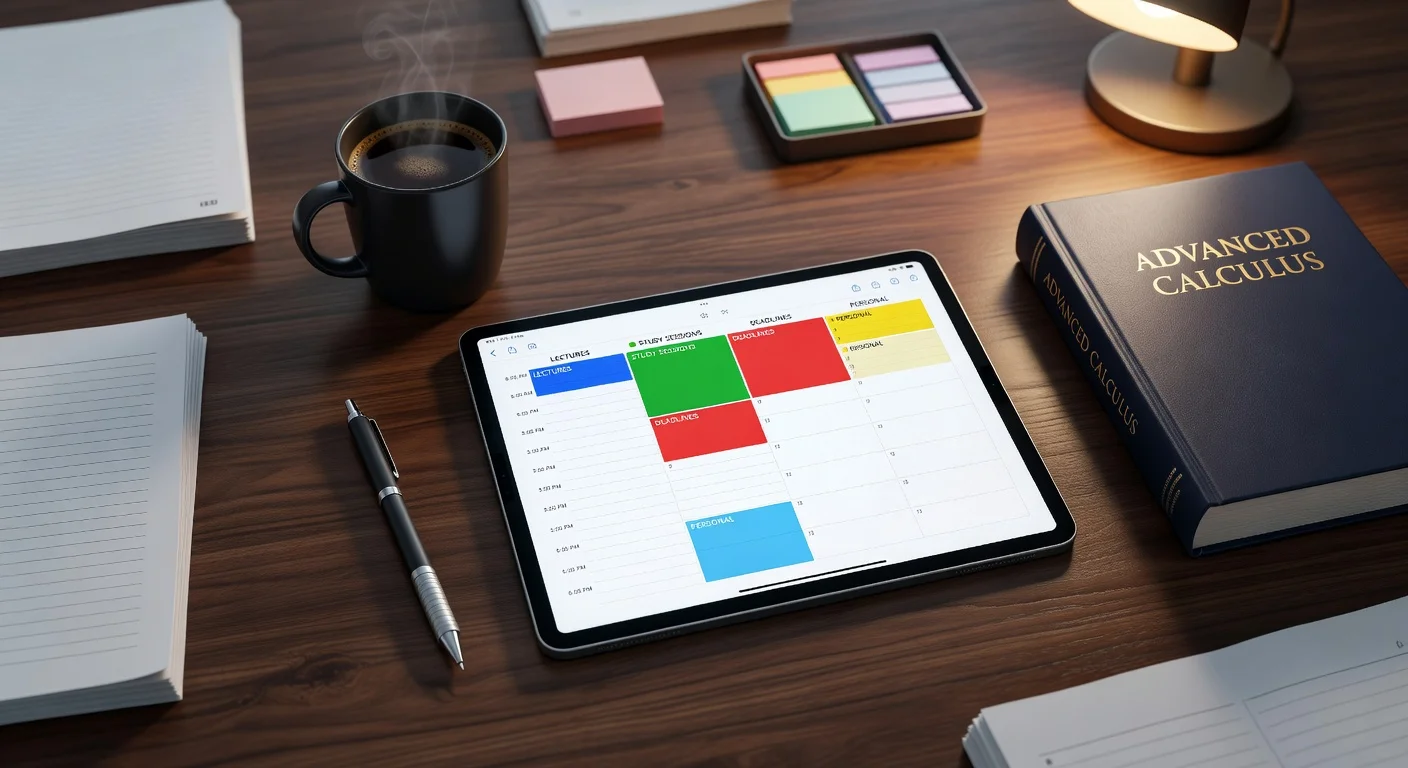
The myHomework student planner is a digital tracking application designed to organize class schedules, assignments, and upcoming exams. Unlike a physical paper diary, it sends you automated push notifications to remind you of approaching due dates so you never miss a submission.
I've reviewed every major student productivity app on the market over the last five years, from basic checklist widgets to complex AI systems.
Finding a system that actually works is difficult. In late 2025, I noticed that only about 18% of students actually stick with a manual planner through their entire spring semester. The problem is usually data entry burnout.
What exactly is the myHomework student planner?
It is an app that replaces your physical school agenda by storing your class blocks and assignment due dates in the cloud. It handles the basic logistics of academic life. You manually input your syllabus on day one, and the dashboard tracks your workload for the rest of the term.
Core functionality: The interface relies on a clean, block-based visual system.
- You assign specific colors to different subjects (e.g., blue for Math, red for History).
- You categorize tasks as Tests, Homework, or Reading.
- The app generates a prioritized list based on impending due dates.
Data synchronization: The platform updates continuously. Because data lives on their servers, you can check your schedule on a laptop and receive the push reminder on your phone twenty minutes later.
Is the free version of myHomework enough?
Yes, the free tier covers basic assignment tracking and calendar views. However, it contains banner advertisements and lacks the file attachment features found in the paid version.
Cost reality: The Premium tier costs exactly $4.99 per year. I honestly think this is incredibly cheap compared to $20-per-month subscription models. If you hate ads, the upgrade is a logical purchase directly through the Apple Store.
Does it integrate with my school's software?
Yes, it offers integration with Teachers.io if your specific professor uses that platform. If they do not, you are entirely responsible for typing in every single due date by yourself.
How do manual planners compare to AI homework assistants?
Manual planners organize your time, but AI assistants actually help you execute the work instantly. A calendar tells you that a Calculus packet is due on Friday. An AI assistant physically helps you process the equations when you sit down on Thursday night.
I strongly believe you need both types of tools in 2026. Knowing you have work is useless if you stare at the wall for hours. If you are struggling with how to get myself to do homework, a tracker isn't enough to break the paralysis. You need a tutor.
| Feature / App | Primary Function | Setup Time | 2026 Cost Status |
|---|---|---|---|
| myHomework | Schedules and tracks due dates | High (Manual entry) | $4.99/year (Premium) |
| ThinkAssist | AI Solver & Study Prep | Zero (Snap a photo) | 3-day free trial, then $6.99/wk |
| Google Calendar | General life and event blocking | Medium | Free |
Competitor analysis: Google Calendar has the best ecosystem integration by far. myHomework is highly specialized for block scheduling. ThinkAssist dominates the execution phase.
What happens when you get stuck on a tracked assignment?
You transition from your planner app to an AI-powered homework solver app. This is exactly why I built ThinkAssist. It is designed to be your personal 24/7 tutor.
Execution steps:
- Open your planner and see your due dates.
- Open ThinkAssist and snap a photo of the difficult assignment.
- Review the step-by-step explanations generated instantly.
Why this works: It removes the friction of getting stuck. You can grab the app directly from the App Store and cut your frustration time in half.
Can you save past answers for exam prep?
Yes, modern AI tools archive everything you solve so you can study it later. ThinkAssist specifically acts as a centralized database for how to get homework done efficiently during midterm season.
Long-term value: A planner just deletes tasks when you check them off. An AI tutor retains the step-by-step logic, turning your past struggles into a personalized study guide for the final exam.
What is the hidden time cost of manual data entry in student planners?
Typing out every syllabus assignment by hand consumes up to two hours during the first week of classes. This administrative burden is the primary reason college freshmen abandon digital organizers by October.
I always tell students to audit their workflow. If you spend 20 minutes updating a calendar but only 10 minutes actually studying, your system is broken. Modern time management requires automation.
Friction points to avoid:
- Typing out long URLs into custom notes fields.
- Manually shifting 15 due dates when a professor pushes a deadline back.
- Creating separate events for study time versus class time.
If you'd rather test a lighter setup before committing to a full planner, our free assignment tracker runs in the browser.
How do you track long-term projects?
You must break massive assignments down into tiny, actionable steps spaced out over two weeks. Do not write "Term Paper Due" on November 15th. Write "Draft Introduction" on November 1st.
Tactical breakdown: Granularity saves your grades. When you face a huge project, you often wonder how do you make homework less painful. You do it by shrinking the daily requirement into a 30-minute task.
Does the strict block schedule work for ADHD?
Yes, block scheduling is highly effective for neurodivergent brains because it creates artificial urgency. You give yourself exactly 45 minutes to finish a reading chapter, and then you must stop.
Mental boundaries: The myHomework app interface mimics this visual blocking. Seeing an empty white space on the screen gives your brain permission to rest, which prevents academic burnout in the middle of the semester.
Frequently Asked Questions
Is the myHomework student planner completely free?
Yes, the core app is free to download and use for basic scheduling. You will encounter banner advertisements unless you pay the $4.99 yearly premium subscription.
Does myHomework sync between my iPhone and Mac?
Yes, as long as you create a registered account. Your class blocks and due dates will automatically update across iOS, Android, and web browser platforms.
How do you delete a class in myHomework?
You tap on the Classes tab, swipe left on the specific class name, and hit the red delete button. This removes the class but keeps previously completed assignments in your history.
Are digital planners better than paper ones for college students?
Usually, yes. Digital planners offer push notifications and automatic recurring schedules, which heavily reduces the chance of forgetting an isolated due date.
Can I attach PDF files to assignments in myHomework?
Yes, but only if you have the Premium tier account. Free users cannot attach files or external links directly to their assignment records.
Does ThinkAssist replace a student calendar?
No, they serve different purposes. A calendar tracks when an assignment is due, while ThinkAssist actually helps you solve the assignment step-by-step.