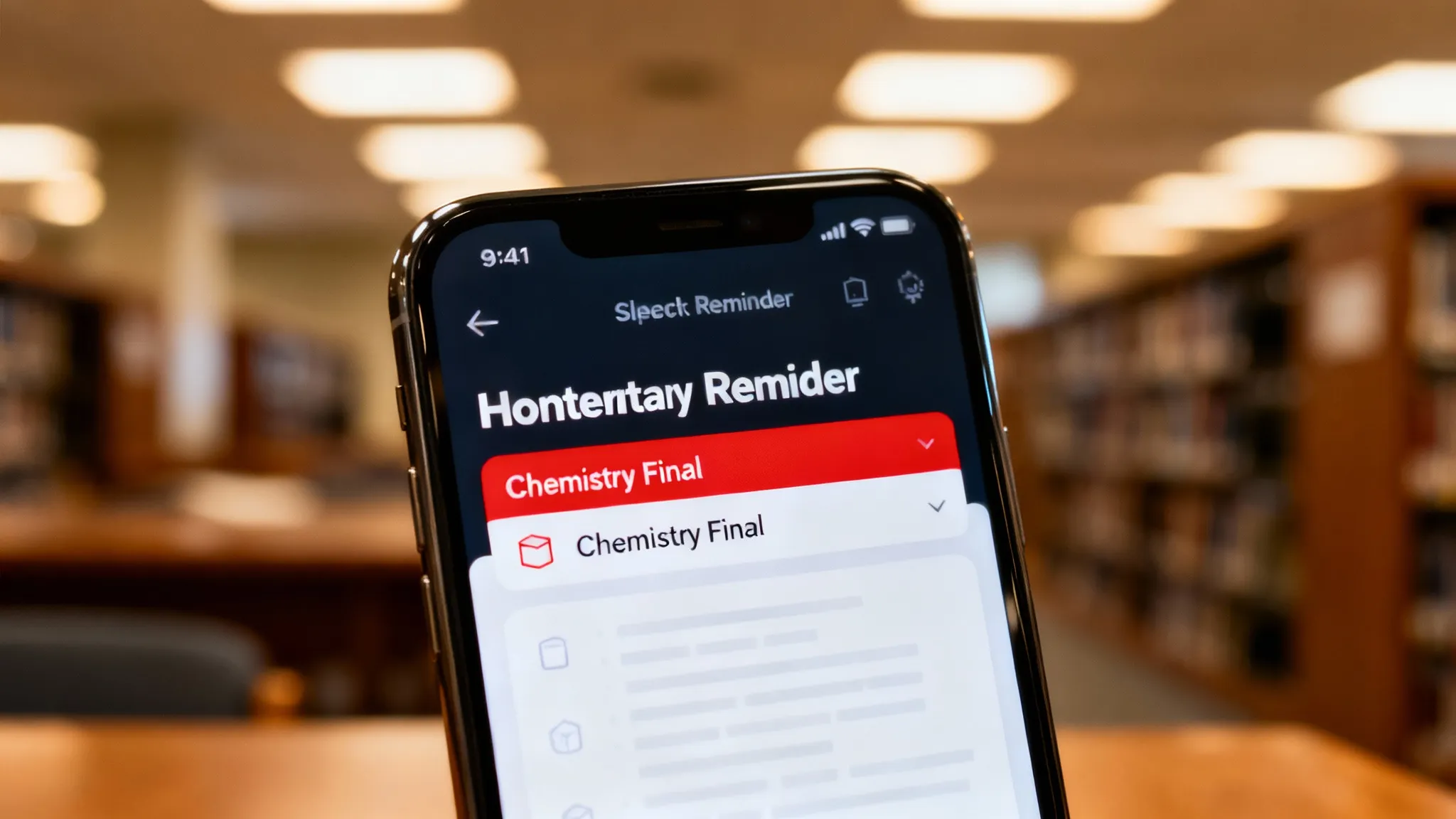
A homework reminder app is a task management tool specifically designed to track school assignments, exam dates, and study schedules. Unlike standard to-do lists, these apps often integrate with class syllabi or use AI to break down complex projects into smaller, manageable deadlines. I have tried practically every approach over the years — paper planners, Google Calendar, generic to-do apps, dedicated student tools — and the differences in practice are significant.
Do I really need a dedicated homework reminder app or is a calendar enough?
You need active nudges, not passive dates. A calendar shows you when something is due, but a reminder app nags you until you actually do it.
I used to rely on Google Calendar for everything. The problem? I would see "Math Pset Due" at 8:00 AM, swipe the notification away, and completely forget about it by 4:00 PM.
Dedicated homework apps use "nagging" features — persistent notifications that don't disappear until you check them off. The behavioral difference is real: students using passive calendars treat notifications as information to be dismissed, while persistent task alerts trigger a different response.
If you are just tracking a friend's birthday, a calendar is fine. If your GPA depends on submitting a PDF by 11:59 PM, you need a dedicated tool.
How the Top Homework Reminder Apps Compare in 2026
There are dozens of apps that claim to organize your life, but most are just glorified grocery lists.
I tested the most popular options available on the App Store right now. Here is how they stack up based on features, ease of use, and student-specific tools.
| Feature | Todoist | Google Tasks | myHomework | ThinkAssist |
|---|---|---|---|---|
| Primary Focus | General Productivity | Basic Lists | School Schedules | AI Tutoring & Reminders |
| Input Method | Text Entry | Text Entry | Manual Entry | Camera Scan (OCR) |
| Explanation Mode | No | No | No | Yes (Step-by-Step) |
| Smart Priority | Yes (Paid) | No | Yes | Yes |
| Cost | Free / $5 mo | Free | Free / $5 yr | Free / Premium |
| Best For | Complex Projects | G-Suite Users | Traditional Planners | Solving & Managing |
What Features Define the Best Homework Reminder Apps in 2026
If you are downloading an app today, don't settle for 2020 technology. Here is what I look for:
- Multimodal Input: You shouldn't have to type "Calculus Chapter 4, Problem 12." You should be able to snap a photo of the page.
- Subject Detection: The app should know that "History Essay" belongs in the Humanities folder without you manually sorting it.
- Connection to the Work Itself: It's useless to be reminded to do homework if you are stuck on how to do it. The best tools offer hints or direct you to a solver.
Why Generic To-Do Lists Fail Students
I love apps like Todoist for work, but for school, they lack context. A generic "Todo" app treats "Buy Milk" and "Write 10-page Thesis" as the same type of object.
Class Rotation Support:
School runs on block schedules (A-Days and B-Days). Generic apps don't understand that you only have Biology on Tuesdays and Thursdays.
Dedicated student apps allow for recurring class schedules that rotate, ensuring you don't get a reminder for a class you don't have that day.
The gap between the reminder and the work:
The moment you are reminded to do homework, you usually need help doing it. If your reminder app has no connection to the actual subject matter, you are one frustrated stuck-point away from closing the app and giving up.
This is where tools that bridge planning and solving — like ThinkAssist — make a difference. Instead of just listing a task, it also handles the moment you get stuck on the first problem. For a deeper look at how planning tools compare with AI solvers, check our myhomework vs. AI solvers comparison.
How to Set Up a Foolproof Homework Reminder Schedule
Downloading an app won't save you if your habits are messy.
1. Prioritize by "Pain Level," not just due date
Most students sort by date. This is a mistake. I recommend sorting by difficulty.
If you have a physics problem set and a history reading both due Friday, do the physics first while your brain is fresh. Tasks that require heavy cognitive load should always be tackled before passive reading.
2. Use the "Two-Minute Rule" for input
As soon as the teacher mentions an assignment, you have 120 seconds to enter it into your app. If you wait until you get home, the chance of forgetting it increases significantly.
This is why mobile-first apps are superior to desktop planners.
3. Set "Start Dates" vs. "Due Dates"
A due date tells you when to panic. A start date tells you when to work.
- Bad: Reminder at 10:00 PM (Due: Tomorrow).
- Good: Reminder at 4:00 PM (Start: Essay Outline).
See our assignment tracker guide for more on building a sustainable deadline system.
Can AI Help Plan Homework Schedules Better?
Yes, because AI removes the data entry fatigue.
Old school planners required you to write down: Subject, Date, Time, Description. That takes about 45 seconds per task.
If you have 5 assignments a day, that's nearly 4 minutes just on data entry.
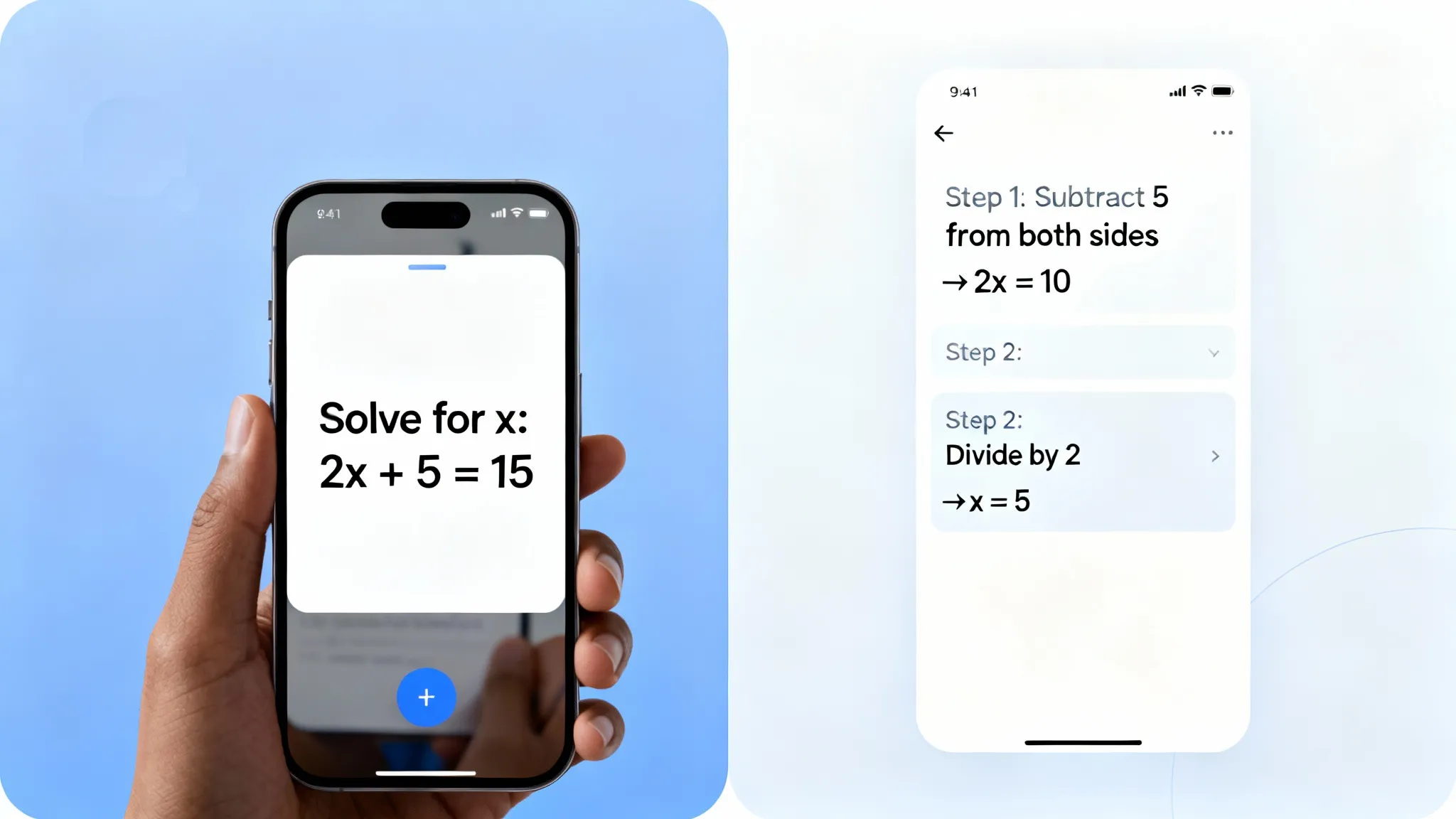
With AI tools, OCR (Optical Character Recognition) does the heavy lifting.
- You point the camera at the syllabus.
- The AI detects the dates.
- It populates your calendar automatically.
This reduction in friction is the reason I have been able to stick to a schedule consistently. According to research from the American Psychological Association on task management, reducing the perceived effort of starting a task is the single biggest predictor of follow-through.
What Common Pitfalls to Avoid With Homework Reminder Apps
Over-notifying yourself:
If every quiz, reading, and extracurricular activity buzzes your phone with the same "ping" sound, you will develop notification blindness.
- The Fix: Turn off notifications for readings. Keep them on for graded submissions only.
Vague Task Names:
- Bad: "Study Math"
- Good: "Complete Section 4.2, Problems 1-15"
Vague tasks lead to procrastination because your brain doesn't know where to start. Specificity drives action.
Frequently Asked Questions
Are homework reminder apps free?
Most basic reminder apps are free, but advanced features like AI tutoring or unlimited file uploads usually require a subscription, typically ranging from $5 to $10 per month.
Does ThinkAssist work on Android?
Currently, ThinkAssist is optimized for iOS. You can download it directly from the Apple App Store to access features like photo-solving and explanations.
Can homework reminder apps read cursive handwriting?
Yes, most modern apps can read cursive with about 90% accuracy. However, if you use faint pencil or have extremely messy loops, the OCR might struggle.
How do I stop ignoring my homework notifications?
Change your alert sound to something annoying and use persistent notifications that stay on your lock screen until you manually mark the task as complete.
What is the difference between a homework reminder app and a homework solver?
A reminder app tells you when something is due. A solver helps you actually complete the work. The best student workflows combine both: a scheduler for deadlines and an AI tool for when you get stuck.
Should I use start dates or due dates in my homework app?
Both. Due dates prevent late submissions; start dates prevent last-minute panic. Setting a start date 2-3 days before the deadline is the most effective habit for avoiding all-nighters.
Can I use Google Calendar as a homework reminder app?
Yes, but it has significant limitations. Google Calendar shows you when something is due but lacks persistent nagging, subject-specific organization, and any connection to actually solving the work.