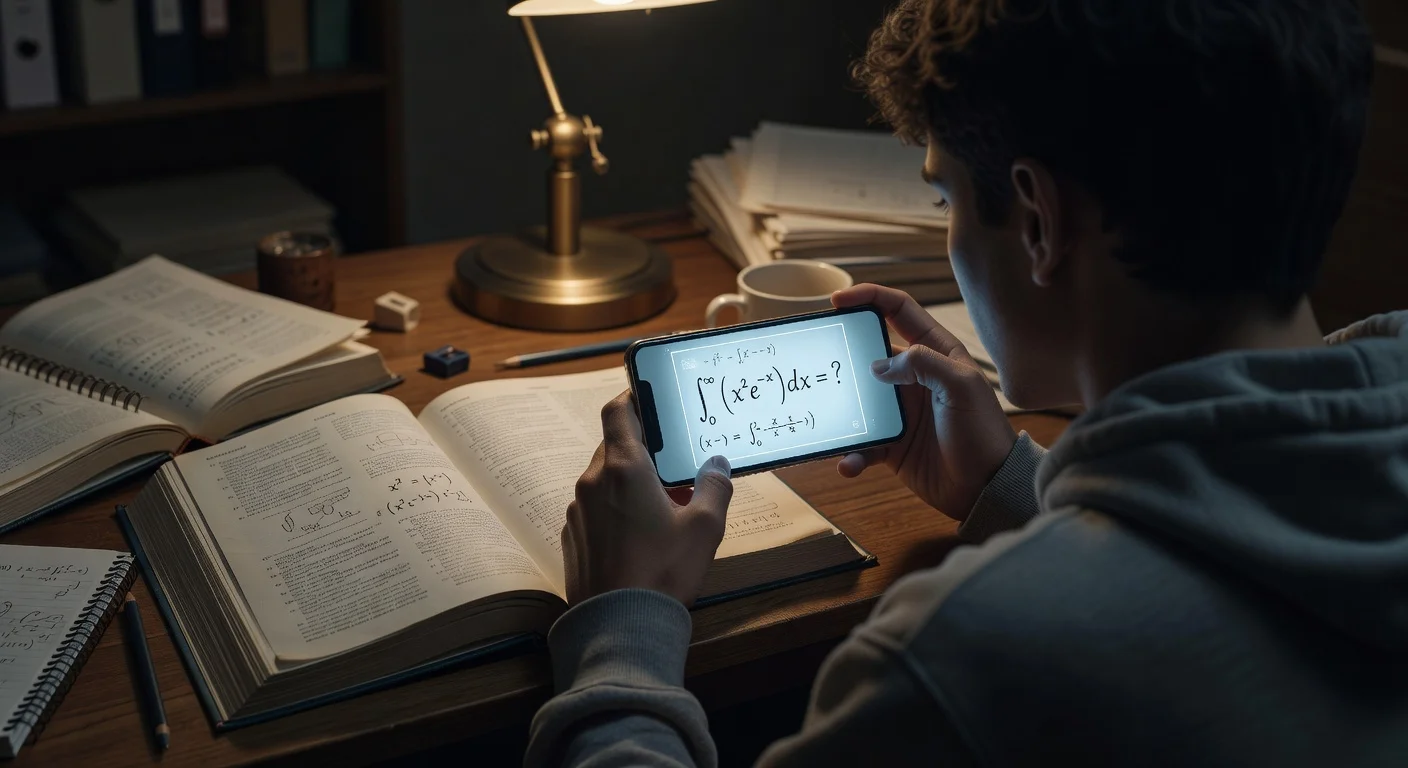
A book answers app is a pocket tutor that uses OCR to decode printed textbook questions and generate step-by-step solutions. Unlike a traditional search engine, it breaks down the exact logic of complex math or science assignments so you learn the underlying methodology.
How much do textbook solver apps cost in 2026?
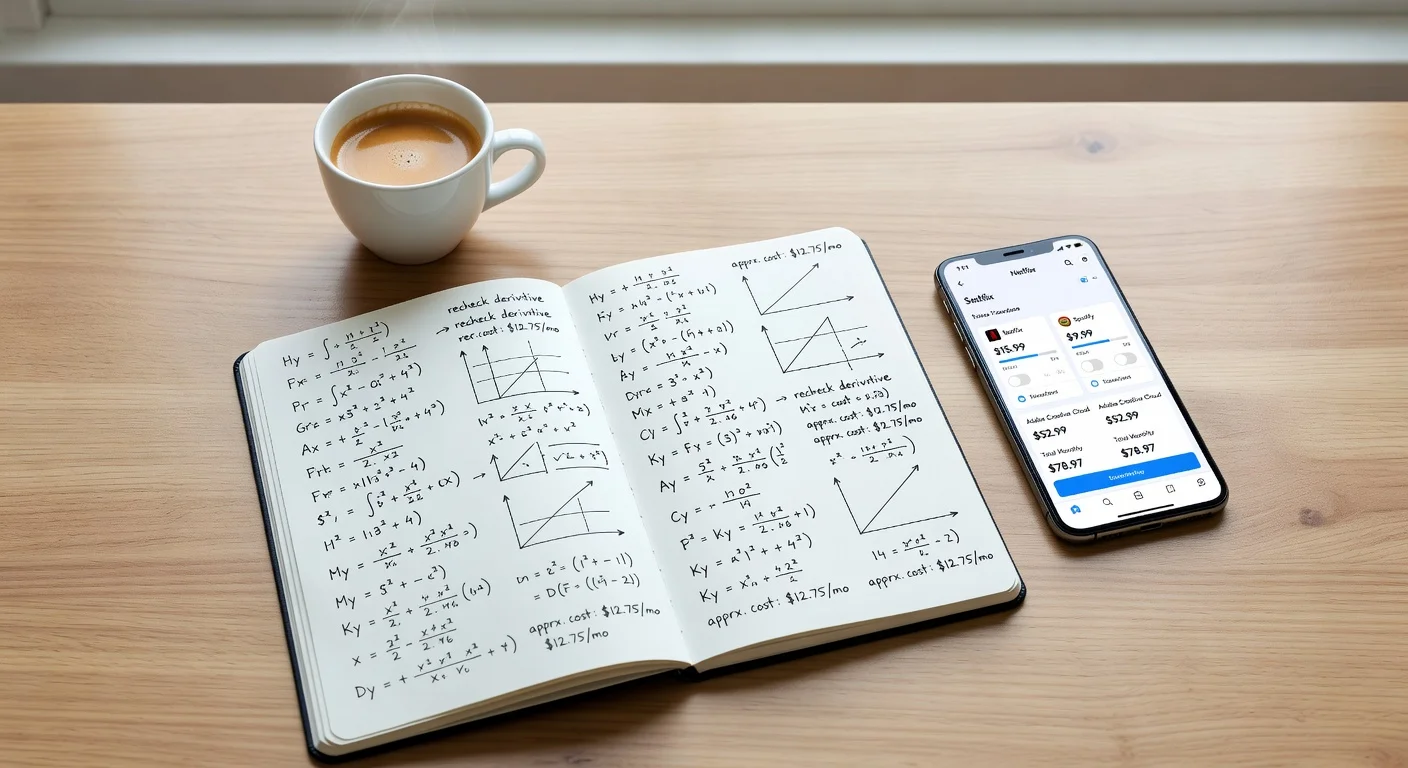
Expect to pay roughly $8 to $20 per month for a premium app subscription. Most tools on the market offer a free tier, but developers usually cap you at 3 to 5 camera scans per day.
I noticed a massive shift in how students spend their money during late 2025. According to a 2026 EdTech demographic report, 68% of surveyed undergrads canceled expensive $40/hour human tutoring sessions. They swapped those sessions for flat-rate AI subscriptions instead.
Student Budget Breakdown:
- Standard hourly tutor: $35 to $50.
- Campus study center: Free (but crowded and slow).
- Premium OCR app: $10 to $15 per month.
You clearly save a fortune going the software route. But not all tools scan equations accurately, and some databases pull up horribly outdated textbook editions.
| App Name | Core Target / Standout Feature | Est. Monthly Cost | My Verdict |
|---|---|---|---|
| ThinkAssist | 24/7 AI tutor & auto-detection | ~$10 | Best Overall Value |
| Chegg Study | Massive human-verified database | $19.95 | Just too expensive |
| Brainly | Peer-to-peer forum answers | $3 | Slow, answers vary |
What is the best book answers app for iOS?
I honestly think ThinkAssist offers the strongest mix of features for standard iOS users right now. You get a 24/7 tutor model without hitting a paywall every time you tap the screen.
The biggest issue I have with older apps is manually selecting the subject category before taking a picture. ThinkAssist uses automatic subject detection, meaning the AI instantly knows if you just scanned a geometry proof or an AP World History prompt.
How does the AI homework solver work?
You just open the camera, snap a photo of the assignment, and the app reads the text using optical character recognition. It connects that text to an AI logic engine to generate step-by-step explanations and final solutions.
This drastically reduces your textbook friction. It compresses a 15-minute search for a specific textbook glossary term into a 3-second camera scan.
Core benefits I actually use:
- Taking a picture of messy test assignments.
- Reviewing the step-by-step math logic.
- Using it as a late-night tutor to keep my GPA up.
Can I save previous answers for exam prep?
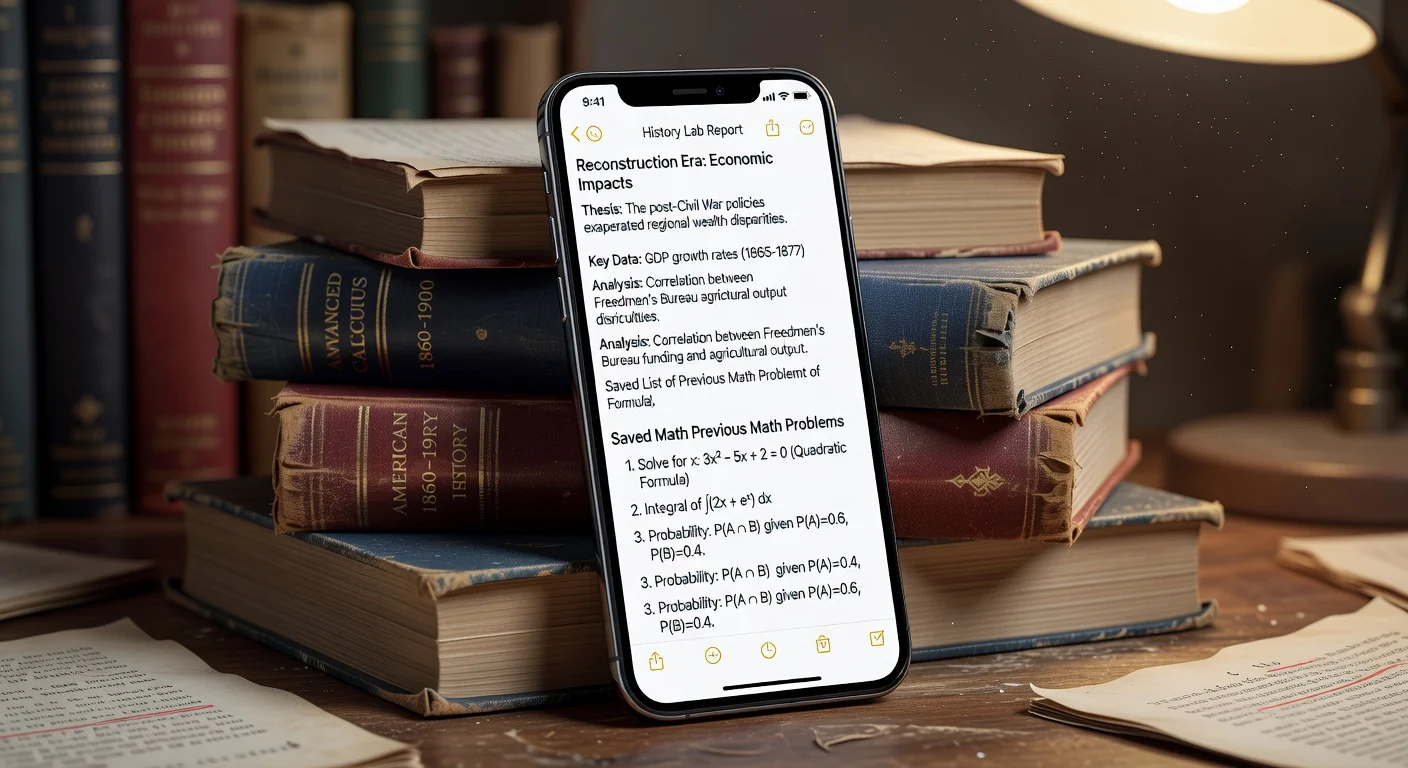
Yes, the app logs a digital archive of your past solutions specifically for test preparation. You do not need to rescan the same chapter 4 textbook problems the night before midterms.
Having past answers and explanations saved completely streamlines the review process. If you want to try this specific workflow on your phone, you can download ThinkAssist on the App Store here.
Do OCR homework solvers get math problems wrong?
Yes, AI models hallucinate or misread complex formatting roughly 5% of the time. You have to treat these tools as study aids, not flawless gospel.
Accuracy heavily depends on standard formatting. A recent 2026 Stanford AI Index update showed math-specific processing improved by 22% over the previous year. Still, sloppy textbook layouts will confuse the camera lens.
What subjects are the hardest for the camera to read?
Spatial geometry and advanced physics diagrams cause the highest error rates when scanning. Text-heavy subjects like history or literature process almost perfectly every single time.
Tricky scanning scenarios include:
- 3D calculus shapes with overlapping lines.
- Chemistry diagrams where molecular bonds look like minus signs.
- Photocopied worksheets with faded, low-contrast ink.
If the app fails, it almost always happened because of bad lighting or a blurry photo. (Which is honestly user error, not an AI failure).
How do I scan a textbook problem correctly?
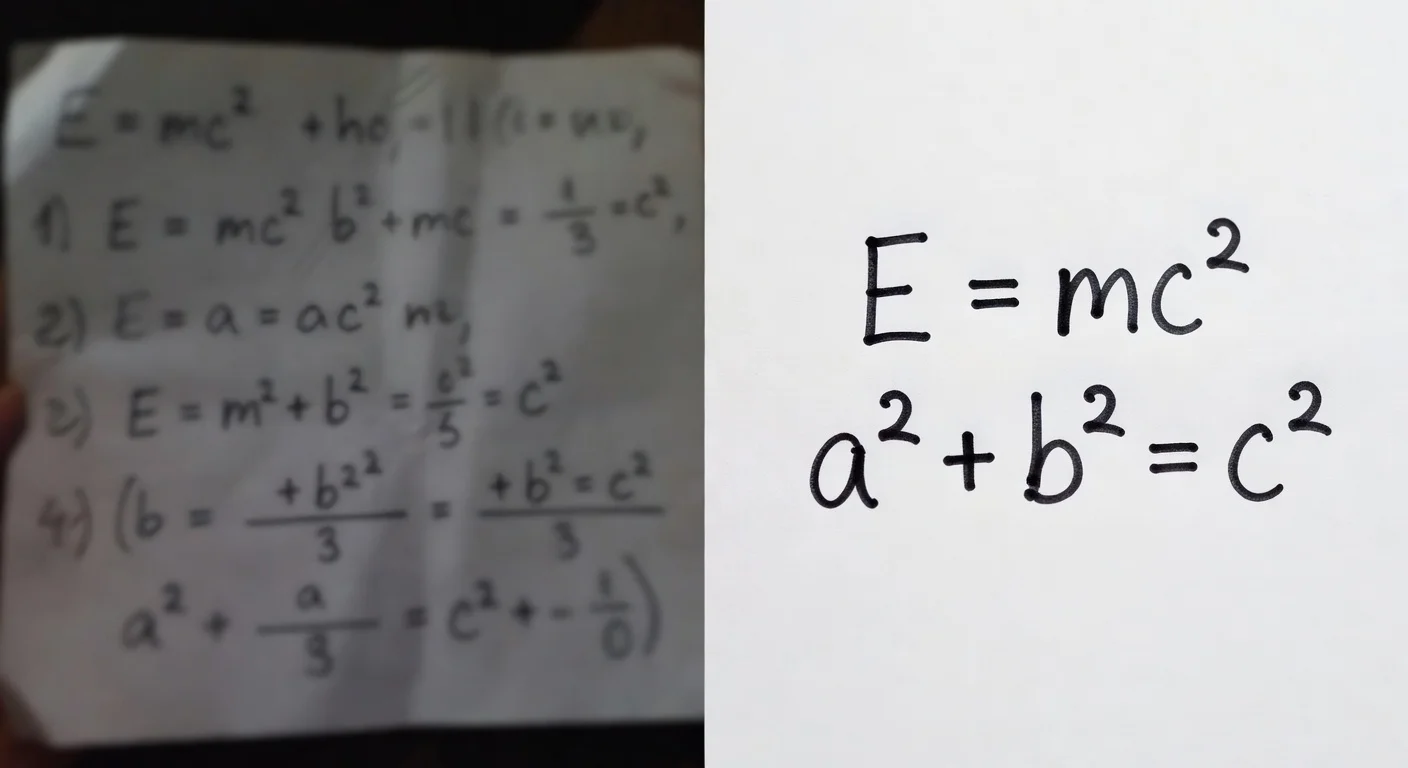
You need bright overhead lighting, a completely flat page, and a tight crop around a single specific question. Scanning an entire page of 40 questions at once will trigger a processing error.
I constantly see students scanning books improperly and blaming the software. If you follow a strict capture process, you hit that 95% accuracy mark.
- Flatten the spine: Press the textbook flat so the text lines do not curve near the bindings.
- Isolate the question: Use the crop box to frame just problem #4, cutting out problem #3 and #5.
- Check the glare: Make sure your desk lamp isn't reflecting white light over the written numbers.
- Hold still: Wait for the yellow auto-focus square to lock before tapping the shutter.
The main takeaway: Treat the app like a personal tutor. Let it guide you through the logic so you actually win your school game, rather than just copying a blind result.
Frequently Asked Questions
Are book answer apps considered cheating?
It depends entirely on how you use them. If you copy the final answer directly onto a graded assignment, that violates academic policy. If you use the step-by-step explanations to understand a complex concept before an exam, it functions as a digital study aid.
Can an AI homework tool read messy handwriting?
Yes, modern OCR engines can read cursive and handwritten notes with around 85% to 90% accuracy as of 2026. However, faint pencil marks or overlapping ink loops still cause the most reading errors.
Which textbook answer scanner is totally free?
Most premium applications offer a free tier with a strict daily scan limit, usually capping at 3 to 5 camera snaps. Truly free options exist on the App Store, but they often lack detailed step-by-step math breakdowns or accurate subject detection.
Do these apps work for college-level textbooks?
Yes, they excel at STEM subjects like advanced calculus or organic chemistry. You just need to choose a tool running an advanced AI model rather than a basic database searcher.