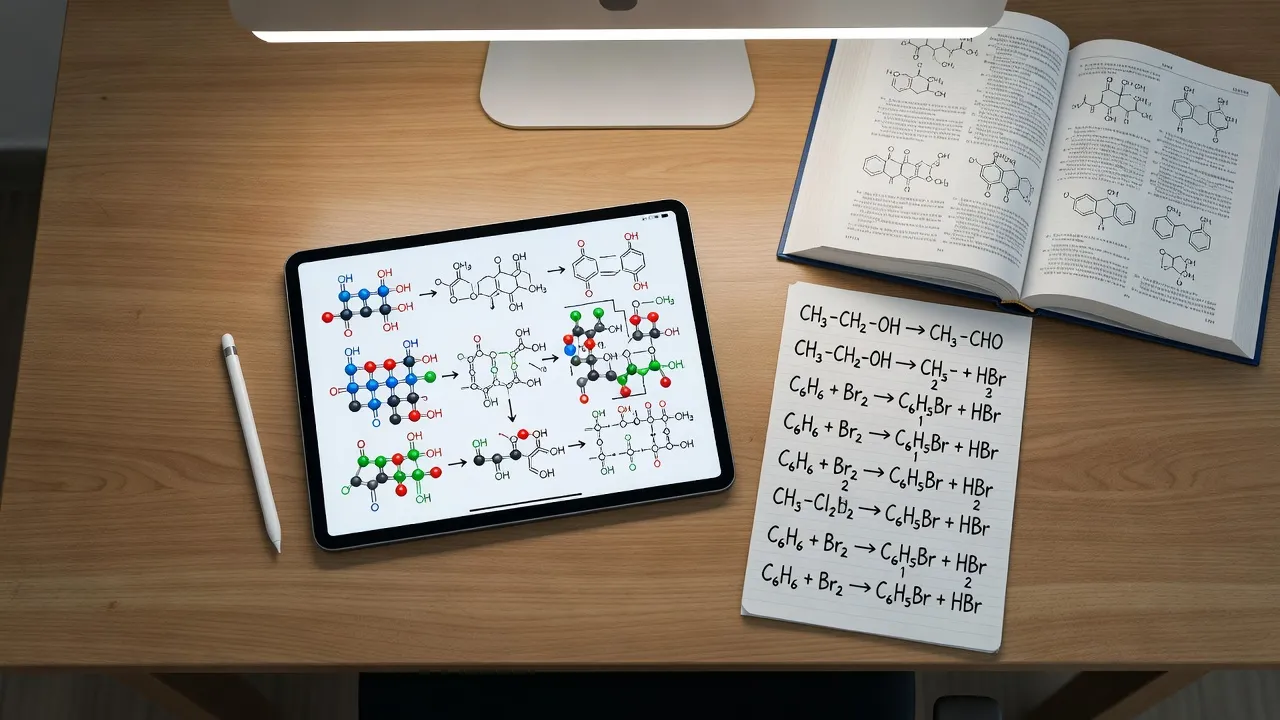
Chemistry notes are structured visual and mathematical records of chemical reactions, formulas, and molecular structures that translate abstract atomic theory into retrievable study systems. Unlike humanities subjects where linear text suffices, chemistry note-taking demands a dual-system approach: combining freehand skeletal structures (like benzene rings and reaction mechanisms) with precise mathematical derivations (like titration calculations and rate laws).
Whether you write on paper or use a digital tablet, taking effective notes requires selecting tools that handle both diagram drawing and math equations without slowing down live lecture capture.
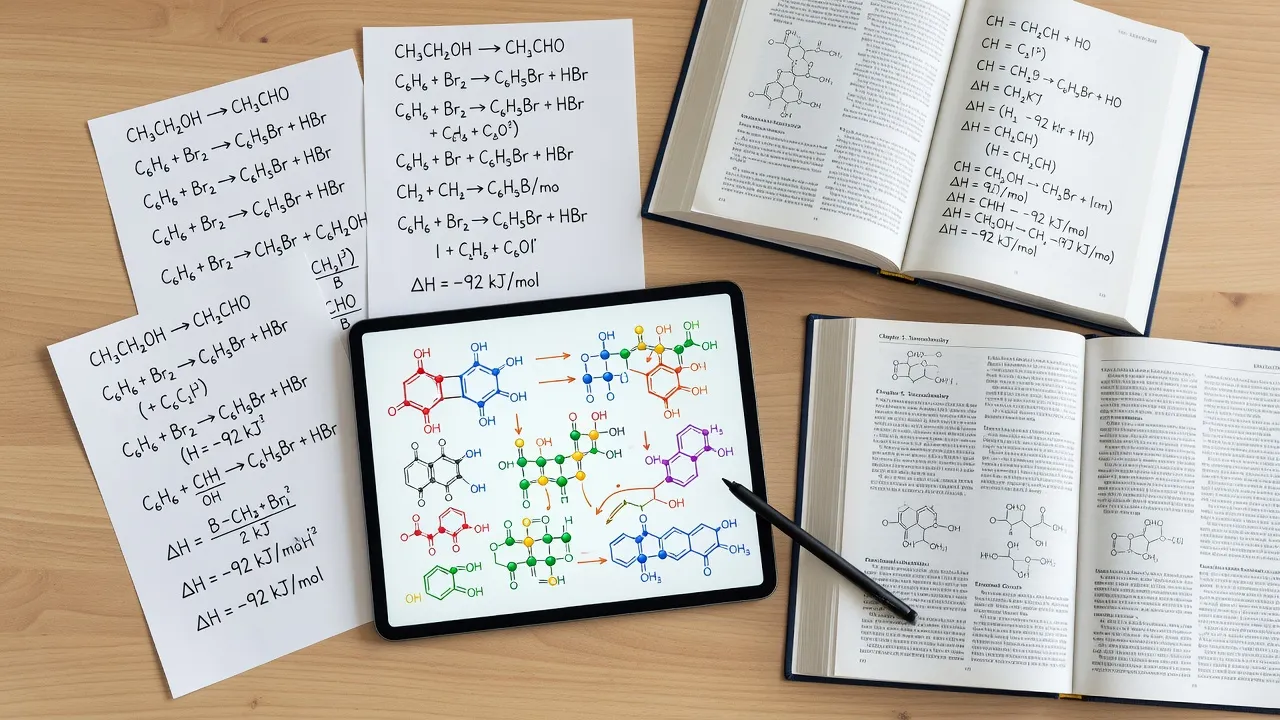
What are the best apps for taking chemistry notes?
The best apps for taking chemistry notes are digital canvas tools that support vector stylus input, audio sync, and optical character recognition (OCR) for handwritten math. Tablet apps have largely replaced traditional paper notebooks in STEM courses because they let you import PDF slide decks, write directly over lecture graphics, and duplicate complex molecular structures without redrawing them from scratch.
To pick the right application, you need to understand the hardware limits and platform constraints that disqualify certain software for specific workflows:
- Stylus latency and palm rejection: Vector-based canvas apps require precise digitizer pens (such as the Apple Pencil or Microsoft Surface Pen). Passive capacitive stylus pens lack palm rejection and make quick drawing of bond angles frustrating.
- Math OCR searchability: Standard handwriting apps search plain text, but specialized apps index handwritten symbols, superscripts, subscripts, and square roots so you can search for specific equilibrium constant expressions later.
- PDF importing performance: Large chemistry slide decks containing hundreds of high-resolution molecular images can freeze lower-tier note apps on devices with under 4 GB of RAM.
If you capture notes during lectures but struggle when solving assigned practice sets later, pairing digital note apps with an AI study companion like ThinkAssist helps verify your manual work step-by-step.
Notability vs GoodNotes vs OneNote for chemistry notes?
GoodNotes excels at fixed-page PDF slide annotation and custom template management, Notability offers synchronized lecture audio recording, and OneNote provides a free, infinite-canvas layout across desktop and tablet platforms. Choosing between these three popular options depends on whether you prefer structured digital pages or an unbounded canvas.
Chemistry Note-Taking App Architecture
Input: Liver lecture slides
Processing Options:
| Option | Canvas Type | Best For |
|---|---|---|
| GoodNotes / Notability | Fixed-page canvas | PDF slide annotation, exporting to print/PDF, and structured study books |
| Microsoft OneNote | Infinite canvas | Expansive multi-branch reaction maps, collating research across devices for free |
GoodNotes for chemistry
GoodNotes 6 is ideal for students who want native vector ink drawing and custom page templates like hexagonal grids for organic chemistry. You can easily import custom PDF templates, such as hexagonal grid paper for drawing cyclic hydrocarbons, which keeps bond lengths consistent.
The primary limitation of GoodNotes is its file synchronization cap on the free plan, which limits users to three notebooks before requiring a paid subscription ($9.99/year or $29.99 one-time payment as checked in September 2026). Additionally, its infinite scroll mode is less intuitive than OneNote, making wide reaction pathways harder to display on a single page.
Notability for chemistry
Notability stands out for its audio-indexing feature, which links your handwritten notes to live lecture audio playback. When reviewing complex topics like orbital hybridization, tapping a specific handwritten diagram plays the exact audio recorded while your professor was explaining that reaction mechanism.
However, Notability relies on a recurring subscription model ($14.99/year), which deters students seeking a single purchase. Its fixed page-width model can also pinch handwritten math steps if you write large formulas across multiple lines.
Microsoft OneNote for chemistry
Microsoft OneNote provides a free, infinite canvas that lets you map out expansive reaction schemes without running out of page margin. It seamlessly integrates with Windows devices and Microsoft Surface pens, making it the top choice for non-Apple users.
The main drawback of OneNote is its printer-page export engine. Because the canvas is infinite, exporting your notes to standard PDF format often cuts molecular diagrams and math equations directly in half across page breaks.
How do top chemistry note-taking and study apps compare?
Selecting the right chemistry tool depends on where it fits into your study system, ranging from live lecture annotation to automated practice problem verification.
| Tool | Primary Purpose in Workflow | Platform Requirements | Free Tier & Pricing Limits | Key Technical Feature |
|---|---|---|---|---|
| GoodNotes 6 | Live PDF slide markup & handwritten notebooks | iOS, iPadOS, macOS, Android (web) | Free up to 3 notebooks; $9.99/yr or $29.99 lifetime | Custom hexagonal grid import & vector shape recognition |
| ThinkAssist | Step-by-step problem verification & exam review | iOS, iPadOS | Free download; 3-day free trial, then $6.99/week | Snap-a-photo solver with step-by-step math breakdowns |
| Anki | Spaced repetition flashcards for rapid active recall | Windows, macOS, Linux, iOS, Android | Free on Desktop/Android; $24.99 on iOS | LaTeX rendering, cloze deletions & custom review scheduling |
| MolView | Generating precise vector structural diagrams | Any web browser (Chrome, Safari, Firefox) | 100% free web app | Exportable 2D molfiles & 3D ball-and-stick structural models |
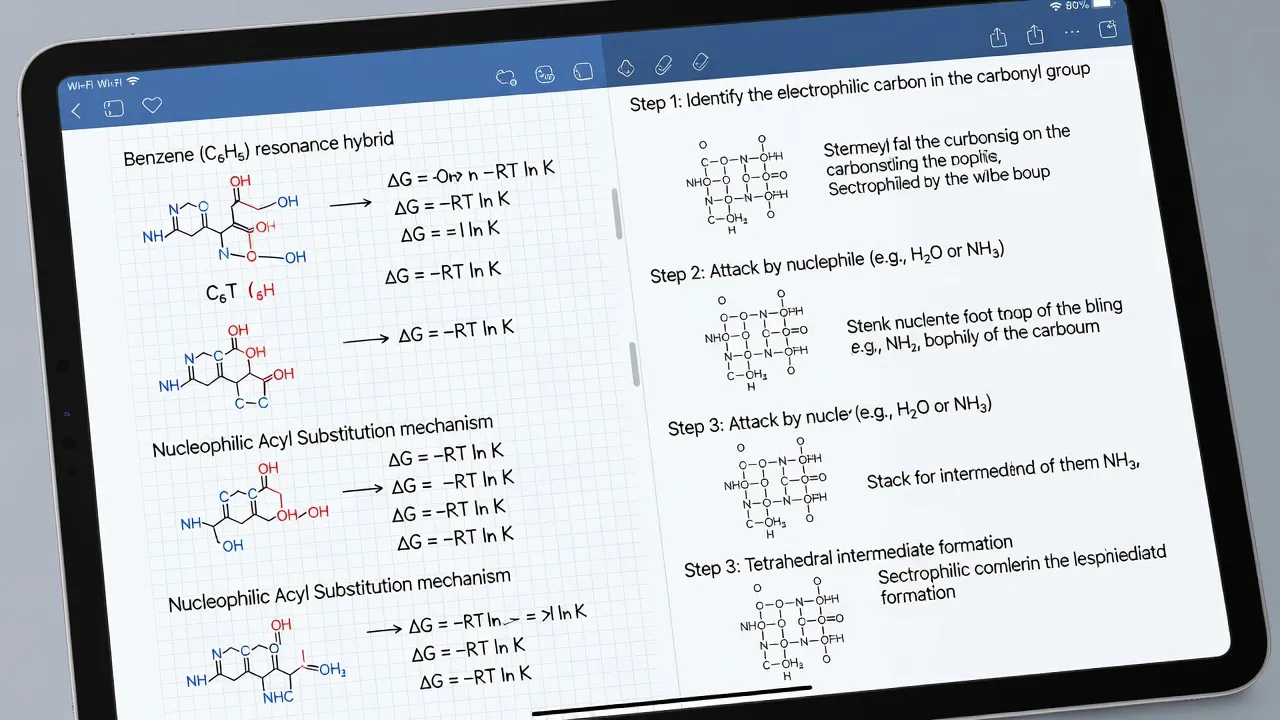
What are the best ChemDraw alternatives for chemistry notes?
MolView and KingDraw are the top free alternatives to ChemDraw for generating clean, publication-grade molecular structures to paste into digital chemistry notes. While professional chemists rely on ChemDraw, its enterprise pricing structure ($100+ per annual academic tier) makes it impractical unless provided directly by your university department.
When taking high-volume digital notes, drawing complex 3D structures like steroids or coordination complexes by hand takes too long. Using a lightweight structure editor keeps your notes clean:
- MolView: A web-based open-source tool that lets you search compounds by name (e.g., "caffeine" or "aspirin") and instantly generate clean 2D structural formulas or 3D skeletal models. You can export these as clean PNG images with transparent backgrounds directly into GoodNotes or OneNote.
- KingDraw: A dedicated desktop and mobile software that mirrors ChemDraw functionality for free. It features built-in ring templates, reaction arrows, and automatic IUPAC naming engines.
- Ketcher: An open-source web chemistry widget integrated into web platforms that lets you draw structures without installing desktop local dependencies.
The main hardware requirement for standalone software like KingDraw is a minimum of 2 GB free disk space and desktop processor support for rendering 3D graphics engines. If you only have web access during class, MolView works on any low-power Chromebook without installation.
How can Notion be used for chemistry note templates?
Notion serves as a centralized relational database for organizing lecture schedules, chemistry lab reports, and textbook topic summaries using embedded KaTeX math blocks. While Notion cannot replace freehand drawing apps for sketching chair conformations or curved-arrow reaction mechanisms, it is an effective hub for organizing high-level concepts across a full semester.
Notion Chemistry Hub
General Chemistry Dashboard [DATABASE]
- Module 1: Thermochemistry [Status: Reviewed]
- Module 2: Electrochemistry [Status: In Progress]
Embedded KaTeX Formula:
$$\Delta G^\circ = \Delta H^\circ - T\Delta S^\circ$$
Reaction Mechanism Steps [TOGGLE BLOCK]
- Protonation of carbonyl oxygen
- Nucleophilic attack by water
To optimize Notion for chemistry study, build your notebook system around these native features:
- KaTeX math formatting: Type inline math using double dollar signs (
$$). For example, entering$$\text{pH} = -\log[\text{H}^+]$$renders clean mathematical expressions directly inside your notes. - Toggle lists for self-testing: Hide answers to key definitions, electronegativity values, or thermodynamic equations under collapsible toggles. This turns static lecture summaries into active recall tools.
- Relational databases for lab reports: Link laboratory procedures, safety data sheets (SDS), and calculated percentage yields directly to specific lecture topics.
The major limit of Notion is its complete lack of native stylus support. If you try to draw a reaction mechanism directly onto a Notion page, you must create it externally in an app like MolView or GoodNotes and insert it as an image file.
How does ThinkAssist help clean up complex chemistry problem sets?
ThinkAssist acts as a instant, 24/7 AI homework solver that breaks down complex multi-step chemistry calculations into digestible logical explanations. Even with meticulous lecture notes, applying abstract formulas to multi-step stoichiometry or equilibrium problems during homework sessions often leads to stuck points.
When you encounter an equation that doesn't match your class notes, download ThinkAssist on the Apple App Store to check your working logic instantly.
ThinkAssist Homework Resolution Workflow
- Stuck on Chemistry Practice Problem
- Snap Photo of Problem via Smartphone Camera
- Automatic Subject Detection & Step-by-Step Breakdown
- Saved to Exam Prep History for Test Review
The workflow proceeds in this order: the user starts stuck on a chemistry practice problem, captures a photo of it via smartphone camera, the system performs automatic subject detection and step-by-step breakdown of the problem, and the result is saved to exam prep history for test review.
Using the app fits naturally into your daily study routine:
- Snap a photo of the assignment: Point your camera at any handwritten or printed problem, whether it involves balancing redox equations or calculating buffer pH values.
- Automatic subject detection: The app identifies the specific branch of physical, organic, or analytical chemistry and applies the corresponding mathematical rules.
- Review step-by-step explanations: Instead of showing just a final numeric answer, ThinkAssist displays the full intermediate algebra, dimensional analysis, and unit conversions.
- Save past answers for exam prep: Every solved problem gets saved in your personal history gallery, allowing you to review tricky calculations right before midterm exams.
If you are working through introductory coursework in general chemistry 1, trying to decipher quantum numbers chemistry rules, or solving stoichiometry practice problems, having instantaneous verification ensures you don't copy incorrect steps into your permanent study notes.
What Anki decks do students recommend for chemistry?
Students widely recommend pre-made decks like 'CoScine General Chemistry' and the chemistry sub-sections of the 'AnKing MCAT' deck for mastering atomic trends, functional groups, and nomenclature rules. Anki uses a spaced-repetition algorithm that forces your brain to review flashcards right as you are about to forget them.
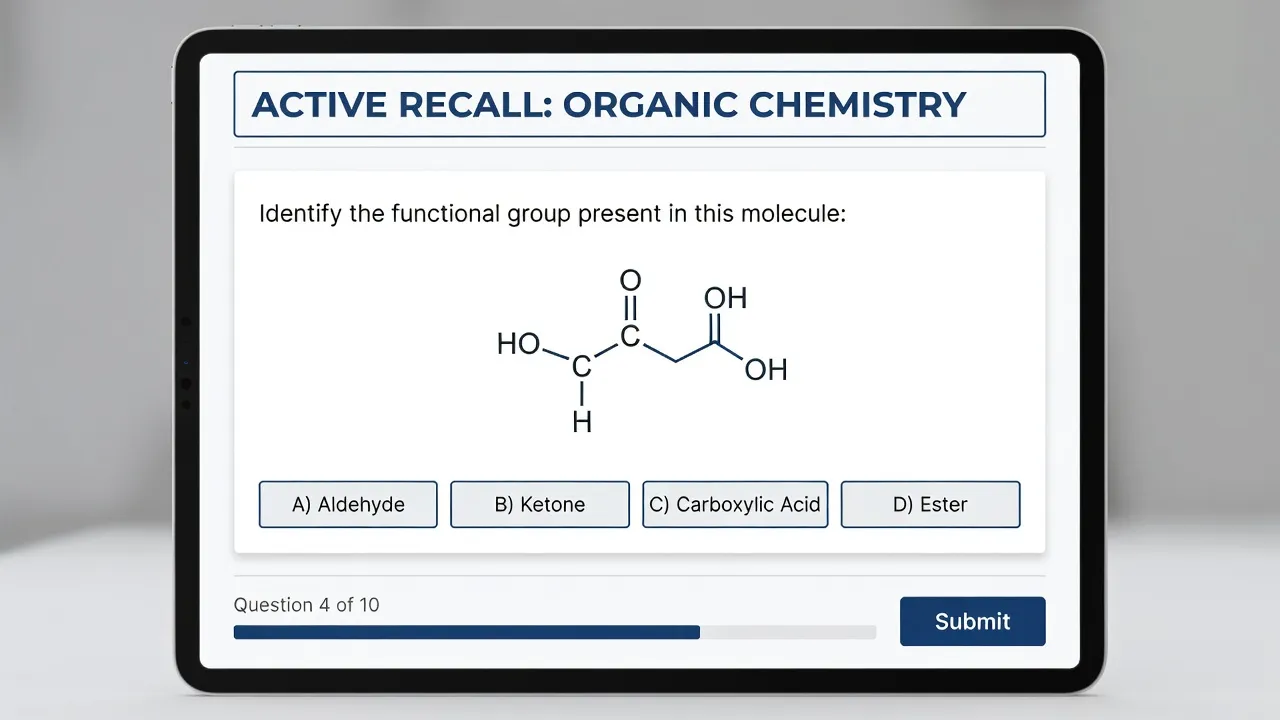
To get the most out of Anki without spending hours entering manual data, consider these student-tested options available on AnkiWeb:
- CoScine General Chemistry Deck: Covers introductory foundational topics including polyatomic ion charges, solubility rules, thermodynamic laws, and VSEPR geometry shapes.
- AnKing MCAT Chemistry Decks: Features comprehensive coverage of organic functional groups, acid-base dissociation constants ($K_a$), and electrochemistry equations, formatted with high-resolution diagrams.
- MilesDown MCAT Deck (Chemistry Sub-Section): Uses minimalist cloze deletion cards (fill-in-the-blank style) that help you memorize core terms without feeling overwhelmed by long text blocks.
The biggest limit of Anki is its initial learning curve. Building custom cards requires mastering syntax formatting for superscripts and subscripts (e.g., H<sub>2</sub>O).
Furthermore, Anki is designed strictly for memorizing discrete facts and formulas, not for learning long multi-step derivation logic. If you neglect daily review queues, card backlogs accumulate quickly, requiring dedicated catch-up time.
What are good chemistry study resources?
Khan Academy and LibreTexts Chemistry are the top peer-reviewed, zero-cost platforms for supplementing incomplete lecture notes with authoritative explanations and practice sets. Relying solely on raw lecture slides often leaves conceptual gaps that clear, open-access textbooks can easily fill.
Khan Academy
Khan Academy provides structured video playlists and self-paced quizzes that break down complex physical chemistry concepts into bite-sized visual explanations. According to Khan Academy's Chemistry Library, their free modules cover everything from orbital hybridization to reaction kinetics.
The primary limit of Khan Academy is its depth cap. While excellent for high school AP Chemistry and introductory college courses, it lacks advanced content for upper-level coursework like physical chemistry thermodynamics or organometallic mechanisms.
LibreTexts Chemistry
LibreTexts Chemistry operates as a massive open-access academic wiki supported by the U.S. National Science Foundation. As documented on LibreTexts Chemistry, the platform hosts entire peer-reviewed open textbooks spanning general, organic, analytical, and physical chemistry branches.
Lecture notes are captured via GoodNotes, Notability, or OneNote. These notes then feed into two parallel paths:
- Conceptual Gaps path: Address conceptual gaps using LibreTexts & Khan Open Textbooks
- Practice & Review path: Engage in practice and review using ThinkAssist & Anki Step-by-Step Solving
LibreTexts offers deep academic rigor, making it perfect for looking up specific constants or reaction mechanisms missed during class. However, because content is contributed by various academic institutions, page formatting and writing styles vary between modules.
Frequently Asked Questions
What is the most effective way to take handwritten chemistry notes?
The Cornell note-taking method works exceptionally well for chemistry when modified for visual diagrams. Divide your page into a main section for drawing structures and equations during class, a left cue column for listing functional groups or key formulas, and a bottom summary box to write out reaction rules in your own words.
Is an iPad or a touchscreen laptop better for chemistry notes?
An iPad with an active stylus is generally preferred over standard laptops because drawing freehand molecular structures, resonance structures, and reaction mechanisms requires fluid pen movement. Touchscreen laptops work fine if they feature active digitizer pen support, but standard keyboard typing alone is too slow for drawing visual chemical bonds.
Should I memorize reaction mechanisms or understand the arrow pushing rules?
Understanding electron movement and arrow-pushing rules is far more effective than rote memorization. Memorizing individual reactions fails when professors change subtle functional group substituents on exams, whereas understanding nucleophile and electrophile charges lets you derive mechanisms from scratch.
How do I type chemistry equations in Microsoft Word or Google Docs?
Use built-in math editors or LaTeX commands to format chemistry equations cleanly. In Microsoft Word, press Alt + = to launch the equation editor, where you can type commands like \Delta for change symbols or use subscript toggles (Ctrl + =) for molecular formulas like H2O.
How far in advance should I start preparing chemistry notes for midterms?
You should organize, consolidate, and review your notes on a weekly basis rather than waiting for exam season. Converting messy lecture drafts into clear summary sheets and Anki flashcards within 48 hours of each class dramatically improves long-term memory retention.
Can I turn my handwritten chemistry notes into editable digital text?
Yes, modern tablet applications like GoodNotes 6 and Apple Notes feature built-in Optical Character Recognition (OCR) engines that convert handwritten math and chemical symbols into typed text. However, highly complex 2D structural drawings still need to be saved as vector drawing objects or exported image files.