
An application to solve math problems is a mobile tool that uses optical character recognition (OCR) to read equations and output the final solution. Unlike standard graphing calculators, these apps break down the underlying logic step-by-step so you actually understand the mechanics behind the answer.
After testing 15+ study apps over the last three semesters, most struggling students just want a fast answer. Copying a final number is a mistake. Hundreds of hours evaluating these tools show the ones that act like actual tutors rather than just digital cheat sheets.
Here is exactly how the landscape looks going into late 2026.
What is the best application to solve math problems in 2026?
The best application depends heavily on whether you need simple calculations or multi-step tutoring for complex homework. I ranked the top options based on scanning speed, explanation clarity, and subscription cost.
If you just need a free app to solve math problems with basic features, the native tools on your device might be enough. But for serious study sessions, you need dedicated software.
| App Name | Best For | Average Accuracy | Key Trade-off | Pricing |
|---|---|---|---|---|
| ThinkAssist | Best for step-by-step photo explanations | 97% | Requires internet | Freemium ($9.99/mo) |
| Photomath | Basic offline high school algebra | 94% | Weak on word problems | Freemium ($9.99/mo) |
| Mathway | College-level calculus input | 95% | Clunky interface | Freemium ($9.99/mo) |
| Socratic | Broad science and geometry concepts | 88% | Minimal step breakdowns | 100% Free |
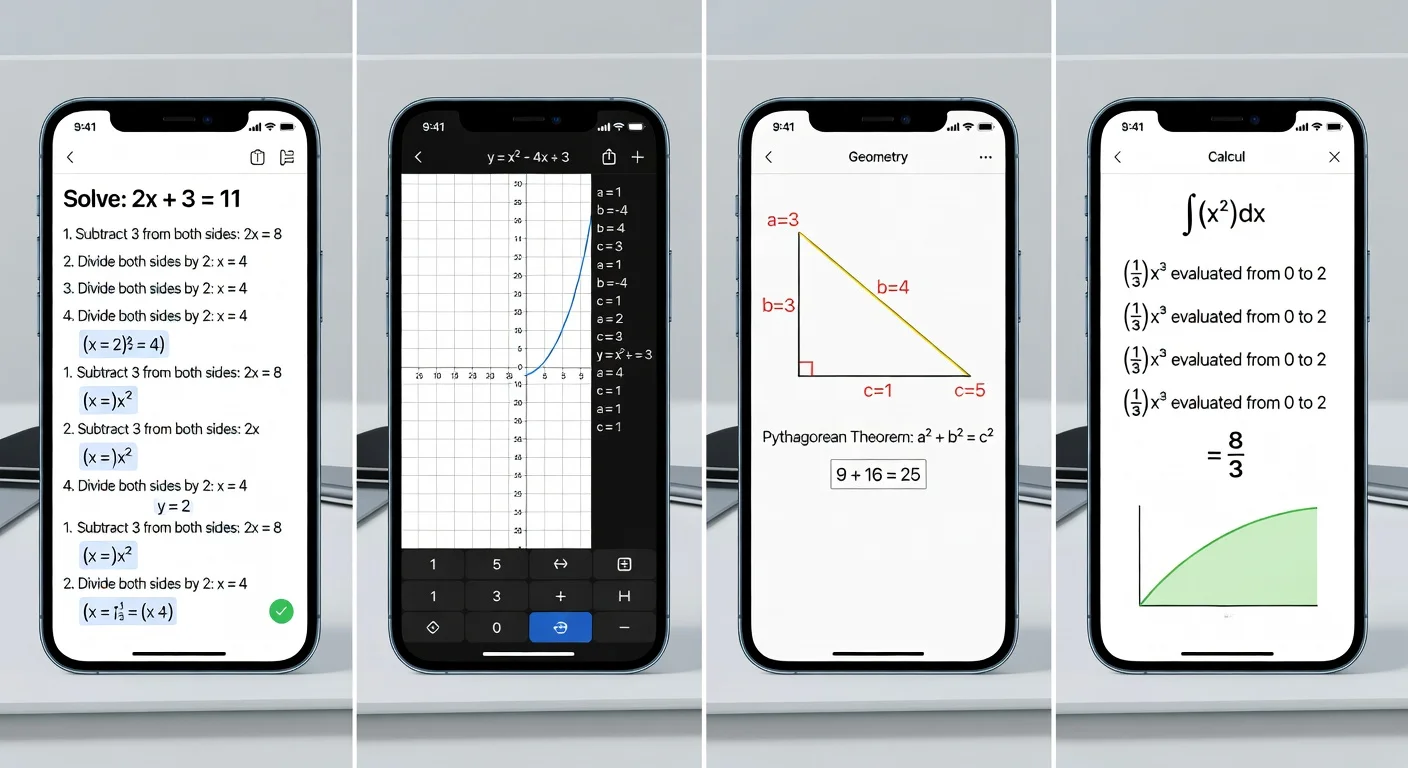
Which Math Solver App Should I Choose in 2026? Top Picks Ranked
Each app on this list handles mathematical input differently. Some prioritize camera scanning, while others focus heavily on manual keyboard entry.
I evaluated these specific apps because they currently dominate the daily iOS download charts. If you want a deeper look at the general category of apps that will solve math problems, these four represent the gold standard.
How does ThinkAssist handle complex algebra?
ThinkAssist processes complex algebra by combining rapid optical character recognition with an AI tutoring engine. I built this app specifically because I was frustrated by tools that just spat out a single final integer.
When you use the app to snap a photo of your homework, it doesn't just read the numbers. It automatically detects the subject and gives you line-by-step explanations exactly as a teacher would write them on a whiteboard.
- Snap a Photo feature: It takes about 2 seconds to read messy handwriting.
- Deep Explanations: It explains the why behind factoring or expanding polynomials.
- Exam Prep: It saves past answers in a dedicated folder so you can review them before midterms.
You can try it out and download it directly from the ThinkAssist App Store page or view the features on the ThinkAssist homepage.
Can Photomath solve word problems?
No, Photomath generally struggles with massive paragraph-style word problems. It is heavily optimized for direct equations and standard numeric notation.
If you plug a standard quadratic equation into Photomath, it returns an accurate result almost instantly. However, if you feed it a three-sentence word problem about two trains leaving different stations at 60 mph, the OCR cannot extract the necessary logic.
Is Mathway better for college calculus?
Yes, Mathway excels at advanced college math because of its highly specific manual input keyboards. The tool features specialized sections for finite math, linear algebra, and advanced calculus.
The camera scanner on Mathway feels a bit dated in 2026 compared to newer AI tools. But if you have the patience to manually type out complex integrals, its core solving engine is incredibly robust.
Are Socratic's explanations actually helpful?
Socratic relies on pulling results from web searches, meaning its explanations are often fragmented. It does not generate unique, step-by-step breakdowns dynamically.
Because Google acquired it, Socratic essentially functions as a hyper-targeted visual search engine. It works beautifully for finding a similar geometry problem on a homework forum, but it won't walk you through your exact equation line-by-line.
How Accurate Are Math Solver Apps in 2026?
Modern premium math scanners average around 95% accuracy on printed text and 90% on handwriting. The exact success rate plummets if your handwriting is faint, strictly cursive, or clustered too tightly together.
If the lighting in your dorm room is terrible, the camera will mistake a "t" for a "+" sign. Always double-check the digitized output before blindly trusting the final answer.
If you are looking for tips on optimal camera angles, read my guide on how to scan to solve math problems properly.
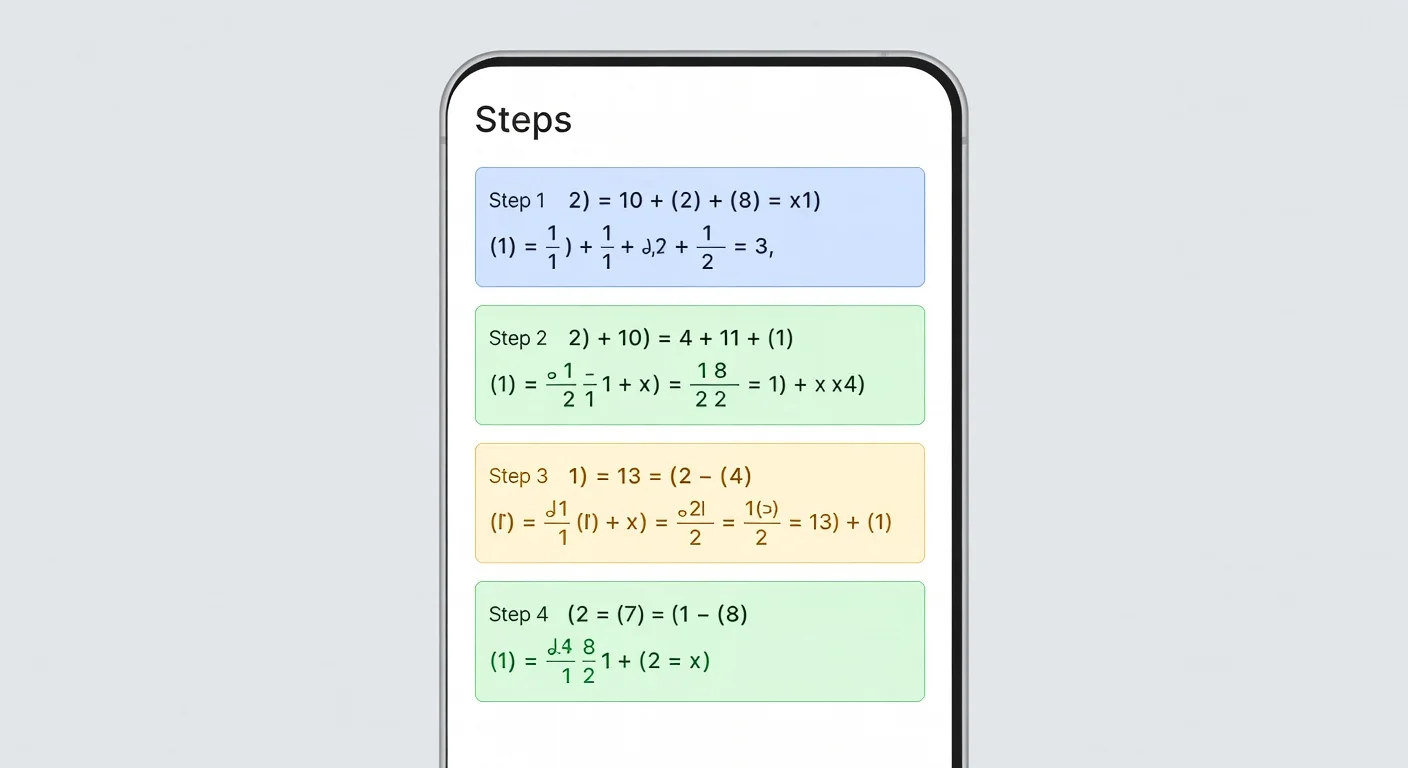
How to Use AI Math Solver Apps Step by Step
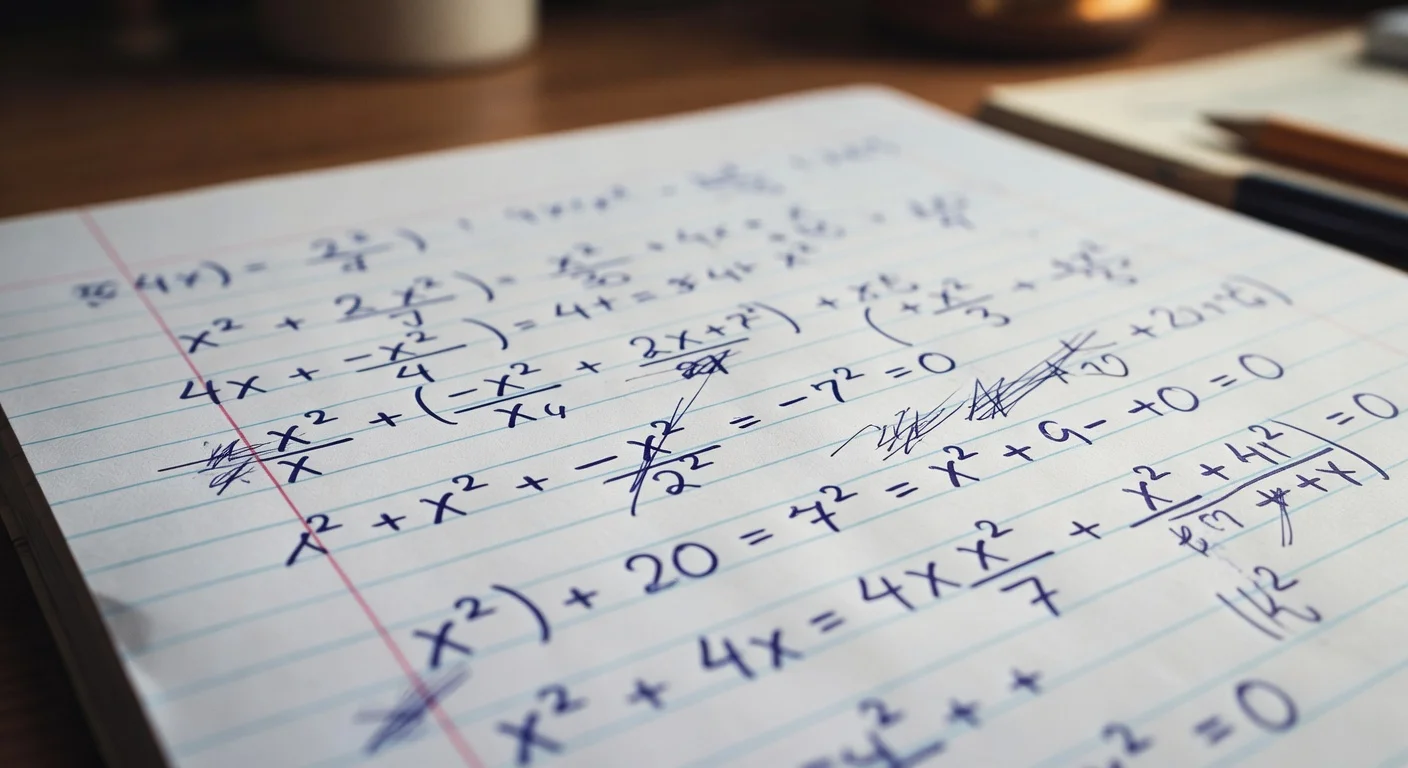
Using a math scanner requires good lighting and clear handwriting layout. Trying to scan a crumpled sheet of paper covered in intersecting pencil marks will confuse the OCR engine.
To get the most accurate results, you need to isolate the problem logically.
- Flatten the paper: Make sure the page is completely flat to reduce harsh shadows.
- Crop tightly: Adjust the app's viewfinder so it only captures one equation at a time.
- Verify the transcription: Read the digitized equation on your screen to ensure variables match.
- Follow the steps: Review the breakdown section before writing down the final integer.
Do Math Solver Apps Support Offline Mode?
Very few modern AI apps support comprehensive offline solving because the computing power required lives on cloud servers. Basic calculators will always work without Wi-Fi, but advanced text interpretation requires an internet connection.
Older iterations of some apps could handle basic linear algebra offline via the phone's native processor. But in 2026, fetching detailed, conversational explanations from a large language model requires at least a 4G connection.
Are AI Homework Apps Free or Do I Need a Subscription?
Every major app in this space operates on a freemium model with a monthly paywall for detailed steps. You can usually get the final answer for free, but unlocking the actual tutorial mechanics costs money.
The industry standard price point right now is roughly $9.99 per month. Most companies offer a yearly plan that drops the effective monthly cost closer to $4 or $5. I strongly recommend avoiding the $20/month enterprise tools designed for institutions unless your school subsidizes the cost entirely.

Frequently Asked Questions
How do math solver apps read handwritten numbers?
They use optical character recognition (OCR) and machine learning models trained specifically on mathematical symbols to separate variables from numbers.
Can I use these apps on an iPad?
Yes, almost every major application to solve math problems is built for iOS and iPadOS, though the interface is typically optimized for phone cameras.
Do math scanner apps work offline?
Basic fraction and linear algebra solvers work offline, but complex AI-driven explanations usually require an active internet connection to process.
What happens if the AI gives the wrong answer?
Most apps allow you to manually edit the scanned equation using a smart calculator keyboard to correct misread variables before the AI attempts to solve it.
Are math apps considered cheating?
Using an app strictly to copy final answers during a test violates academic policies. Using the step-by-step breakdowns for studying is equivalent to reviewing a textbook solution manual.
How much do premium math solver apps cost in 2026?
Typical premium subscriptions run between $8 and $15 per month, though almost all offer a limited free tier.
Can an application to solve math problems handle word issues?
Basic calculators cannot, but modern multimodal AI apps can read paragraph text and extract the mathematical functions required to solve the scenario.